About the examples: Examples and screenshots in this guide use BEAT, a demo company in a Dynamics 365 test environment. Use your own company's codes and values instead of copying them.
Setup steps on this page
Track import letters of credit
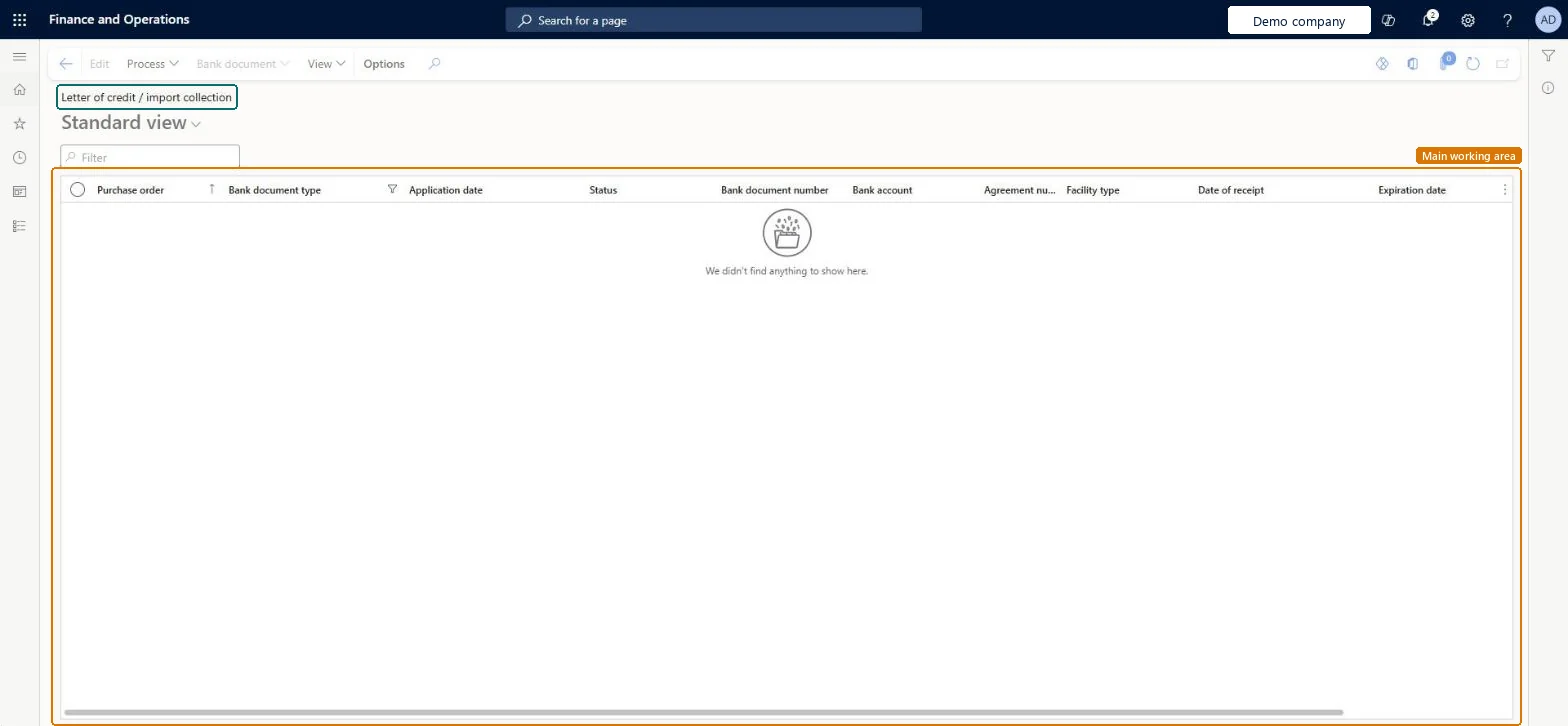
Use this page to follow purchases secured by an import letter of credit, from confirmation to payment, and to print the application.
Steps from Microsoft
Create a purchase order whose Bank document type is Letter of credit.
On the purchase order, select Manage > Letter of credit / import collection and enter the Application date, Bank document number and Expiration date.
Select the Advising bank and save.
On the lines, select Fetch purchase order shipments.
Confirm the purchase order, and then select Process > Confirm on the letter of credit.
Post the product receipt and the vendor invoice.
Go to Cash and bank management > Letters of credit > Import letter of credit and import collection to check the status.
Select View > Print application to print the letter of credit.
The bank that carries out the transaction on behalf of the applicant.Microsoft Learn
ImportAdvisingBank
Shipment status
Where each shipment is in the process, such as Invoiced or Paid.Microsoft Learn
Bank document number
The letter of credit number, entered on the purchase order's letter of credit.Microsoft Learn
Import letter of credit status
Whether the letter of credit is confirmed; it must be confirmed again after an amendment.Microsoft Learn
Confirmed
Expiration date
The date after which the bank won't pay under the letter of credit.Microsoft Learn
Common errors and fixes
Message
What to do
Letter of credit can't be selected as the bank document type on the order
Turn on Enable import letter of credit or Enable export letter of credit in the Bank document section of Cash and bank management parameters. Microsoft Learn
The facility balance didn't change after the purchase price was changed
Amend the letter of credit (Process > Amend), remove and fetch the purchase order shipments again, then confirm it; the facility balance then reflects the new amount (600.00 on a 10,000.00 limit leaves 9,400.00). Microsoft Learn
Test checklist
Create a purchase order with Bank document type Letter of credit, enter the application date, bank document number, expiration date and advising bank, and fetch the shipments.
Confirm the purchase order and the letter of credit; check that the facility balance dropped by the order amount (500.00 on a 10,000.00 limit leaves 9,500.00).
Post the product receipt and vendor invoice; check Shipment status Invoiced, then print the application.
Pay the invoice in the vendor payment journal; check Import letter of credit status Confirmed and Shipment status Paid.
Confirm the letter of credit only after the purchase order is confirmed, and amend and confirm it again whenever the order amount changes.The confirmed letter of credit reduces the facility balance by the purchase amount; Learn shows the balance following each confirmation.
In this system 11 roles can open this page, among them Chief financial officer, Accounting manager, Financial controller and Accounts payable payments clerk.
Amend: A confirmed letter of credit is changed with Amend and confirmed again.
If you change it later
If the purchase order price changes after confirmation, the letter of credit must be amended and confirmed again so that the facility balance is updated. Microsoft Learn
Technical architect
6Technical
Menu item
BankLCImportGridViewChecked in Dynamics 365
Form
BankLCImportChecked in Dynamics 365
Table
BankLCImportShown as “Letter of credit / import collection import table” in Record infoKey field: PurchTableChecked in Dynamics 365
Who can open it
PrivilegesMaintain letter of credit information BankLCImportMaintainView letter of credit information BankLCImportViewDutiesInquire into import letter of credit BankImportLetterOfCreditInquireMaintain import letter of credit BankImportLetterOfCreditMaintain11 security rolesChief financial officer CompanyChiefFinancialOfficerAccounting manager LedgerAccountingManagerFinancial controller LedgerFinancialControllerMCRTestUserRoleAccounts payable payments clerk PaymAccountsPayablePaymentsClerkTreasurer PaymTreasurerBuying agent TradeBuyingAgentPurchasing manager TradePurchasingManagerSales clerk TradeSalesClerkAccounts payable clerk VendInvoiceAccountsPayableClerkAccounts payable manager VendInvoiceAccountsPayableManagerChecked in Dynamics 365
Roles to set it up and use it
To set it up or change itTreasurer PaymTreasurerAccounts payable manager VendInvoiceAccountsPayableManagerAccounts payable clerk VendInvoiceAccountsPayableClerkTo use itChief financial officer CompanyChiefFinancialOfficerAccounting manager LedgerAccountingManagerFinancial controller LedgerFinancialControllerAccounts payable payments clerk PaymAccountsPayablePaymentsClerkPurchasing manager TradePurchasingManagerGive people one of these roles. On this system, 10 roles can open this page.Checked in Dynamics 365
Actions on the page
Options: Personalize, Page options, ShareChecked in Dynamics 365
Load order: An import letter of credit has no data entity in Data management, so it can't be loaded from a file or a configuration template. Open import letters of credit are entered again on the open purchase orders in the new environment, after facilities, posting profiles and the facility agreement exist.Microsoft Learn