SETUP GUIDEHow to set it up8 sections. Choose a role to highlight what matters to you.
Everyone
1What it is and why
What it is
A setup page where you set the basic parameters for Business document management, such as the SharePoint document type used while templates are edited.
What you do here
Use this page to choose the SharePoint folder where templates are kept for a while when they're edited in Excel or Word.
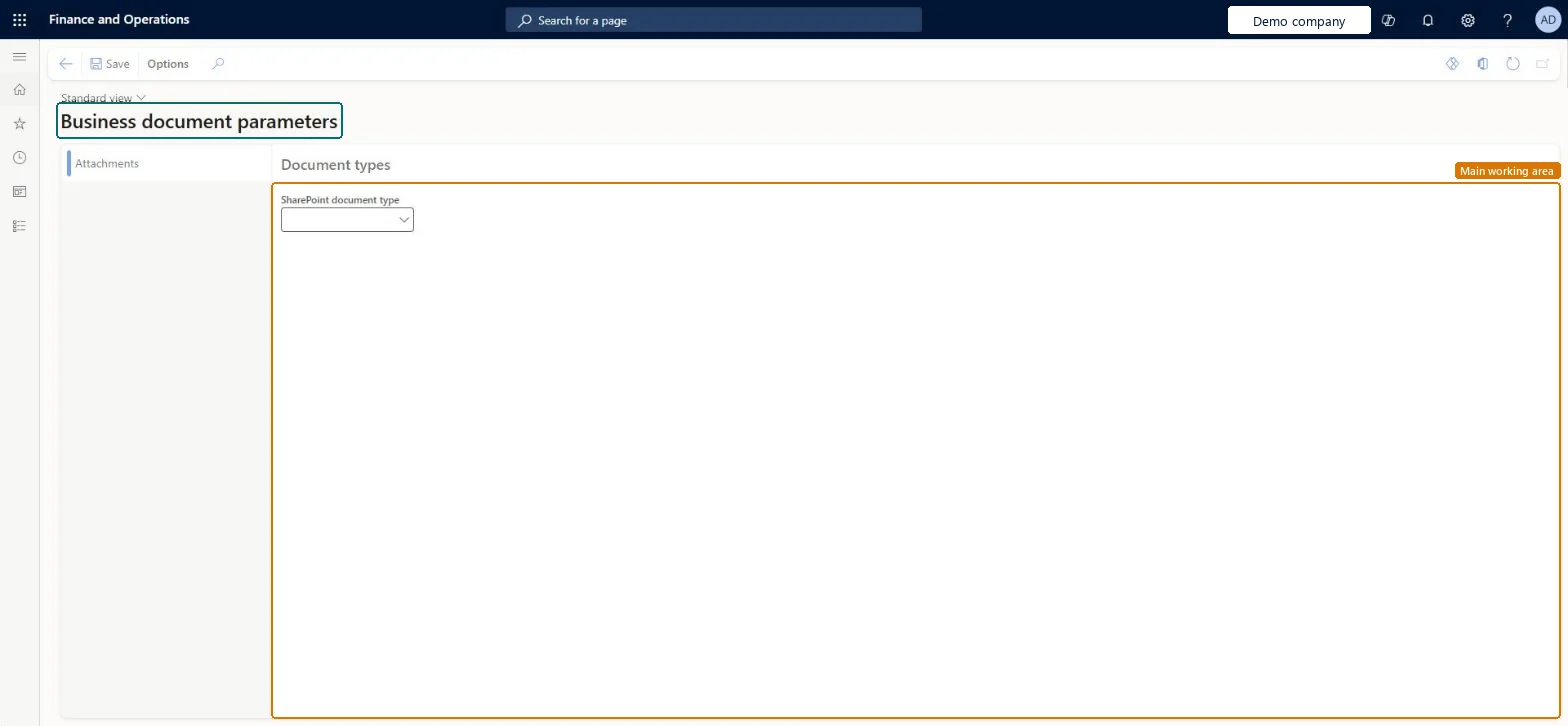
The page in Dynamics 365. page title tab to open what to set or check
About the examples: Examples and screenshots in this guide use BEAT, a demo company in a Dynamics 365 test environment. Use your own company's codes and values instead of copying them.
Setup steps on this page
Set up Business document parameters
Use this page to choose the SharePoint folder where templates are kept for a while when they're edited in Excel or Word.
Steps from Microsoft
Sign in as a user who has access to the Business document parameters page.
Go to Organization administration > Electronic reporting > Business document management > Business document parameters.
On the Attachments tab, in the SharePoint document type field, select the document type to use while templates are edited.
A document type with Class = Attach file, Group = File and Location = SharePointOnly document types with a SharePoint location can be selected. The type is the temporary store for Word and Excel templates while they are edited.
Setting the parameter before SharePoint storage works. Test the interactive SharePoint connection on Document management parameters first, or template editing fails.
Solution architect
5Design impact
Can it be undone
Reversible: The document type can be changed at any time. It is company-specific; a company without its own value uses the one already selected.
If you change it later
The document type is set for each company; a company without its own setting uses the same document type. Microsoft Learn
Technical architect
6Technical
Menu item
ERBDParametersChecked in Dynamics 365
Form
ERBDParametersChecked in Dynamics 365
Table
ERParameterTableShown as “Parameters” in Record infoChecked in Dynamics 365
Who can open it
PrivilegesERBDEditParametersDutiesMaintain Business document management parameters ERBDMaintainParameters1 security roleInformation technology manager SysServerITManagerChecked in Dynamics 365
Roles to set it up and use it
To set it up or change itInformation technology manager SysServerITManagerGive people one of these roles. On this system, 1 role can open this page.Checked in Dynamics 365
Actions on the page
Options: Personalize, Page options, Edit, ShareChecked in Dynamics 365