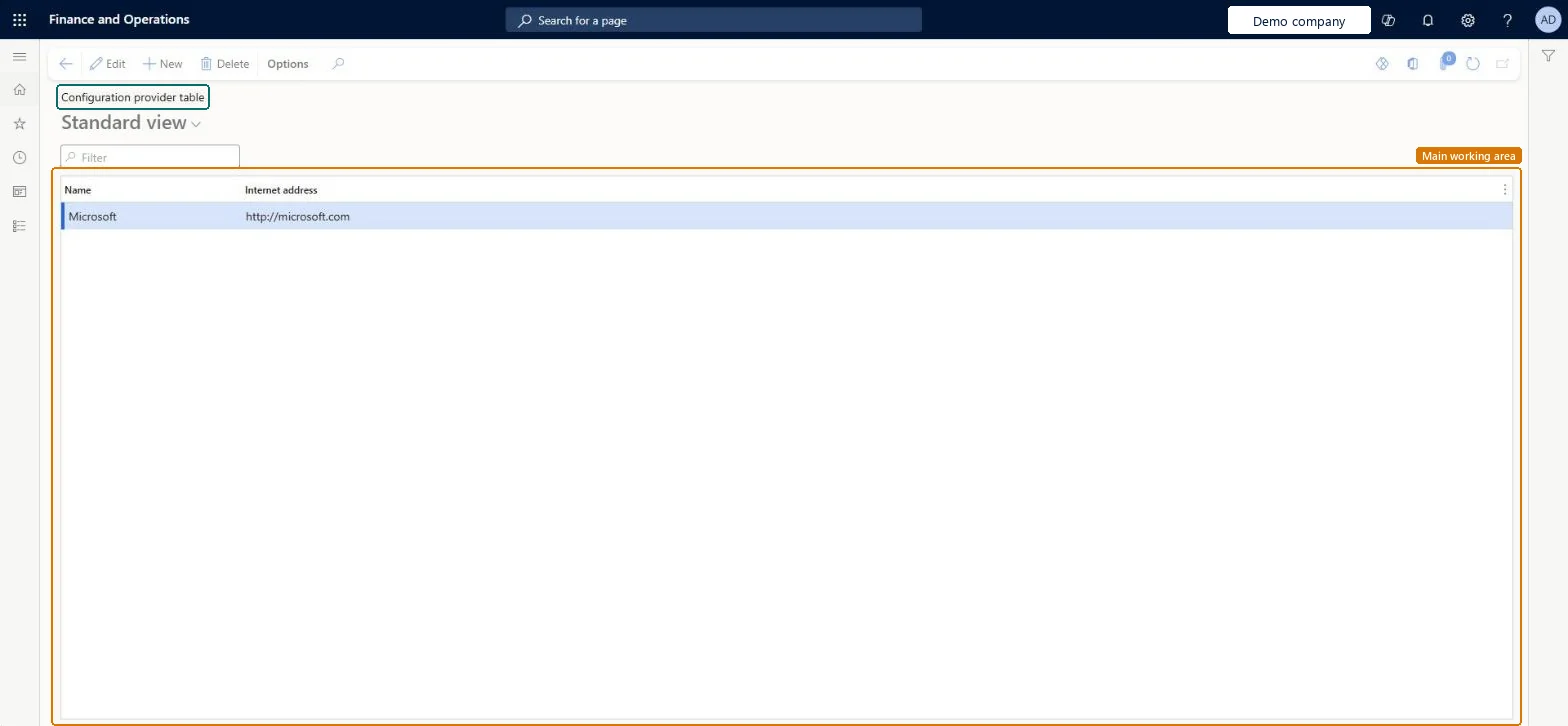
Setup step on the Configuration provider table page · Organization administration
Set up Configuration provider table
Use this page to record who authors your Electronic reporting configurations, because the active provider is stored as the owner of each configuration you create.
SETUP GUIDEHow to set it up8 sections. Choose a role to highlight what matters to you.
Everyone
1What it is and why
What it is
A setup page where you create Electronic reporting configuration providers, each with a name and internet address, and mark one as active.
What you do here
Use this page to record who authors your Electronic reporting configurations, because the active provider is stored as the owner of each configuration you create.
Example
For example, you can create a provider for Litware, Inc. with its internet address and set it as the active provider.
The page in Dynamics 365. page title tab to open what to set or check
About the examples: Examples and screenshots in this guide use BEAT, a demo company in a Dynamics 365 test environment. Use your own company's codes and values instead of copying them.
Step by step, with screenshots
Set up Configuration provider table1 screen
Use this page to record who authors your Electronic reporting configurations, because the active provider is stored as the owner of each configuration you create.
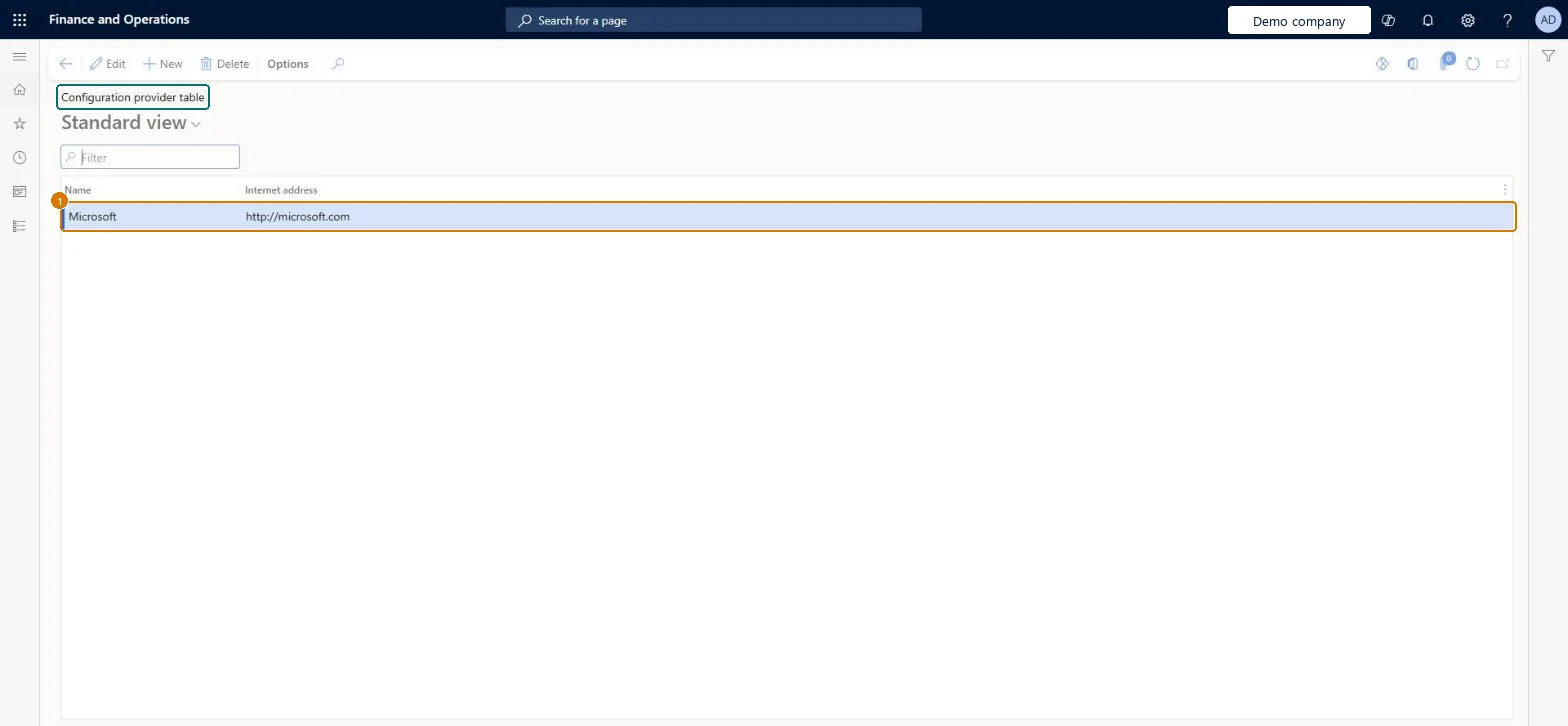
Screen 1
Check the configuration providers
Go to Organization administration > Electronic reporting > Configuration provider table
Review the providers in the list
Select New to add your own provider with its name and internet address, and select Save
1Name
Microsoft
Internet address
http://microsoft.com
Show the full screen page title tab to open what to set or check
Steps from Microsoft
Go to Organization administration > Electronic reporting > Configuration provider table.
Select New.
In the Name field, enter the provider name.
In the Internet address field, enter the provider's web address.
Create a provider for your own organization and mark it Active; never mark the Microsoft provider as Active.The active provider's name and internet address are stored as the owner of every configuration you create; Microsoft's provider marks configurations Microsoft maintains.
Making Microsoft the active provider and editing its configurations: those changes cause problems when Microsoft releases new versions that must be imported.
Solution architect
5Design impact
Can it be undone
Hard to reverse: The provider that was active is saved in each configuration you create as its owner; changing the active provider later doesn't change existing configurations.
If you change it later
Providers are shared by all companies, so a provider you add or change applies everywhere. Microsoft Learn
Technical architect
6Technical
Menu item
ERVendorTableChecked in Dynamics 365
Form
ERVendorTableChecked in Dynamics 365
Roles to set it up and use it
To set it up or change itElectronic reporting functional consultant ERFunctionalConsultantElectronic reporting developer ERDeveloperGive people one of these roles. On this system, 2 roles can open this page.Checked in Dynamics 365
Checked in a working Dynamics 365 system, version 10.0.49: the menu item, form, table and security, the page, the demo records and the values in the screenshots.
To cite this step: OA-ER-020, Set up Configuration provider table. Beyond ERP Atlas Hub, 2026-11-11. https://www.beyonderp.cloud/atlas/step/OA-ER-020