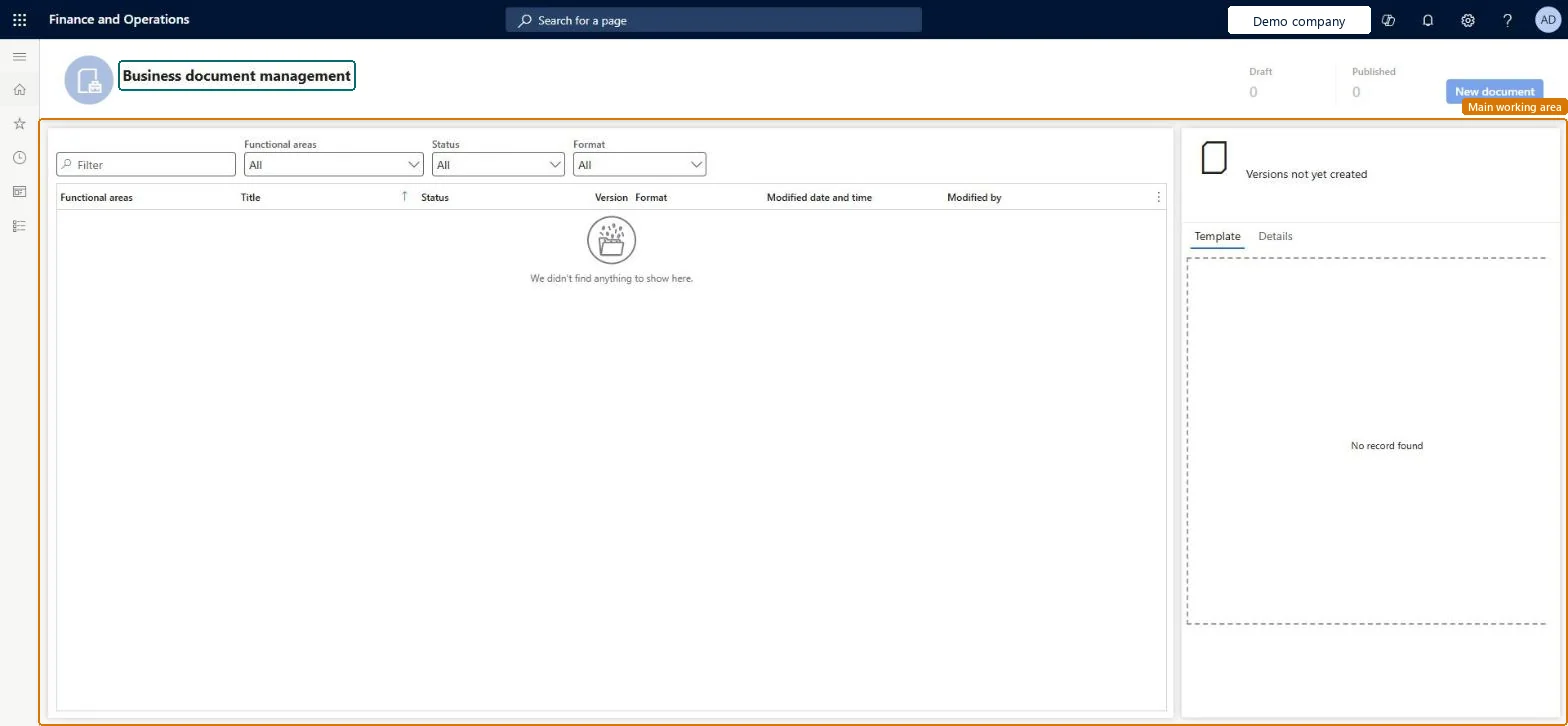
A workspace where business users edit the templates that are used to produce outbound business documents, such as orders and invoices, in Excel or Word.
PAGE GUIDEWhat the page does and how to use it7 sections. Choose a role to highlight what matters to you.
Everyone
1What it is and why
What it is
A workspace where business users edit the templates that are used to produce outbound business documents, such as orders and invoices, in Excel or Word.
What you do here
Use this workspace to change business document templates, such as layouts and extra data placeholders, without code changes and without knowing the Electronic reporting framework.
Example
For example, you can make an editable copy of the free text invoice template, make the header prompts bold, test it by printing a free text invoice, and then publish it.
The page in Dynamics 365. page title tab to open what to set or check
About the examples: Examples and screenshots in this guide use BEAT, a demo company in a Dynamics 365 test environment. Use your own company's codes and values instead of copying them.
Steps from Microsoft
Open Organization administration > Workspaces > Business document management.
Select the template you want to change.
Select New document to make an editable copy (or Edit for a template your active provider owns).
In the Title, Name and Comment fields, enter the details of the new template and its first revision.
Select OK to start editing, and change the template in Excel or Word.
Test the changed template by printing the document it is used for.
On the Template tab, select Publish, and then select OK.
A tab that shows a preview of the selected template.Microsoft Learn
Details
A tab with details of the selected template and of the Electronic reporting format configuration it belongs to.Microsoft Learn
New document
A button that creates an editable copy of a template, or uploads a new template from an Excel workbook.Microsoft Learn
Revisions
A tab that keeps revisions of a template; you can make another revision active or delete inactive ones.Microsoft Learn
Solution architect
4Design impact
If you change it later
When you publish a new template version, it is used for documents generated from then on; documents that were already generated don't change. Microsoft Learn