About the examples: Examples and screenshots in this guide use BEAT, a demo company in a Dynamics 365 test environment. Use your own company's codes and values instead of copying them.
Step by step, with screenshots
Set up Order entry deadline groups1 screen
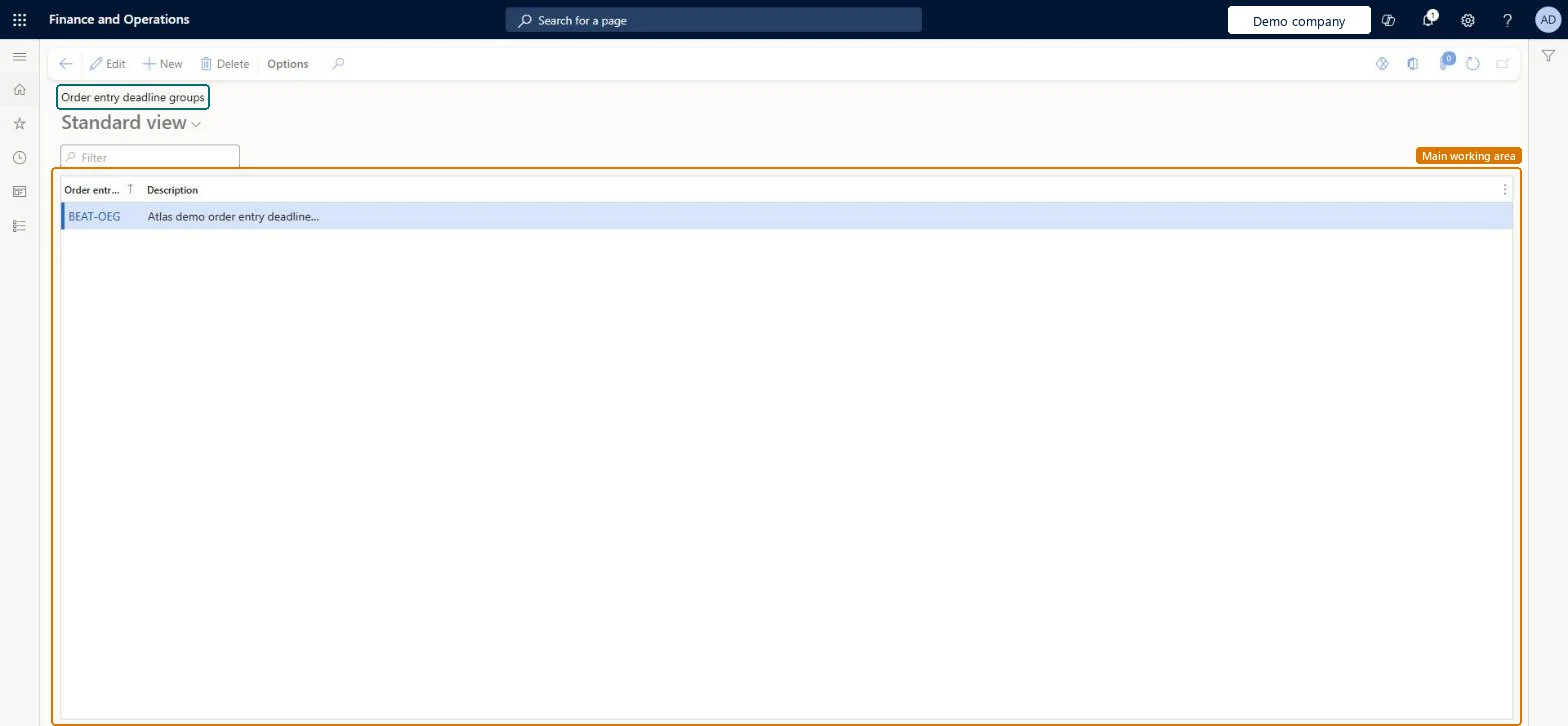
Use this page to give a specific group of customers order entry deadlines that differ from those of other customers.
Screen 1
Create an order entry deadline group
Go to Inventory management > Setup > Distribution > Order entry deadline groups
Select New
Enter the group code and description
Select Save
Assign the group to the customers that get these deadlines
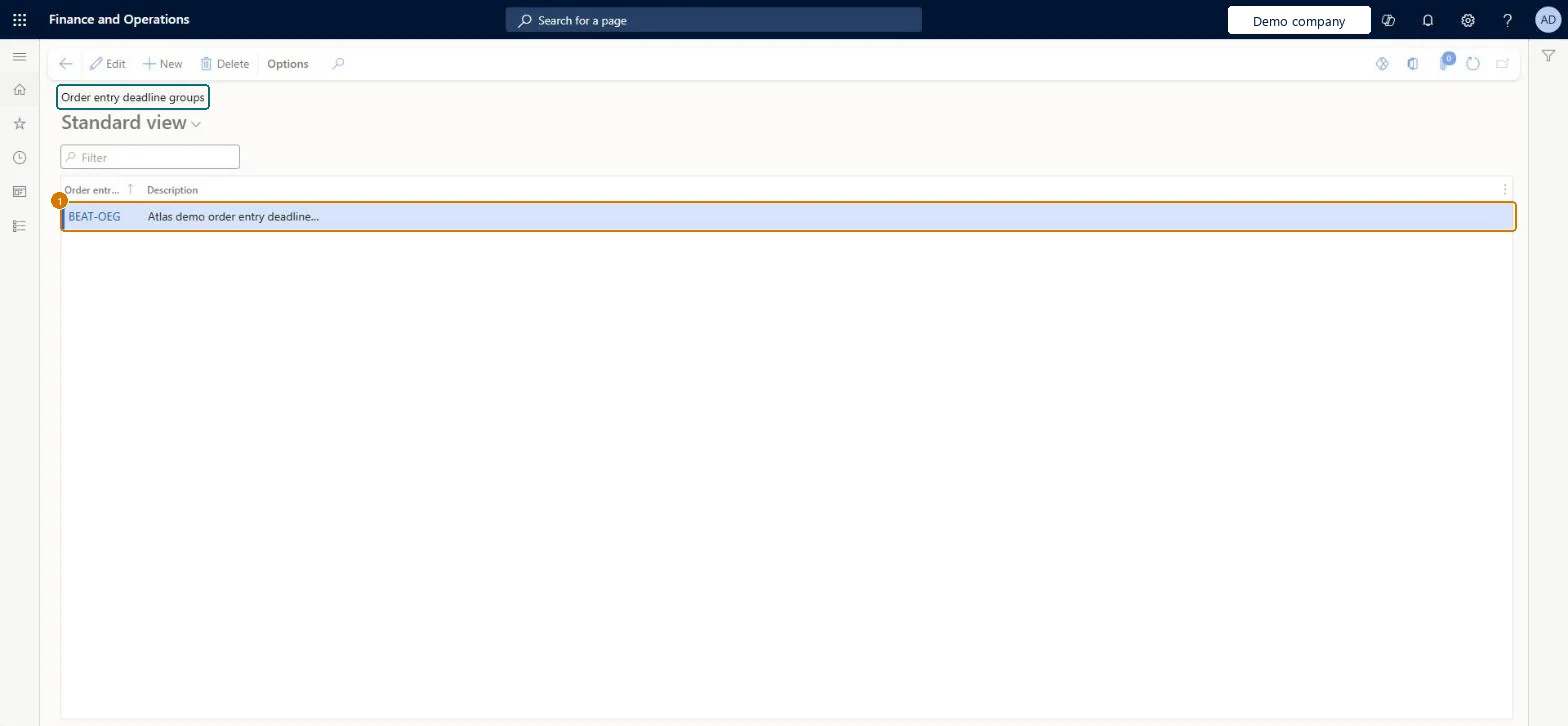
1Order entry deadline group
BEAT-OEG
Description
Order entry deadline group
Show the full screen page title tab to open what to set or check
How to use it
Go to Inventory management > Setup > Distribution > Order entry deadline groups.
Select New to add a group.
Enter the order entry deadline group code and the Description.
Select Save.
Source: Checked in Dynamics 365
Fields on the page
Field
What it means
Example
Table column
Order entry deadline group
The code that identifies the group of customers that share the same order entry deadlines.Microsoft Learn
Create a group only for customers whose cut-off differs from the rest, and assign it to those customers on the Customers pageLearn uses groups for the case where some customers get later (or earlier) deadlines than others; everyone else uses the general deadlines.
Creating the group but not assigning it to customers on the Customers page, so the customer still follows the general deadlines.
PrivilegesMaintain order entry deadline information InventOrderEntryDeadlineMaintainView order entry deadline information InventOrderEntryDeadlineViewDutiesInquire into logistic policies InventLogisticPoliciesInquireInquire into quotation to sales order policies RentalSalesQuotationToSlsOrdPoliciesInquireEnable quotation to sales order process RentalSalesQuotationToSlsOrdProcessEnableMaintain sales order entry deadlines SalesOrderEntryDeadlineMaintainInquire into quotation to sales order policies SalesQuotationToSalesOrderPolInquireEnable quotation to sales order process SalesQuotationToSalesOrderProcessEnable11 security rolesProduct design manager BOMProductDesignManagerAccounts receivable manager CustInvoiceAccountsReceivableManagerProduction supervisor ProdProductionSupervisorRental coordinator agent RentalCoordinatorAgentRental manager RentalManagerRental representative RentalRepresentativeRental sales manager RentalSalesManagerRetail service RetailServiceProcess engineer RouteProcessEngineerProcess engineering manager RouteProcessEngineeringManagerSales manager TradeSalesManagerChecked in Dynamics 365
Roles to set it up and use it
To set it up or change itSales manager TradeSalesManagerRetail service RetailServiceRental sales manager RentalSalesManagerRental manager RentalManagerRental coordinator agent RentalCoordinatorAgentTo use itProduction supervisor ProdProductionSupervisorProcess engineer RouteProcessEngineerProduct design manager BOMProductDesignManagerProcess engineering manager RouteProcessEngineeringManagerRental representative RentalRepresentativeGive people one of these roles. On this system, 11 roles can open this page.Checked in Dynamics 365
Actions on the page
Options: Personalize, Page options, ShareChecked in Dynamics 365
Checked in a working Dynamics 365 system, version 10.0.49: the menu item, form, table and security, the page, the demo records and the values in the screenshots.
To cite this step: IM-SETUP-120, Set up Order entry deadline groups. Beyond ERP Atlas Hub, 2026-11-11. https://www.beyonderp.cloud/atlas/step/IM-SETUP-120