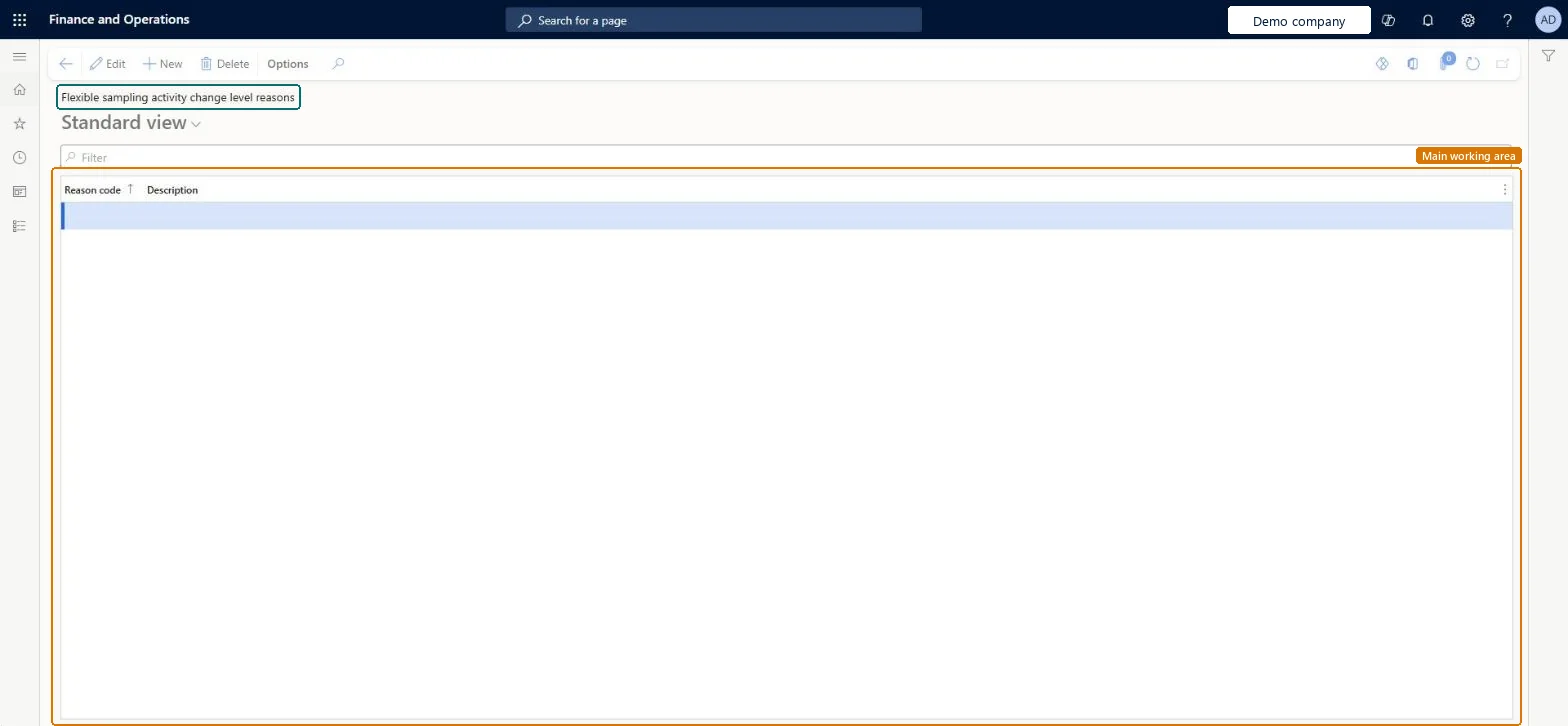
About the examples: Examples and screenshots in this guide use BEAT, a demo company in a Dynamics 365 test environment. Use your own company's codes and values instead of copying them.
Step by step, with screenshots
Set up Flexible sampling activity change level reasons1 screen
Screen 1
Create a reason for changing a flexible sampling level
Go to Inventory management > Setup > Quality control > Flexible sampling activity change level reasons
Select New
Enter the reason code and a description
Select Save
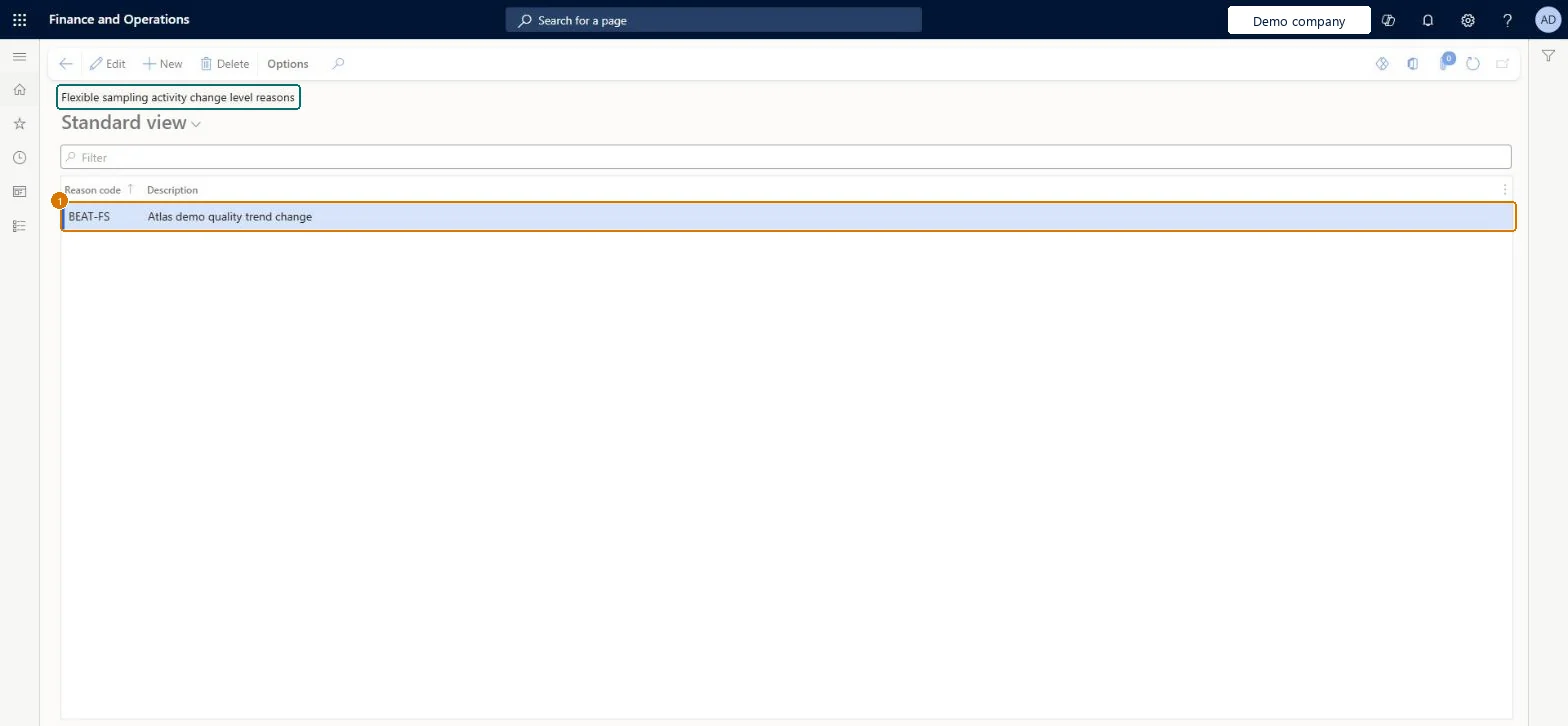
Choose the reason when the sampling level of a flexible sampling activity is changed
1Reason code
BEAT-FS
Description
Quality trend change
Show the full screen page title tab to open what to set or check
How to use it
Go to Inventory management > Setup > Quality control > Flexible sampling activity change level reasons.
Select New to add a reason.
Enter the Reason code and the Description.
Select Save.
Source: Checked in Dynamics 365
Fields on the page
Field
What it means
Example
Table column
Reason code
The code that identifies the reason for a change of level.Checked in Dynamics 365
QUALITY
ReasonCode
Description
A description of the reason for a change of level.Checked in Dynamics 365
Quality trend change
ReasonComment
Technical architect
4Technical
Menu item
QMSFlexSamplingChangeLevelReasonCodeChecked in Dynamics 365
Form
QMSFlexSamplingChangeLevelReasonCodeChecked in Dynamics 365
Table
QMSInventFlexSamplingChangeLevelReasonShown as “Flexible sampling activity change level reasons” in Record infoChecked in Dynamics 365
Data entities
QMSFlexibleSamplingActivityChangeLevelReasonEntityFlexible sampling activity change level reasons Checked in Dynamics 365
Who can open it
PrivilegesView information about flexible sampling activities QMSInventFlexSamplingActivitiesInfoViewMaintain information about flexible sampling plans and activities QMSInventFlexSamplingInfoMaintainDutiesInquire about flexible sampling activities information QMSInventFlexSamplingInfoInquireView and maintain flexible sampling information QMSInventFlexSamplingInfoMaintain2 security rolesQuality control clerk InventQualityControlClerkQuality control manager InventQualityControlManagerChecked in Dynamics 365
Roles to set it up and use it
To set it up or change itQuality control manager InventQualityControlManagerQuality control clerk InventQualityControlClerkGive people one of these roles. On this system, 2 roles can open this page.Checked in Dynamics 365
Actions on the page
Options: Personalize, Page options, ShareChecked in Dynamics 365
Checked in a working Dynamics 365 system, version 10.0.49: the menu item, form, table and security, the page, the demo records and the values in the screenshots.
To cite this step: IM-QC-120, Set up Flexible sampling activity change level reasons. Beyond ERP Atlas Hub, 2026-11-11. https://www.beyonderp.cloud/atlas/step/IM-QC-120