| What it is | A setup page where you list the locations where test instruments are kept. |
|---|---|
| What you do here | Use this page to help workers who perform tests on quality orders find the test instruments they need. |
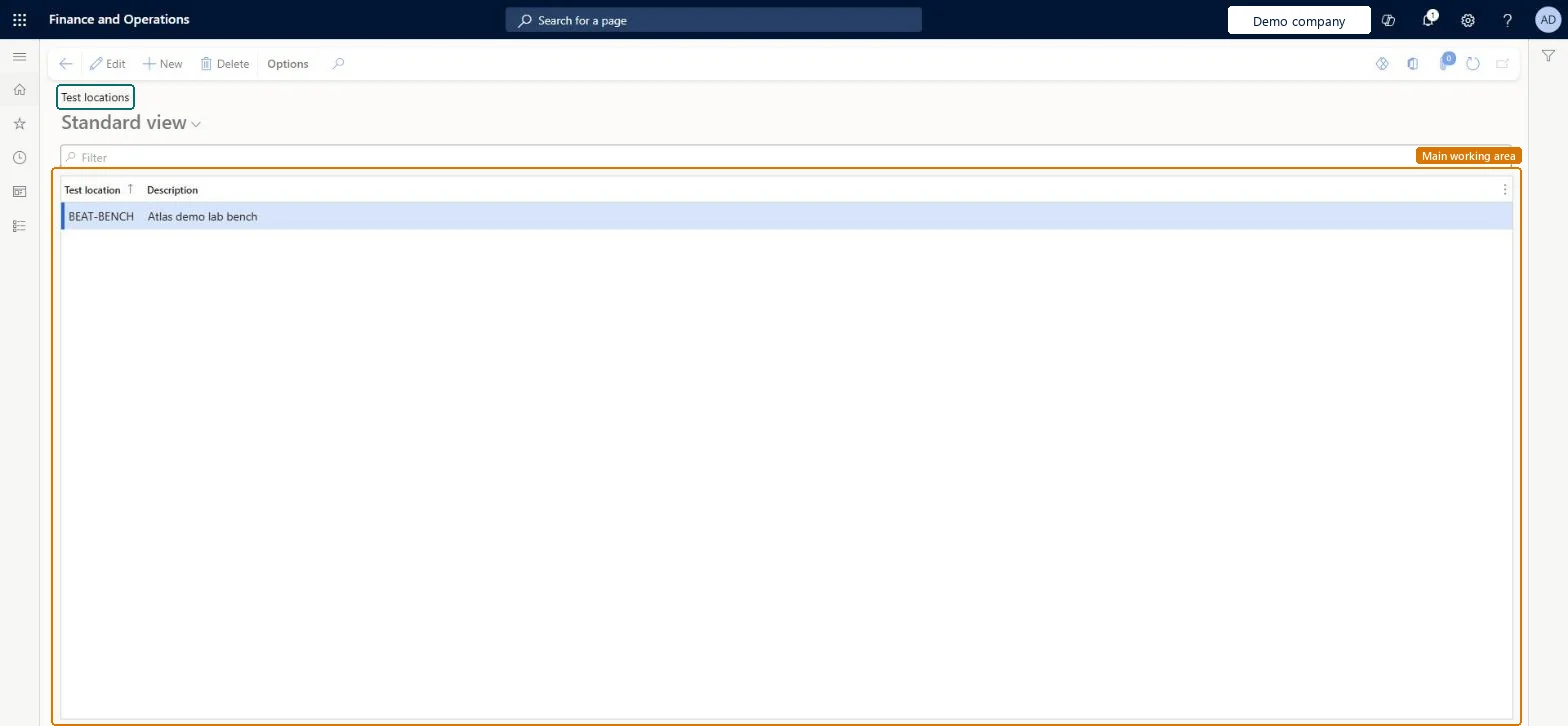
Setup step on the Test locations page · Inventory management
Use this page to help workers who perform tests on quality orders find the test instruments they need.
QMSInventTestLocationQMSInventTestLocationQMSQualityTestLocationEntity| What it is | A setup page where you list the locations where test instruments are kept. |
|---|---|
| What you do here | Use this page to help workers who perform tests on quality orders find the test instruments they need. |
| Business process | Maintain inventory levels |
|---|---|
| Menu path | Inventory management › Setup › Quality control › Test locations |
| Used next by | Test instrument tags Microsoft Learn Set up Test instrument tags |
| Related pages | Test departments Microsoft Learn |
| In this process | Set up Order entry deadline groups · Set up Order entry deadlines |
About the examples: Examples and screenshots in this guide use BEAT, a demo company in a Dynamics 365 test environment. Use your own company's codes and values instead of copying them.
Use this page to help workers who perform tests on quality orders find the test instruments they need.
Screen 1
Go to Inventory management > Setup > Quality control > Test locations
| 1Test location | BEAT-BENCH |
|---|---|
| Description | Lab bench |
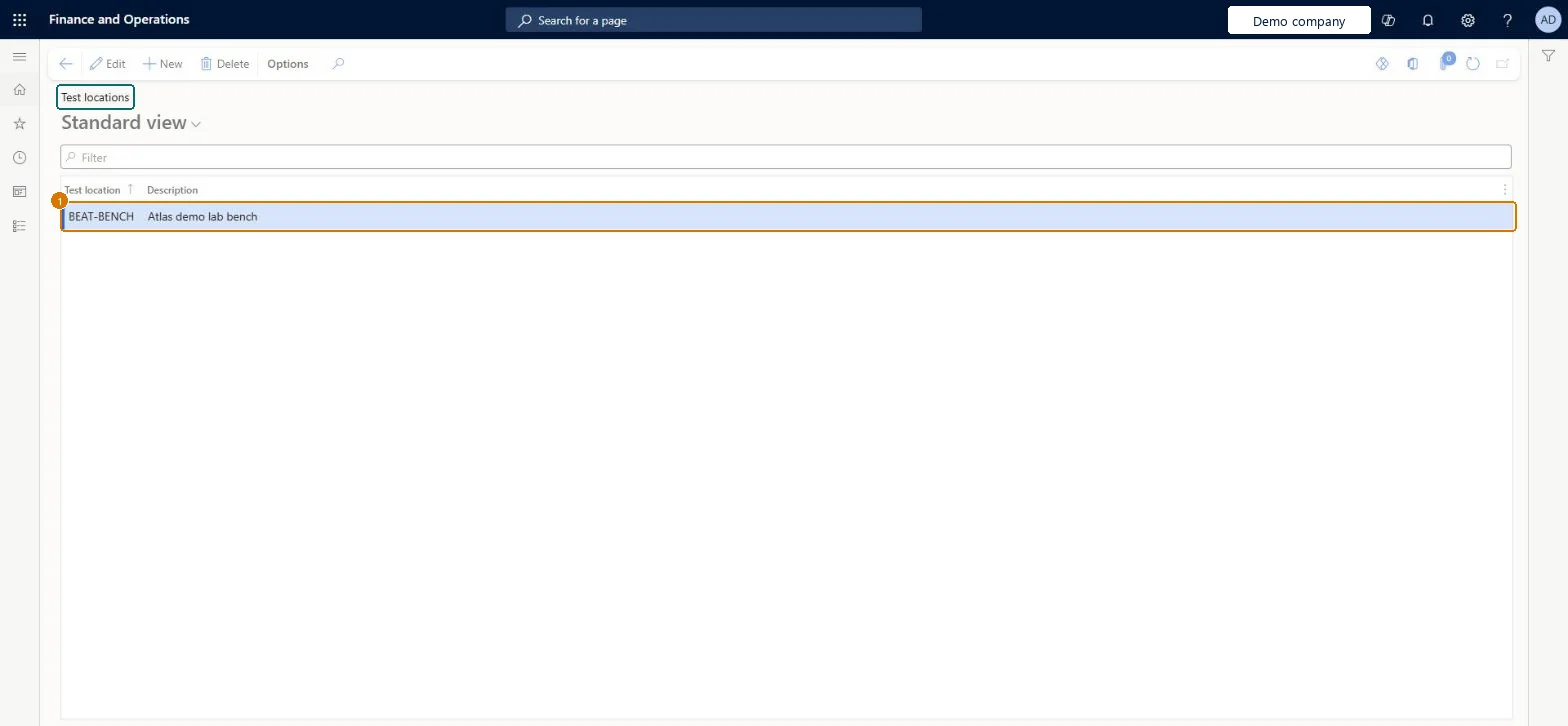
Source: Microsoft Learn
| Field | What it means | Example | Table column |
|---|---|---|---|
| Test location | The unique name or number of the location.Microsoft Learn | BENCH | LocationId |
| Description | A description of the test location.Microsoft Learn | Lab bench | Description |
Source: Microsoft Learn
| Feature to turn on | Advanced quality management (Mandatory, on by default) |
|---|
| Can it be undone | Reversible: Test locations can be created, edited and deleted; they are assigned to test instrument tags as information. |
|---|
| Menu item | QMSInventTestLocation Checked in Dynamics 365 |
|---|---|
| Form | QMSInventTestLocation Checked in Dynamics 365 |
| Table | QMSInventTestLocationShown as “Test locations” in Record infoChecked in Dynamics 365 |
| Data entities | QMSQualityTestLocationEntityQuality test locations Checked in Dynamics 365 |
| Who can open it | PrivilegesMaintain test locations QMSInventTestLocationMaintainView test locations QMSInventTestLocationViewDutiesInquire into calibration master details QMSInventCalibrationMasterDetailInquireMaintain calibration master details QMSInventCalibrationMasterDetailMaintain1 security roleQuality control managerInventQualityControlManager |
| Roles to set it up and use it | To set it up or change itQuality control manager InventQualityControlManagerGive people one of these roles. On this system, 1 role can open this page.Checked in Dynamics 365 |
| Actions on the page | Options: Personalize, Page options, ShareChecked in Dynamics 365 |
| Open it by URL | https://<your-environment>/?mi=QMSInventTestLocation |
|---|---|
| Integrate with | QMSQualityTestLocationEntity data entity Checked in Dynamics 365 |
To cite this step: IM-QC-130, Set up Test locations. Beyond ERP Atlas Hub, 2026-11-11. https://www.beyonderp.cloud/atlas/step/IM-QC-130