About the examples: Examples and screenshots in this guide use BEAT, a demo company in a Dynamics 365 test environment. Use your own company's codes and values instead of copying them.
Setup steps on this page
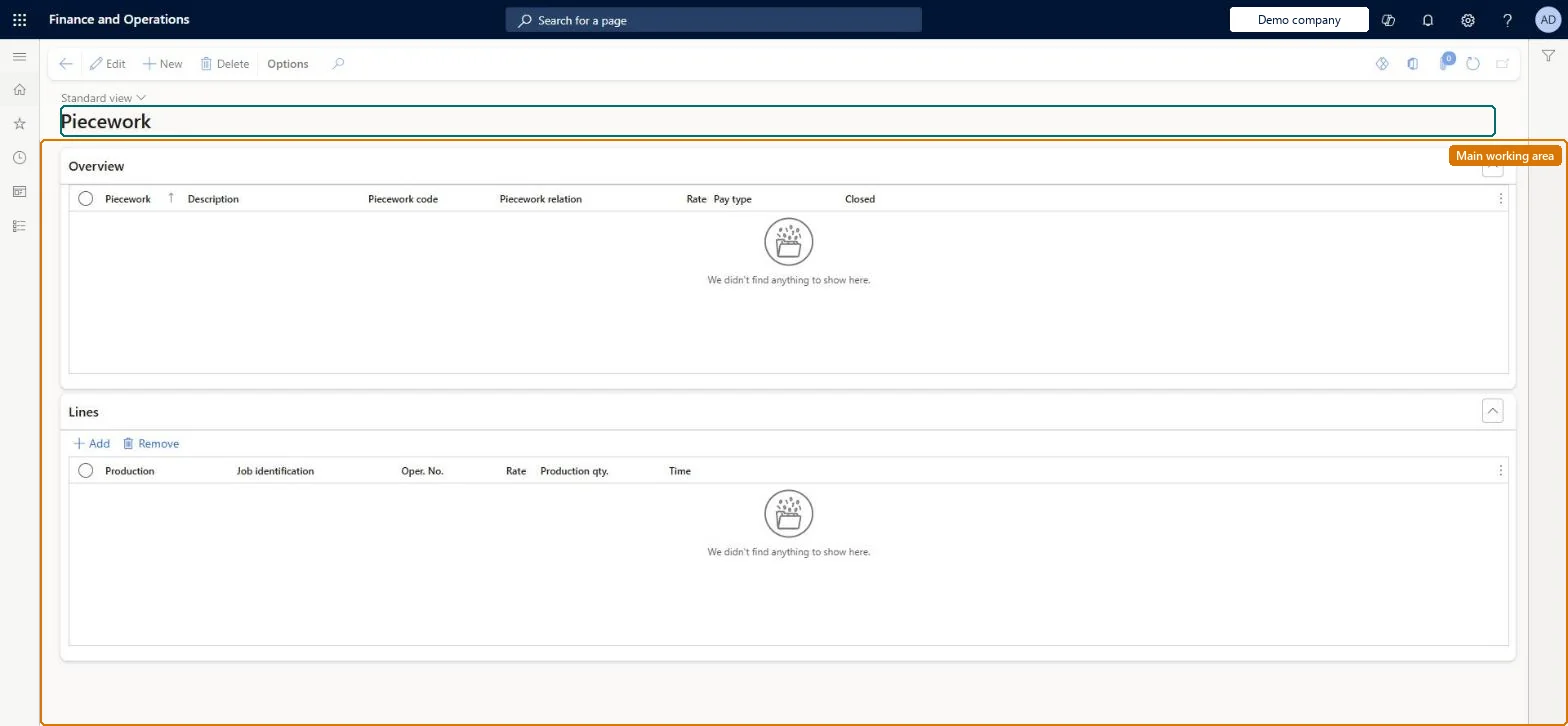
Set up Piecework
Use this page to apply piecework pay to selected production jobs or operations so that workers registering on them are paid by output.
Steps from Microsoft
Go to Time and attendance > Setup > Payroll > Piecework.
Select New.
Enter an identifier in the Piecework field and a description.
On the General tab, select the Piecework code and the Piecework relation.
Enter the Rate and the minimum Pay type.
In the lower pane, select the production jobs or operations to include.
Piecework only for production jobs with stable estimates, per worker group.Piecework pays a rate for production jobs based on quantity against estimated time.
Time and attendance roles come from the security read in the Technical section. On this system the page is opened with roles such as Payroll administrator, Shop supervisor, Production manager and 2 more. The Microsoft Learn article for this page names no Feature management feature to turn on.
Per company: each legal entity has its own piecework setup. Checked in Dynamics 365
Can it be undone
Reversible: Changes apply to later transfers.
If you change it later
Closing a piecework setup stops it from being used for the production jobs or operations it covers. Microsoft Learn
Technical architect
6Technical
Menu item
JmgPieceWorkChecked in Dynamics 365
Form
JmgPieceRateChecked in Dynamics 365
Table
JmgPieceRateTableShown as “PIECEWORK” in Record infoChecked in Dynamics 365
Who can open it
PrivilegesMaintain piecework jobs JmgPieceWorkMaintainView piecework jobs JmgPieceWorkViewDutiesInquire into manufacturing execution policies JmgManufacturingExecutionPoliciesInquirInquire into manufacturing execution progress JmgManufacturingExecutionProgressInquirMaintain time and attendance payroll JmgTimeAttendancePayrollMaintain5 security rolesPayroll administrator HcmPayrollAdministratorShop supervisor JmgShopSupervisorProduction manager ProdProductionManagerProduction supervisor ProdProductionSupervisorProduction planner ReqProductionPlannerChecked in Dynamics 365
Roles to set it up and use it
To set it up or change itPayroll administrator HcmPayrollAdministratorTo use itProduction supervisor ProdProductionSupervisorProduction manager ProdProductionManagerShop supervisor JmgShopSupervisorProduction planner ReqProductionPlannerGive people one of these roles. On this system, 5 roles can open this page.Checked in Dynamics 365
Developer
7Developer
Open it by URL
https://<your-environment>/?mi=JmgPieceWork
Data migration
Load order: A piecework setup has no data entity in Data management, so it can't be loaded from a file or a configuration template. Re-create it by hand after the piecework groups are loaded.Checked in Dynamics 365