Payroll administrator, Shop supervisor, Production manager and 2 more roles
Business process
Manage time and attendance
Menu item
JmgPieceWorkGroup
Main table
JmgPieceRateGroup
Data entity
JmgPieceworkGroupEntity
Setup steps
1 on this page
Show what matters for
PAGE GUIDEWhat the page does and how to use it8 sections. Choose a role to highlight what matters to you.
Everyone
1What it is and why
What it is
A setup page where you create groups of workers that a piecework setup can apply to.
What you do here
Use this page to list the member workers of each piecework group, so that one piecework setup covers the whole group.
Example
For example, a two-person packing crew is put in one piecework group, so the piecework setup on the packing job pays both of them when the crew beats the estimated time.
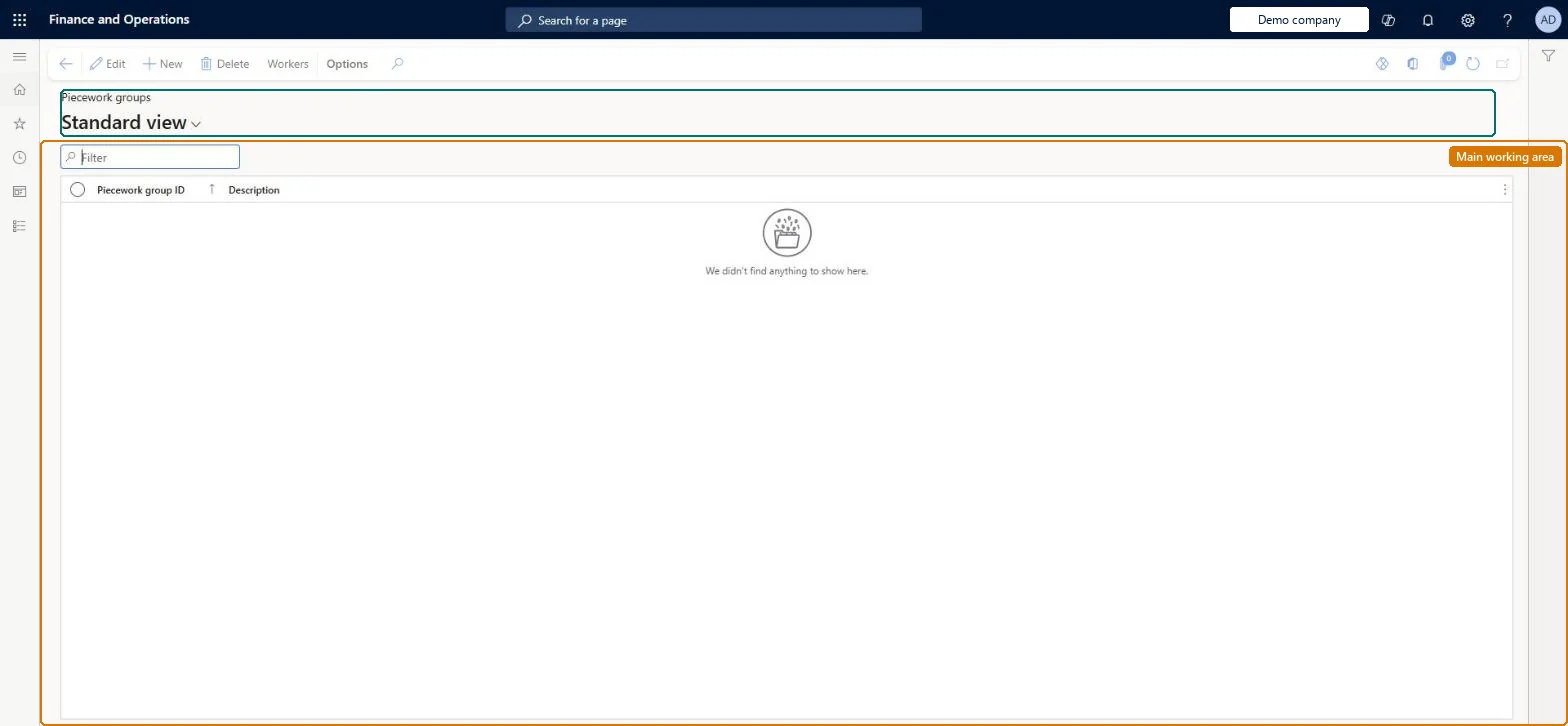
The page in Dynamics 365. page title tab to open what to set or check
About the examples: Examples and screenshots in this guide use BEAT, a demo company in a Dynamics 365 test environment. Use your own company's codes and values instead of copying them.
Setup steps on this page
Set up Piecework groups
Use this page to list the member workers of each piecework group, so that one piecework setup covers the whole group.
Steps from Microsoft
Go to Time and attendance > Setup > Payroll > Piecework groups.
Select New.
Enter a unique identification and a description.
Select Members.
Select a worker in the Worker field and add a line for each worker.
Time and attendance roles come from the security read in the Technical section. On this system the page is opened with roles such as Payroll administrator, Shop supervisor, Production manager and 2 more. The Microsoft Learn article for this page names no Feature management feature to turn on.
PrivilegesMaintain piecework groups JmgPieceWorkGroupMaintainView piecework groups JmgPieceWorkGroupViewDutiesInquire into manufacturing execution policies JmgManufacturingExecutionPoliciesInquirInquire into manufacturing execution progress JmgManufacturingExecutionProgressInquirEnable time and attendance payroll process JmgTimeAttendancePayrollProcessEnable5 security rolesPayroll administrator HcmPayrollAdministratorShop supervisor JmgShopSupervisorProduction manager ProdProductionManagerProduction supervisor ProdProductionSupervisorProduction planner ReqProductionPlannerChecked in Dynamics 365
Roles to set it up and use it
To set it up or change itPayroll administrator HcmPayrollAdministratorTo use itProduction supervisor ProdProductionSupervisorProduction manager ProdProductionManagerShop supervisor JmgShopSupervisorProduction planner ReqProductionPlannerGive people one of these roles. On this system, 5 roles can open this page.Checked in Dynamics 365
Actions on the page
(Action Pane without tabs): WorkersChecked in Dynamics 365