SETUP GUIDEHow to set it up8 sections. Choose a role to highlight what matters to you.
Everyone
1What it is and why
What it is
A setup page for user request workflows, where you select the email template used for messages such as the welcome email to new users.
What you do here
Use this page to choose the email template that user request workflows send to users.
Example
For example, the welcome email template can include the %portalURL% tag, which is replaced with the web address of the environment when the email is sent.
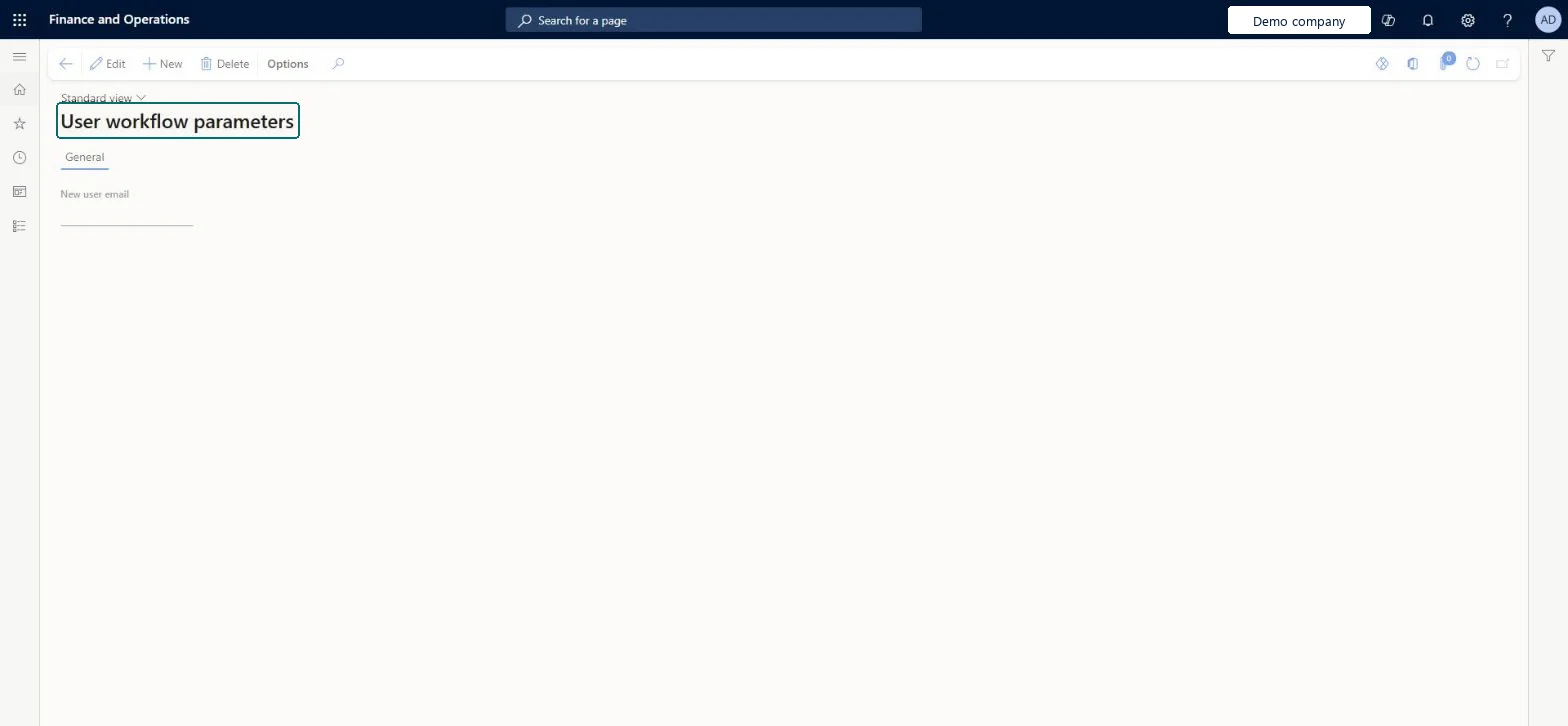
The page in Dynamics 365. page title tab to open what to set or check
About the examples: Examples and screenshots in this guide use BEAT, a demo company in a Dynamics 365 test environment. Use your own company's codes and values instead of copying them.
Step by step, with screenshots
Set up User workflow parameters1 screen
Use this page to choose the email template that user request workflows send to users.
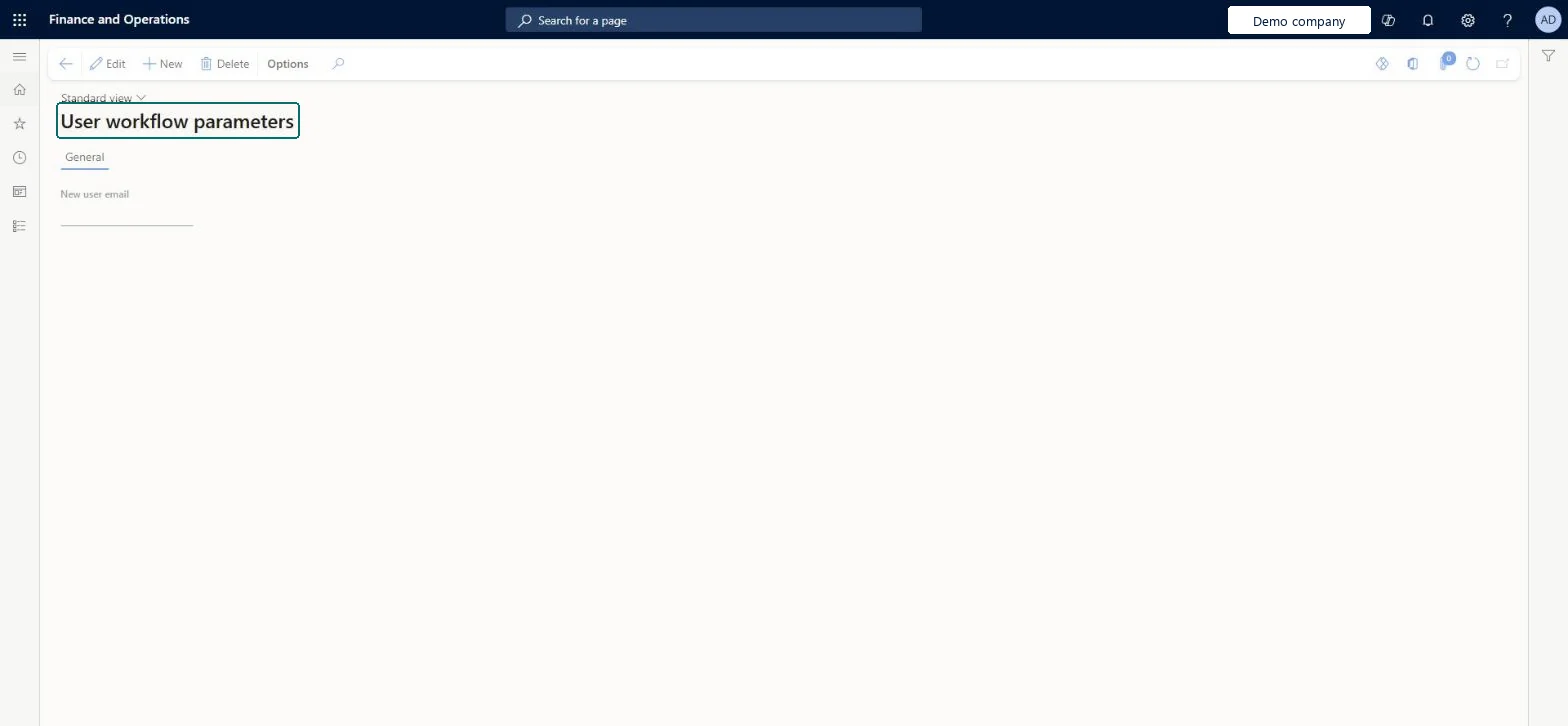
Screen 1
Review the user workflow parameters
Go to System administration > Workflow > User workflow parameters
Open the page
Review the parameters set for user request workflows; select New only to add one
page title tab to open what to set or check
Steps from Microsoft
Go to System administration > Workflow > User workflow parameters.
Select Edit to change the setup, or New to add a record.
On the General tab, fill in the New user email field.
Select Delete to remove a record you no longer need.
A welcome email template that includes the %portalURL% tagThe tag is replaced with the environment's web address, so new users get the right link in every environment.
Reversible: The template can be changed at any time.
If you change it later
The template chosen here is used by every user request workflow that sends a welcome email. Microsoft Learn
Technical architect
6Technical
Menu item
SysUserRequestParametersChecked in Dynamics 365
Form
SysUserRequestParametersChecked in Dynamics 365
Table
SysUserRequestParametersChecked in Dynamics 365
Who can open it
PrivilegesMaintain user requests SysUserRequestMaintainDutiesMaintain user requests SysUserRequestMaintain2 security rolesSecurity administrator SysSecSecurityAdministratorTestSysUserRequestMaintainerChecked in Dynamics 365
Roles to set it up and use it
To set it up or change itSecurity administrator SysSecSecurityAdministratorGive people one of these roles. On this system, 1 role can open this page.Checked in Dynamics 365
Actions on the page
Options: Personalize, Page options, ShareChecked in Dynamics 365
Load order: User workflow parameters has no data entity in Data management, so it can't be loaded from a file or a configuration template. Select the template by hand in each environment after loading the email templates (System email template entity).Checked in Dynamics 365
Checked in a working Dynamics 365 system, version 10.0.49: the menu item, form, table and security, the page, the demo records and the values in the screenshots.
To cite this step: SA-SETUP-490, Set up User workflow parameters. Beyond ERP Atlas Hub, 2026-11-11. https://www.beyonderp.cloud/atlas/step/SA-SETUP-490