| What it is | A setup page where you set the minimum delivery performance rates that the system uses when it calculates supply risks. |
|---|---|
| What you do here | Use this page to set the delivery rates that your business considers a risk. |
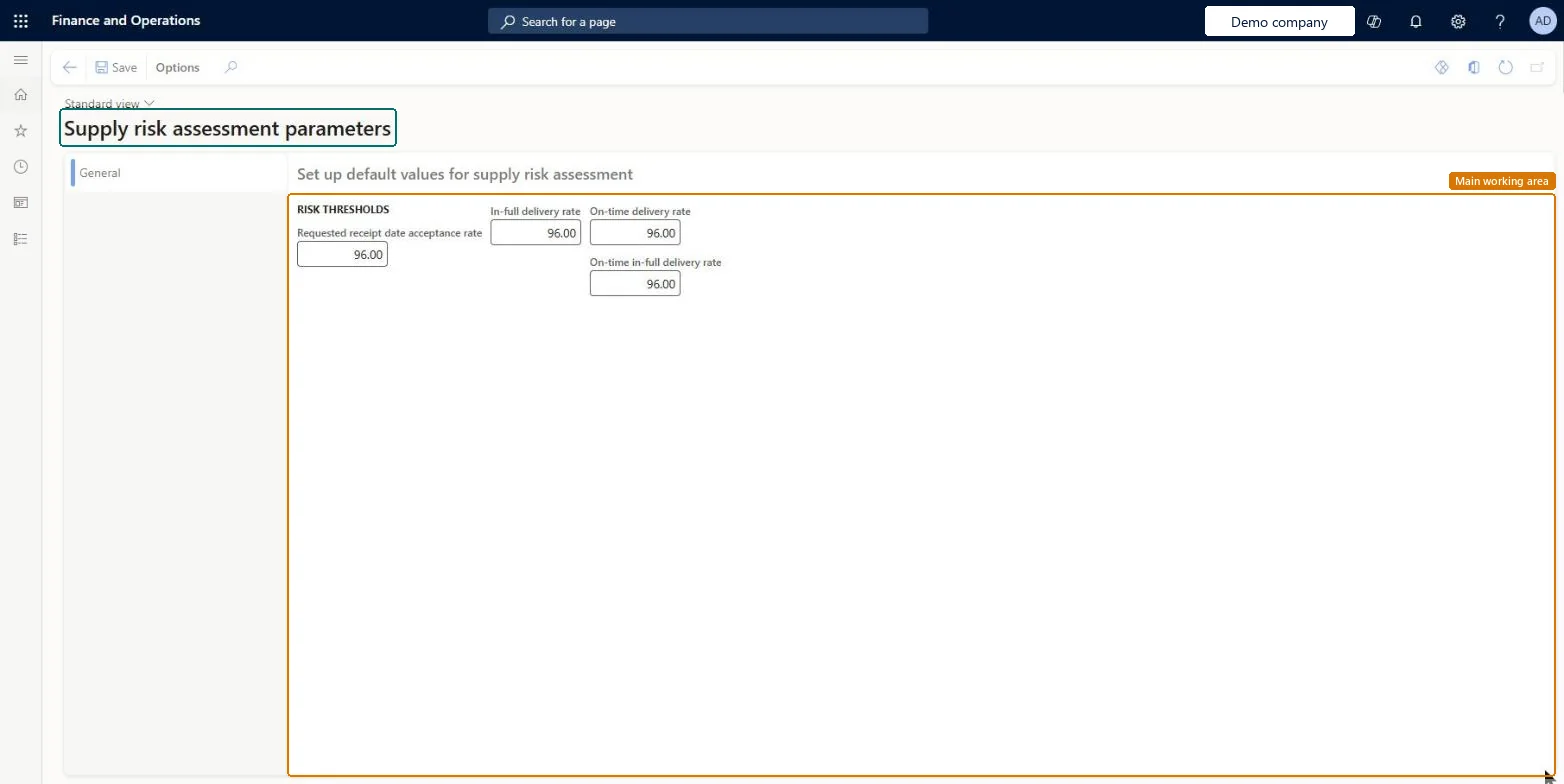
Setup step on the Supply risk assessment parameters page · Procurement and sourcing
Use this page to set the delivery rates that your business considers a risk.
VendSupplyRiskParametersVendSupplyRiskParameters| What it is | A setup page where you set the minimum delivery performance rates that the system uses when it calculates supply risks. |
|---|---|
| What you do here | Use this page to set the delivery rates that your business considers a risk. |
| Business process | Procure goods and services |
|---|---|
| Menu path | Procurement and sourcing › Setup › Supply risk assessment parameters |
| Used next by | Supply risk assessment workspace Microsoft Learn Supply risk assessment report Microsoft Learn |
| Related pages | Supply risk assessment workspace Microsoft Learn |
| In this process | Set up Item rebate groups · Set up Vendor rebate groups |
About the examples: Examples and screenshots in this guide use BEAT, a demo company in a Dynamics 365 test environment. Use your own company's codes and values instead of copying them.
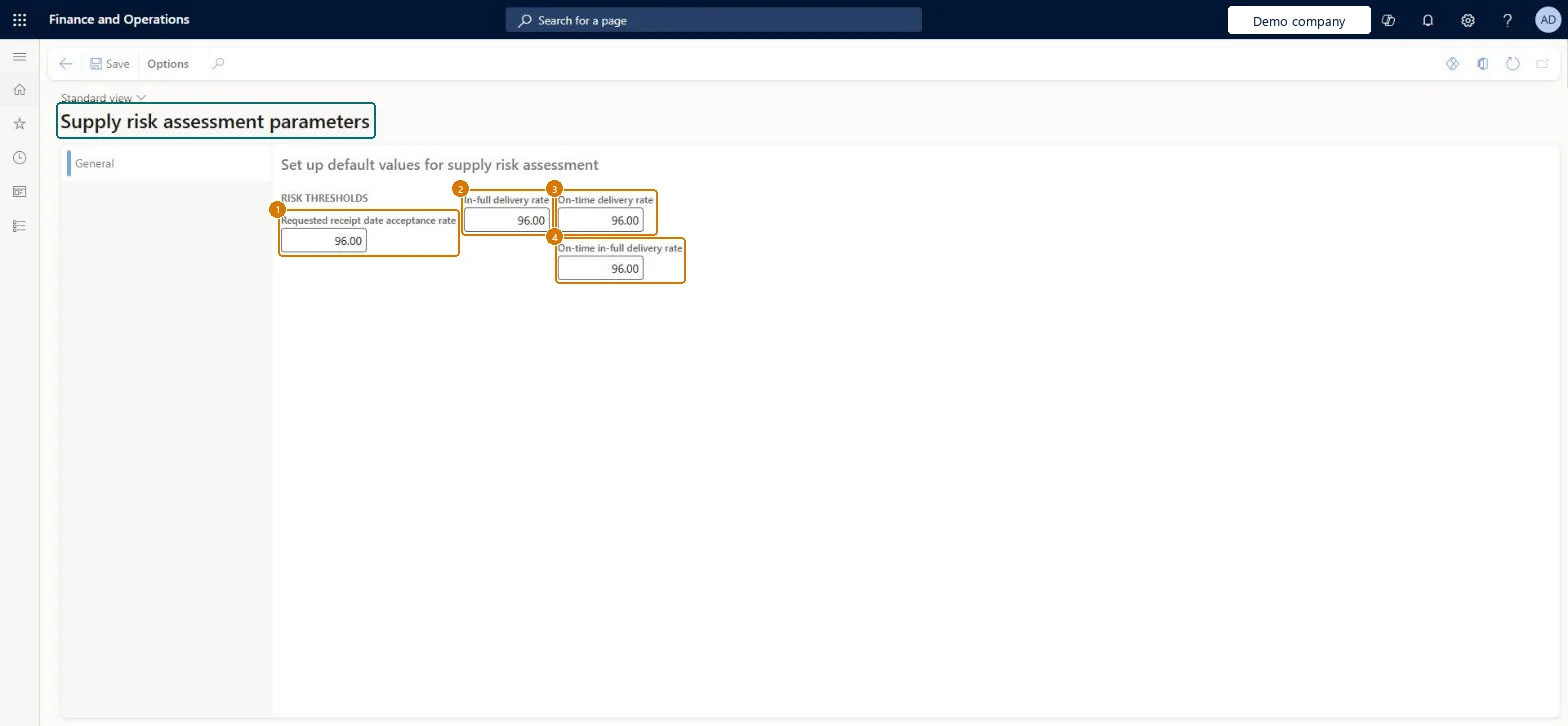
Use this page to set the delivery rates that your business considers a risk.
Screen 1
Go to Procurement and sourcing > Setup > Supply risk assessment parameters
| 1Requested receipt date acceptance rate | 96.00 |
|---|---|
| 2In-full delivery rate | 96.00 |
| 3On-time delivery rate | 96.00 |
| 4On-time in-full delivery rate | 96.00 |
Source: Microsoft Learn
| Field | What it means | Example | Table column |
|---|---|---|---|
| Requested receipt date acceptance rate | The minimum share of orders where the vendor's confirmed receipt date meets your requested receipt date.Microsoft Learn | 96.00 | RequestedDeliveryDateAcceptanceRate |
| In-full delivery rate | The minimum share of deliveries expected to arrive in full.Microsoft Learn | 96.00 | InFullDeliveryRate |
| On-Time delivery rate | The minimum share of deliveries expected to arrive on time.Microsoft Learn | ||
| On-time in-full delivery rate | The minimum share of deliveries expected to arrive on time and in full.Microsoft Learn | 96.00 | OnTimeInFullDeliveryRate |
Source: Microsoft Learn
| Setup step | Recommended value and why | Decision, common mistake and test |
|---|---|---|
| Set up Supply risk assessment parameters | Start from the default 96 percent for each rate and adjust each threshold to the delivery performance your business treats as a riskEach rate threshold defaults to 96 percent, and Learn says to set the rates you consider a risk for your business. | Expecting the Supply risk assessment workspace to show data right away. You must visit the workspace once, then enable VendSupplyRiskCacheDataSet in Data set cache configuration, and refresh the Purchase cube entity store, or the Power BI reports show errors. |
| Can it be undone | Reversible: Thresholds can be changed at any time; the risk calculations use the new rates on the next data refresh. |
|---|
| Menu item | VendSupplyRiskParameters Checked in Dynamics 365 |
|---|---|
| Form | VendSupplyRiskParameters Checked in Dynamics 365 |
| Table | VendSupplyRiskParametersShown as “Supply risk assessment parameters” in Record infoChecked in Dynamics 365 |
| Who can open it | PrivilegesMaintain supply risk assessment parameters VendSupplyRiskParametersMaintainView supply risk assessment parameters VendSupplyRiskParametersViewDutiesInquire into supply risk assessment VendSupplyRiskProcessInquireMaintain supply risk assessment VendSupplyRiskProcessMaintain6 security rolesMaterials managerInventMaterialsManagerLogistics manager TMSLogisticsManagerBuying agent TradeBuyingAgentPurchasing manager TradePurchasingManagerAccounts payable manager VendInvoiceAccountsPayableManagerPurchasing agent VendPurchasingAgent |
| Roles to set it up and use it | To set it up or change itPurchasing manager TradePurchasingManagerAccounts payable manager VendInvoiceAccountsPayableManagerTo use itPurchasing agent VendPurchasingAgentBuying agent TradeBuyingAgentMaterials manager InventMaterialsManagerLogistics manager TMSLogisticsManagerGive people one of these roles. On this system, 6 roles can open this page.Checked in Dynamics 365 |
| Actions on the page | Options: Personalize, Page options, Edit, ShareChecked in Dynamics 365 |
| Open it by URL | https://<your-environment>/?mi=VendSupplyRiskParameters |
|---|
To cite this step: PS-SETUP-030, Set up Supply risk assessment parameters. Beyond ERP Atlas Hub, 2026-11-11. https://www.beyonderp.cloud/atlas/step/PS-SETUP-030