| What it is | A setup page where you create item rebate groups so that one rebate agreement can apply to a group of products. |
|---|---|
| What you do here | Use this page to group products for rebate agreements. |
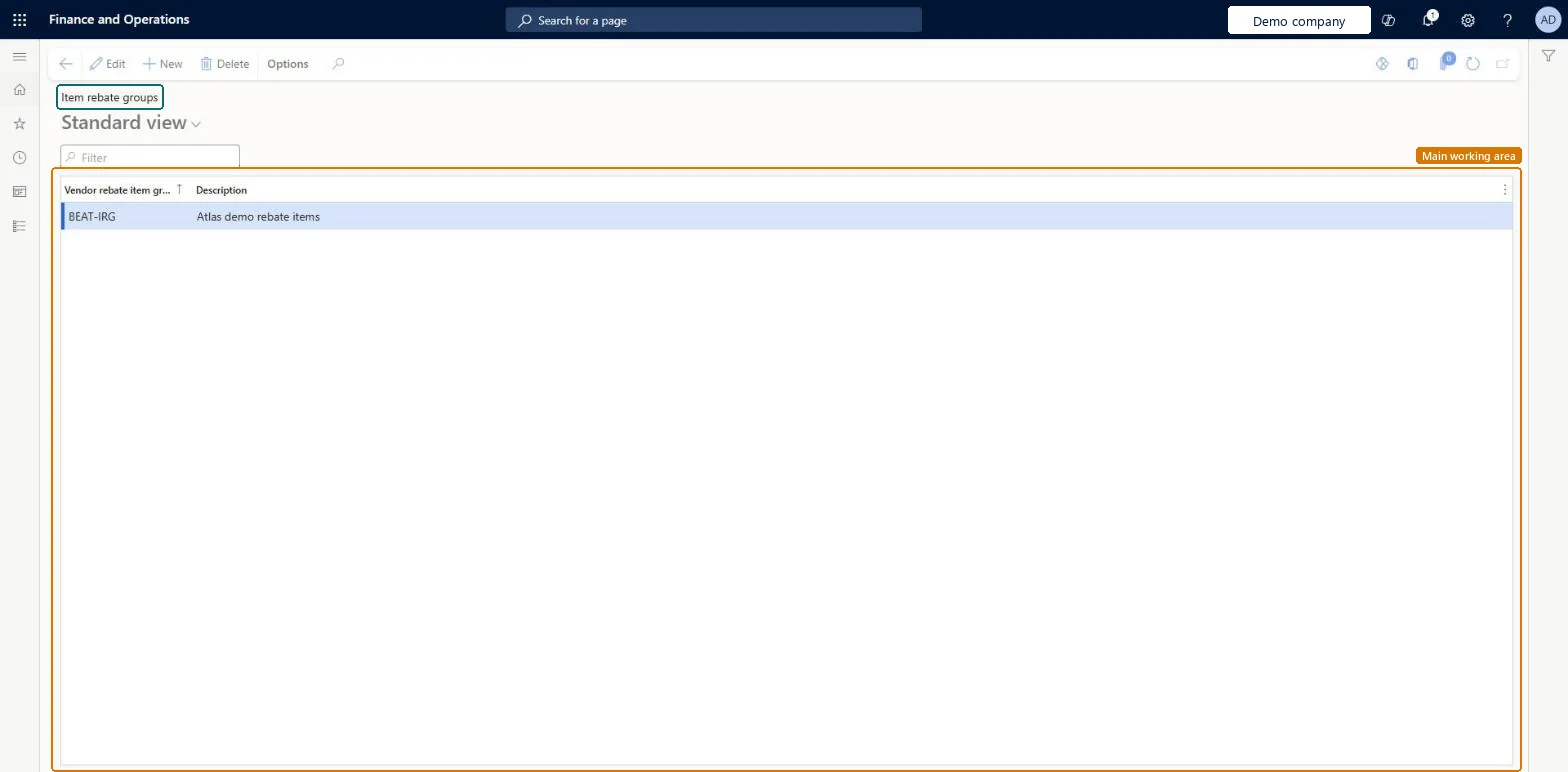
Setup step on the Item rebate groups page · Procurement and sourcing
Use this page to group products for rebate agreements.
TAMItemVendRebateGroupTAMItemVendRebateGroupPurchaseRebateProductGroupEntity| What it is | A setup page where you create item rebate groups so that one rebate agreement can apply to a group of products. |
|---|---|
| What you do here | Use this page to group products for rebate agreements. |
| Business process | Procure goods and services |
|---|---|
| Menu path | Procurement and sourcing › Vendor rebates › Rebate groups › Item rebate groups |
| Used next by | Released products Microsoft Learn Rebate agreements Microsoft Learn |
| Related pages | Vendor rebate groups Microsoft Learn |
| In this process | Set up Rebate program types · Set up Supply risk assessment parameters |
About the examples: Examples and screenshots in this guide use BEAT, a demo company in a Dynamics 365 test environment. Use your own company's codes and values instead of copying them.
Use this page to group products for rebate agreements.
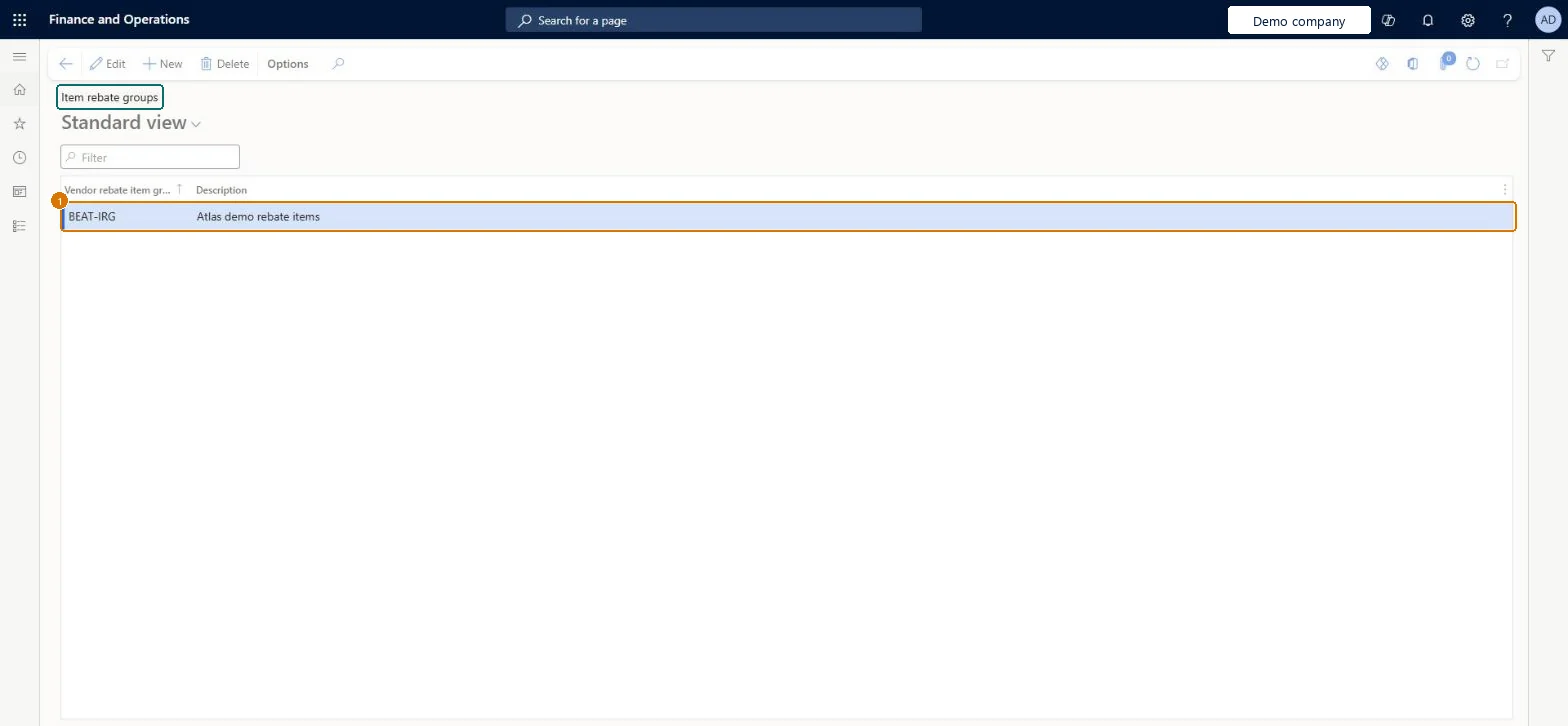
Screen 1
Go to Procurement and sourcing > Vendor rebates > Rebate groups > Item rebate groups
| 1Vendor rebate item group | BEAT-IRG |
|---|
Source: Microsoft Learn
| Field | What it means | Example | Table column |
|---|---|---|---|
| Vendor rebate item group | VOLUME | ItemVendRebateGroupId |
Source: Microsoft Learn
| Setup step | Recommended value and why | Decision, common mistake and test |
|---|---|---|
| Set up Item rebate groups | Grouping items to reach a combined volume tier. A rebate agreement line with Item code Group is processed per qualifying item, not across all items in the group. |
| Shared or per company | Per company: each legal entity has its own records. Microsoft data model |
|---|---|
| Can it be undone | Reversible: Group membership decides which items qualify when claims are generated at invoice posting, so a change matters for invoices posted afterward; claims already generated are not rebuilt. |
| Menu item | TAMItemVendRebateGroup Checked in Dynamics 365 |
|---|---|
| Form | TAMItemVendRebateGroup Checked in Dynamics 365 |
| Table | TAMItemVendRebateGroupShown as “Item rebate groups” in Record infoChecked in Dynamics 365 |
| Data entities | PurchaseRebateProductGroupEntityItem rebate groups Microsoft data model |
| Who can open it | PrivilegesMaintain vendor rebate groups TAMVendRebateGroupsMaintainDutiesMaintain vendor rebate agreements TAMVendRebateAgreementMaintain1 security rolePurchasing managerTradePurchasingManager |
| Roles to set it up and use it | To set it up or change itPurchasing manager TradePurchasingManagerGive people one of these roles. On this system, 1 role can open this page.Checked in Dynamics 365 |
| Actions on the page | Options: Personalize, Page options, ShareChecked in Dynamics 365 |
| Open it by URL | https://<your-environment>/?mi=TAMItemVendRebateGroup |
|---|---|
| Integrate with | PurchaseRebateProductGroupEntity data entity Microsoft data model |
| Data migration | PurchaseRebateProductGroupEntity (PurchaseRebateProductGroupEntity): loaded for each company.Microsoft Learn |
| Table definition | TAMItemVendRebateGroup columns and relations Microsoft data model |
To cite this step: PS-REBATE-030, Set up Item rebate groups. Beyond ERP Atlas Hub, 2026-11-11. https://www.beyonderp.cloud/atlas/step/PS-REBATE-030