Set up Indirect cost component group assignment rules
Project management and accountingSetupIndirect costs
PSAComponentGroupAssignment
Used by
Field Service Integration User, Accountant, Accounting manager and 8 more roles
Business process
Manage project financials
Menu item
PSAComponentGroupAssignment
Main table
PSAComponentGroupAssignment
Data entity
PSAComponentectGroupAssignmentEntity
Setup steps
1 on this page
Show what matters for
SETUP GUIDEHow to set it up8 sections. Choose a role to highlight what matters to you.
Everyone
1What it is and why
What it is
A setup page where you assign an indirect cost component group to a project contract, project, category and worker.
What you do here
Use this page to set whose hours drive the indirect cost calculation: the selected worker's hours are multiplied by the group's indirect cost rules.
Example
For example, from 01/01/2026 BEAT assigns the group OVERHEAD to contract CON-0018, project PRJ-0042 and the hour category CONSULTING, so every consulting hour posted on PRJ-0042 carries the overhead rates of OVERHEAD.
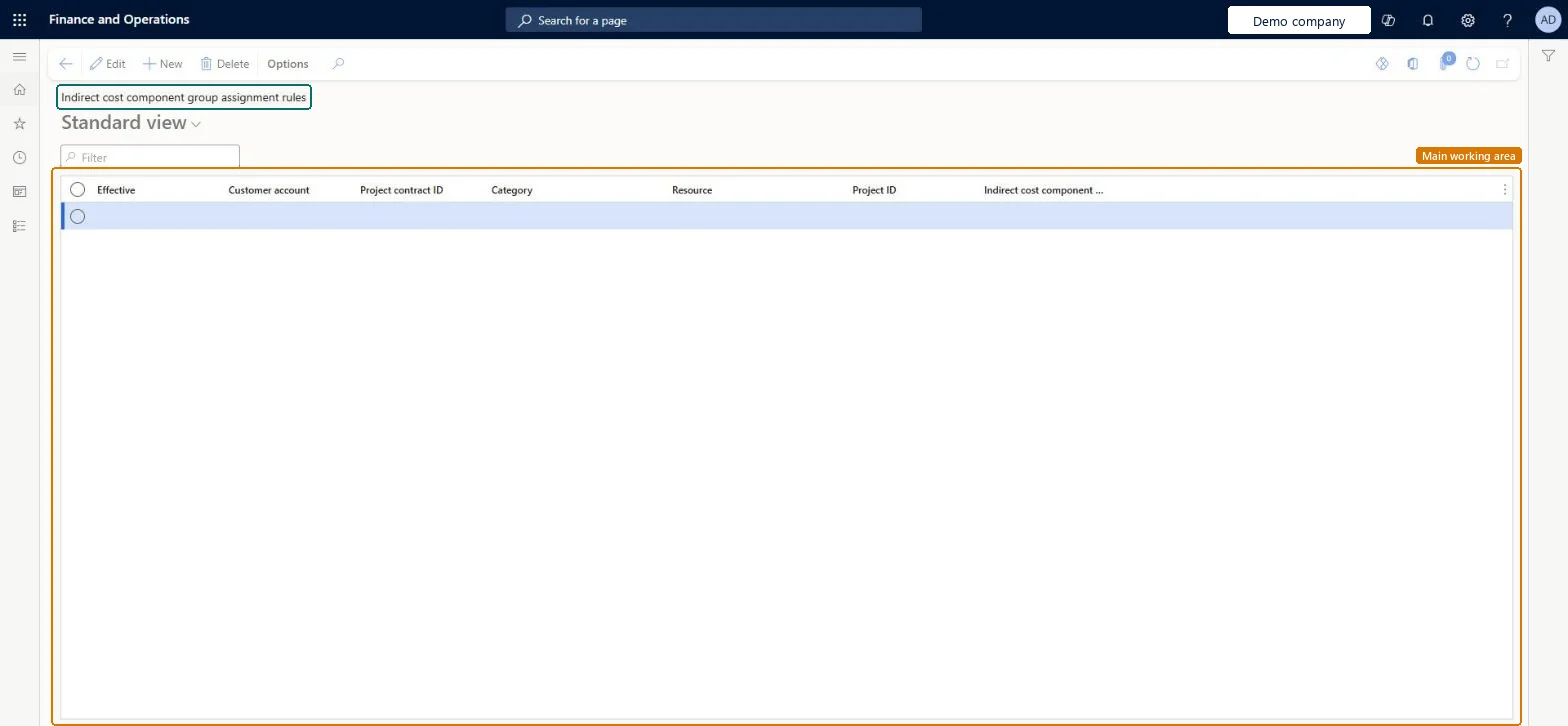
The page in Dynamics 365. page title tab to open what to set or check
About the examples: Examples and screenshots in this guide use BEAT, a demo company in a Dynamics 365 test environment. Use your own company's codes and values instead of copying them.
Step by step, with screenshots
Set up Indirect cost component group assignment rules1 screen
Use this page to set whose hours drive the indirect cost calculation: the selected worker's hours are multiplied by the group's indirect cost rules.
Screen 1
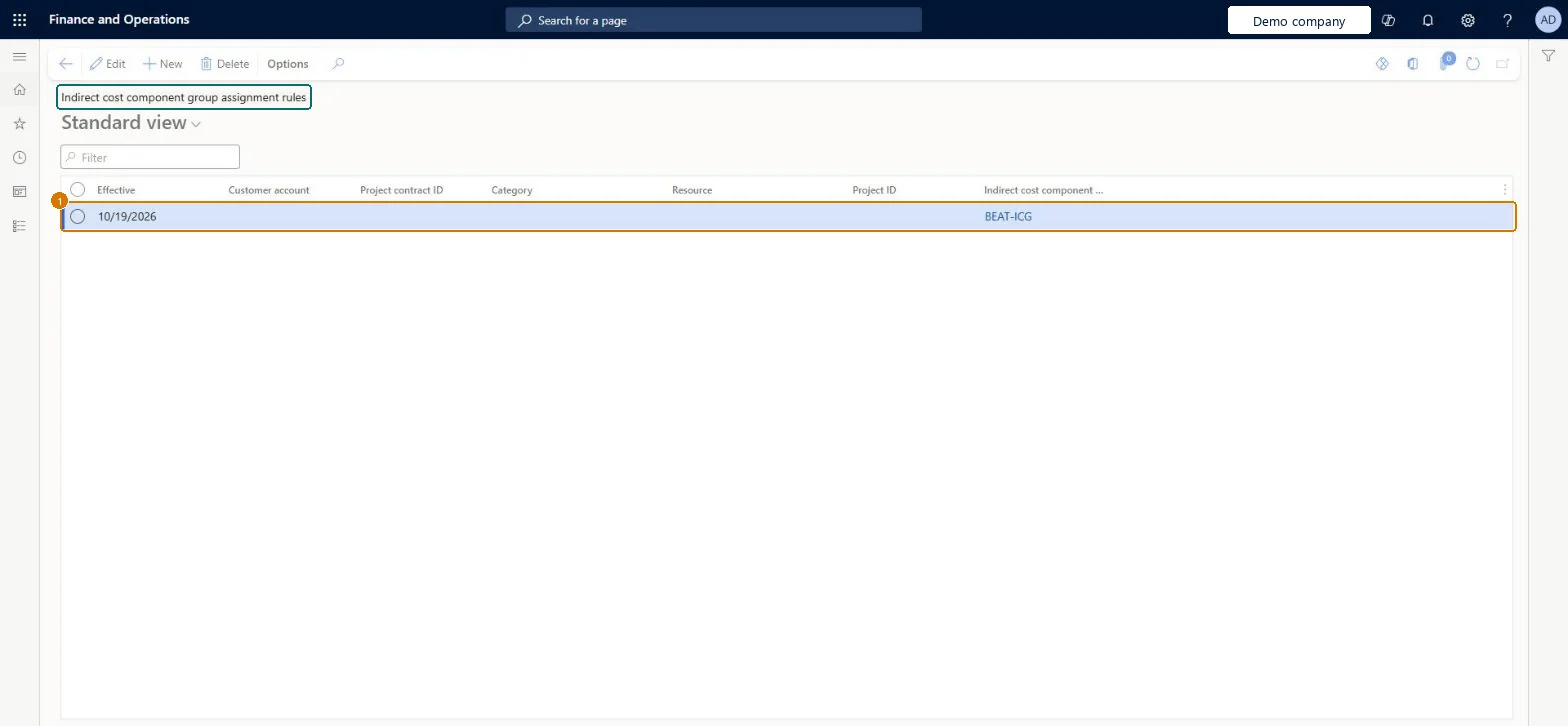
Assign an indirect cost group to work
Go to Project management and accounting > Setup > Indirect costs > Indirect cost component group assignment rules
Make sure the indirect cost component group exists
Select New
Enter the effective date
Select the indirect cost component group
Optionally narrow the rule with a customer, project contract, category, resource or project
Select Save
1Effective
10/19/2026
Indirect cost component group
BEAT-ICG
Show the full screen page title tab to open what to set or check
Steps from Microsoft
Go to Project management and accounting > Setup > Indirect costs > Indirect cost component group assignment rules.
Select New and enter the Effective date from which indirect costs are calculated.
Select the customer account, the project contract ID and a project on that contract.
Select the hour category set up for indirect costs and, if needed, the worker whose hours count.
Select the Indirect cost component group, then post a test hour on the project and check the indirect cost lines.
One rule per contract and hour category, with the Worker left blank unless only some workers' hours carry overheadThe rule decides whose hours drive the indirect cost calculation, so a contract-level rule covers all its projects' hours without one rule per worker.
On the live system, Project manager, Project accountant, Project supervisor, Field Service Integration User and Sales manager maintain this page; finance roles can open it.
Reversible: Rules can be ended with a new effective date.
If you change it later
Hours posted on or after the effective date on a matching contract, project, category and worker get the indirect costs of the group. Hours posted before the rule exists get none. Microsoft data model
Technical architect
6Technical
Menu item
PSAComponentGroupAssignmentChecked in Dynamics 365
Form
PSAComponentGroupAssignmentChecked in Dynamics 365
Table
PSAComponentGroupAssignmentShown as “Indirect cost component group assignment rules” in Record infoKey field: TransDate, CategoryId, ProjId, Resource, Resource_Name, Resource_ResourceId, Resource_ResourceCompanyId, CustAccount, ProjInvoiceProjIdChecked in Dynamics 365
Data entities
PSAComponentectGroupAssignmentEntityIndirect cost component group assignment rules Microsoft data model
To set it up or change itProject manager ProjProjectManagerProject accountant ProjProjectAccountantProject supervisor ProjProjectSupervisorField Service Integration User FieldServiceIntegrationUserSales manager TradeSalesManagerTo use itProject assistant ProjProjectClerkService delivery manager SMAServiceDeliveryManagerAccounting manager LedgerAccountingManagerAccountant LedgerAccountantFinancial controller LedgerFinancialControllerGive people one of these roles. On this system, 11 roles can open this page.Checked in Dynamics 365
Actions on the page
Options: Personalize, Page options, ShareChecked in Dynamics 365
PSAComponentectGroupAssignmentEntity Indirect cost component group assignment rules, loaded for each company.Load order: Load the assignment rules last among the indirect cost setup, after the component groups, project contracts and projects that each rule names.Load first: Indirect cost component groups, Project contracts, ProjectsMicrosoft Learn
Checked in a working Dynamics 365 system, version 10.0.49: the menu item, form, table and security, the page, the demo records and the values in the screenshots.
To cite this step: PM-SETUP-260, Set up Indirect cost component group assignment rules. Beyond ERP Atlas Hub, 2026-11-11. https://www.beyonderp.cloud/atlas/step/PM-SETUP-260