BeyondERP.Newsletter
Menu

Setup step on the Calendars page · Organization administration

Set up Calendars

Use this page to define the working days and hours of resources, warehouses, vendors and other parts of the supply chain.

Used by
Payroll administrator, Payroll manager, Production manager and 7 more roles
Business process
Administer system features
Menu item
WorkCalendarTable
Setup steps
1 on this page
Show what matters for
SETUP GUIDEHow to set it up8 sections. Choose a role to highlight what matters to you.
Everyone

1What it is and why

What it isA setup page where you create calendars and manage their working times, including which days are open or closed.
What you do hereUse this page to define the working days and hours of resources, warehouses, vendors and other parts of the supply chain.
ExampleFor example, when two warehouses have the same working days but different pickup policies, give each warehouse its own calendar.
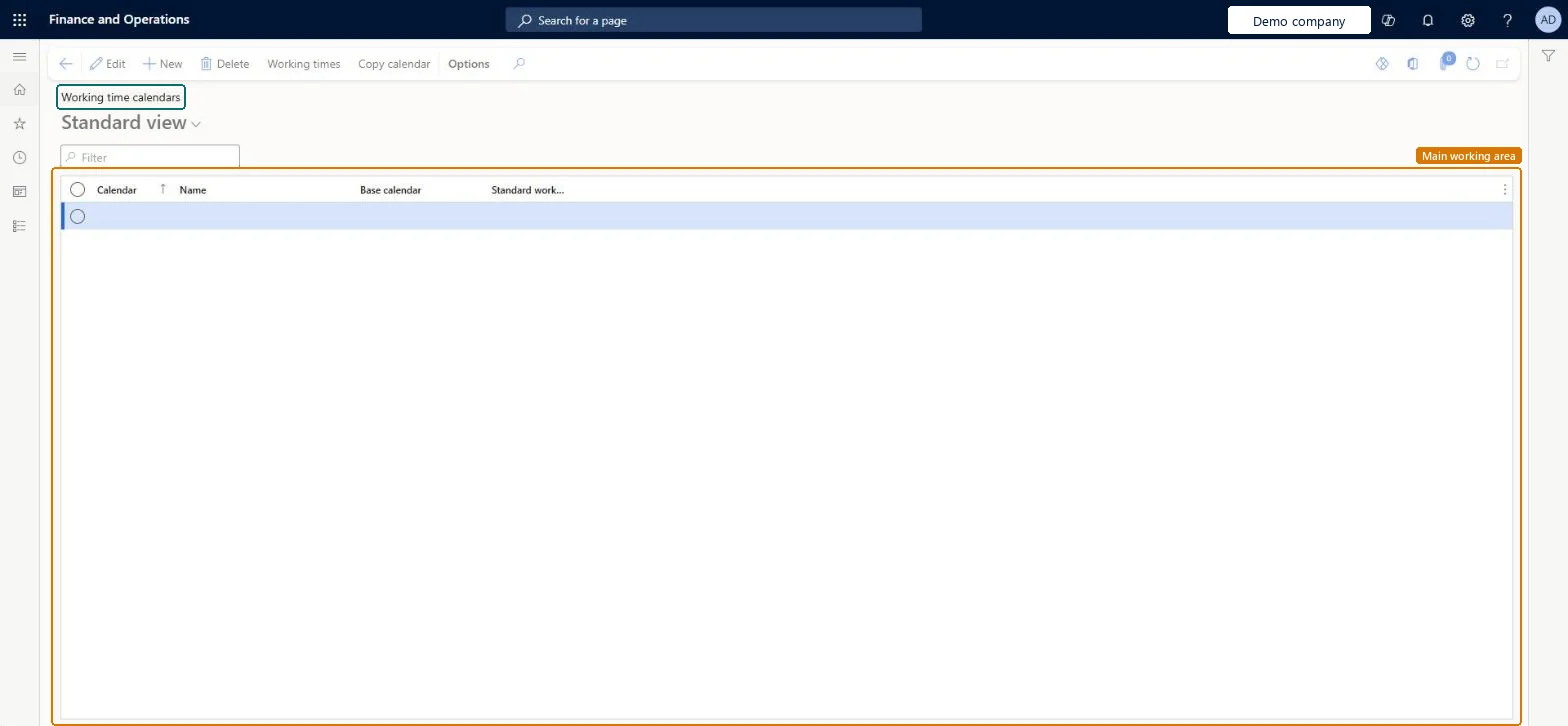
Calendars page in Dynamics 365
The page in Dynamics 365. page title tab to open what to set or check
Functional consultant · Solution architect

2Where it fits

End user · Functional consultant

3How to do it

About the examples: Examples and screenshots in this guide use BEAT, a demo company in a Dynamics 365 test environment. Use your own company's codes and values instead of copying them.

Step by step, with screenshots

Set up Calendars1 screen

Use this page to define the working days and hours of resources, warehouses, vendors and other parts of the supply chain.

  1. Screen 1

    Create a working time calendar

    Go to Organization administration > Setup > Calendars > Calendars

    1. Select New
    2. Enter the calendar ID and name
    3. Enter the standard work day in hours
    4. Select Save; use Working times to generate the days
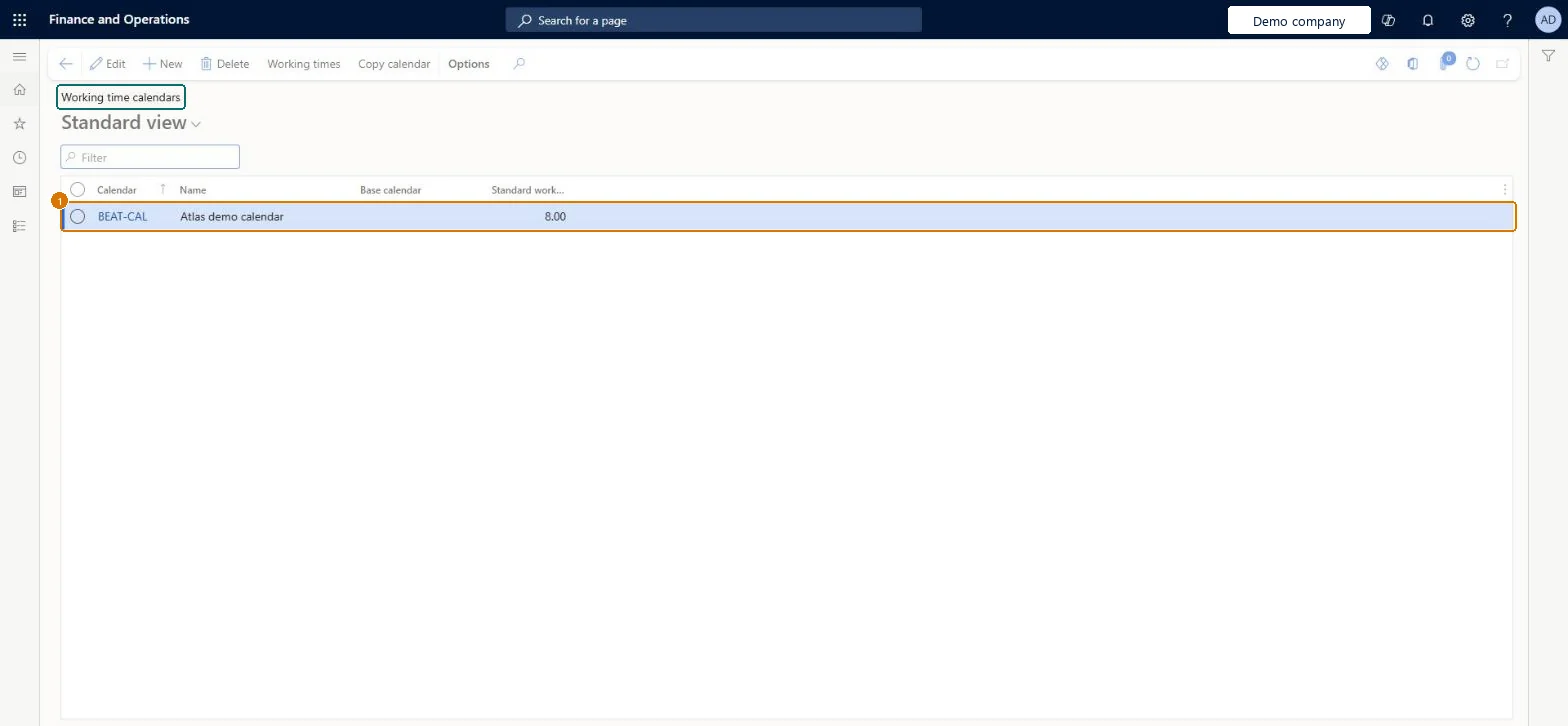
    1CalendarBEAT-CAL
    NameCalendar
    Standard work day in hours8.00
    Create a working time calendar (zoomed on the outlined fields)
    Show the full screenCreate a working time calendar
    page title tab to open what to set or check

Steps from Microsoft

  1. Go to Organization administration > Setup > Calendars > Calendars.
  2. Select New.
  3. In the Calendar field, enter an ID for the calendar.
  4. In the Name field, enter a name.
  5. In the Standard work day in hours field, enter a number.
  6. With the row selected, select Working times on the Action Pane.
  7. Select Compose working times.
  8. Enter the From date and To date for the period to generate.
  9. In the Working time template field, select a template.
  10. Select OK.

Source: Microsoft Learn

Fields on the page

FieldWhat it meansExampleTable column
CalendarThe ID used when you assign the calendar, for example to an operations resource or a resource group.Microsoft Learn STANDARDCalendarId
ControlOn the Working times page, sets each date as Open, Closed or taken from the base calendar.Microsoft Learn
Closed for pickupMarks an open date as a working day when no shipping takes place.Microsoft Learn
Working time templateThe weekly pattern of working hours used to generate the calendar's working times.Microsoft Learn
NameThe name of the calendar.Checked in Dynamics 365CalendarName
Standard work day in hours8.00StandardWorkDayHours

Test checklist

  1. Create a calendar, generate working times from a working time template and mark a public holiday Closed.
  2. Assign it to a warehouse and to a vendor as Purchase calendar.
  3. Run master planning and check planned purchase order receipt dates skip the closed day.
  4. Set Closed for pickup on an open day and check planned transfers don't ship from the warehouse that day.

Source: Microsoft Learn

Functional consultant

4Setup decisions

Setup stepRecommended value and whyDecision, common mistake and test
Set up CalendarsA calendar for each element with different working days (vendors, customers, warehouses, modes of delivery, coverage groups), one per warehouse where its days or pickup policy differ, and shared calendars for resources with the same hoursPlanned order dates come from the combination of assigned calendars, and Microsoft recommends one calendar per warehouse for warehouse-specific changes. Resources with identical hours should share a calendar because the scheduling engine loads and caches working times per calendar.Giving each resource its own calendar ID even when the hours are the same. The engine then requests working times for every calendar, which is a common cause of slow scheduling.Test: Closed day moves the planned receipt date
Solution architect

5Design impact

Can it be undoneReversible: Calendars and working times can be changed at any time, but rerun master planning and production scheduling afterwards; existing planned dates don't move on their own.
If you change it laterAfter you change a calendar, rerun the tasks that depend on it, such as master planning and production scheduling. Microsoft Learn
Technical architect

6Technical

Menu itemWorkCalendarTable Checked in Dynamics 365
FormWorkCalendarTable Checked in Dynamics 365
Who can open itPrivilegesResource manager ProjResourceManagerMaintain calendars WorkCalendarTableMaintainView calendars WorkCalendarTableViewDutiesResource manager ProjResourceManagerInquire into calendar master WorkCalendarMasterInquireMaintain calendar master WorkCalendarMasterMaintain
10 security rolesPayroll administrator HcmPayrollAdministratorPayroll manager HcmPayrollManagerProduction manager ProdProductionManagerProduction supervisor ProdProductionSupervisorProject manager ProjProjectManagerResource manager ProjResourceManagerProcess engineer RouteProcessEngineerProcess engineering manager RouteProcessEngineeringManagerService delivery manager SMAServiceDeliveryManagerSales representative TradeSalesRepresentative
Checked in Dynamics 365
Roles to set it up and use itTo set it up or change itProduction manager ProdProductionManagerProject manager ProjProjectManagerProcess engineer RouteProcessEngineerProduction supervisor ProdProductionSupervisorPayroll administrator HcmPayrollAdministratorTo use itProcess engineering manager RouteProcessEngineeringManagerPayroll manager HcmPayrollManagerResource manager ProjResourceManagerSales representative TradeSalesRepresentativeGive people one of these roles. On this system, 10 roles can open this page.Checked in Dynamics 365
Actions on the pageOptionsChecked in Dynamics 365
Developer

7Developer

Open it by URLhttps://<your-environment>/?mi=WorkCalendarTable
Everyone

8Sources

To cite this step: OA-SETUP-260, Set up Calendars. Beyond ERP Atlas Hub, 2026-11-11. https://www.beyonderp.cloud/atlas/step/OA-SETUP-260