BeyondERP.Newsletter
Menu

Setup step on the CAPA sources page · Inventory management

Set up CAPA sources

Use this page to track where each CAPA case comes from.

Used by
CAPA administrator, CAPA updater
Business process
Use corrective and preventative (CAPA) management module to enter and record details about CAPA cases in Dynamics 365 Supply Chain Management
Menu item
QMSCAPASourceCode
Main table
QMSCAPASourceCode
Data entity
QMSCAPASourceEntity
Setup steps
1 on this page
Show what matters for
SETUP GUIDEHow to set it up8 sections. Choose a role to highlight what matters to you.
Everyone

1What it is and why

What it isA setup page where you define the sources that users can select for each CAPA case.
What you do hereUse this page to track where each CAPA case comes from.
ExampleFor example, sources can be Internal audit, External audit or Ad-hoc testing.
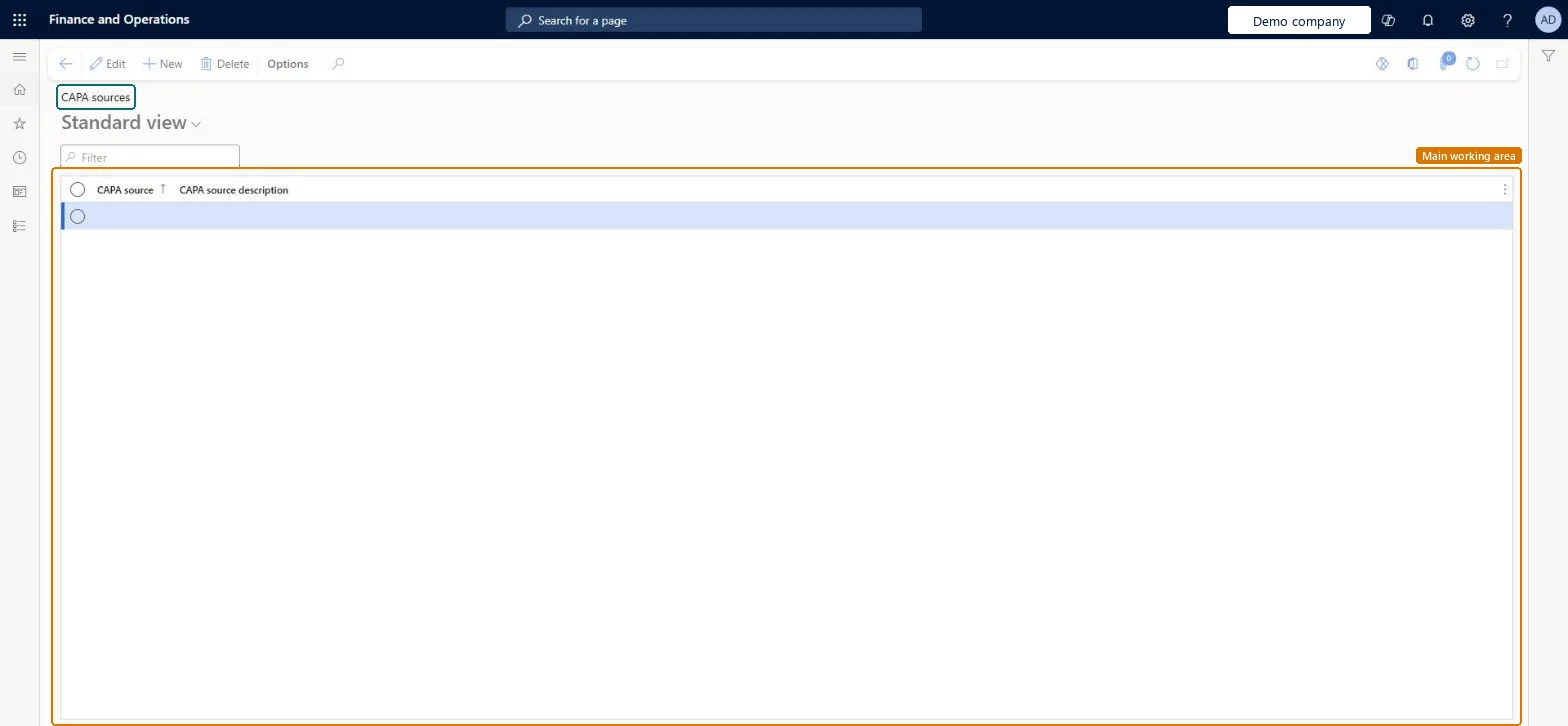
CAPA sources page in Dynamics 365
The page in Dynamics 365. page title tab to open what to set or check
Functional consultant · Solution architect

2Where it fits

End user · Functional consultant

3How to do it

About the examples: Examples and screenshots in this guide use BEAT, a demo company in a Dynamics 365 test environment. Use your own company's codes and values instead of copying them.

Step by step, with screenshots

Set up CAPA sources1 screen

Use this page to track where each CAPA case comes from.

  1. Screen 1

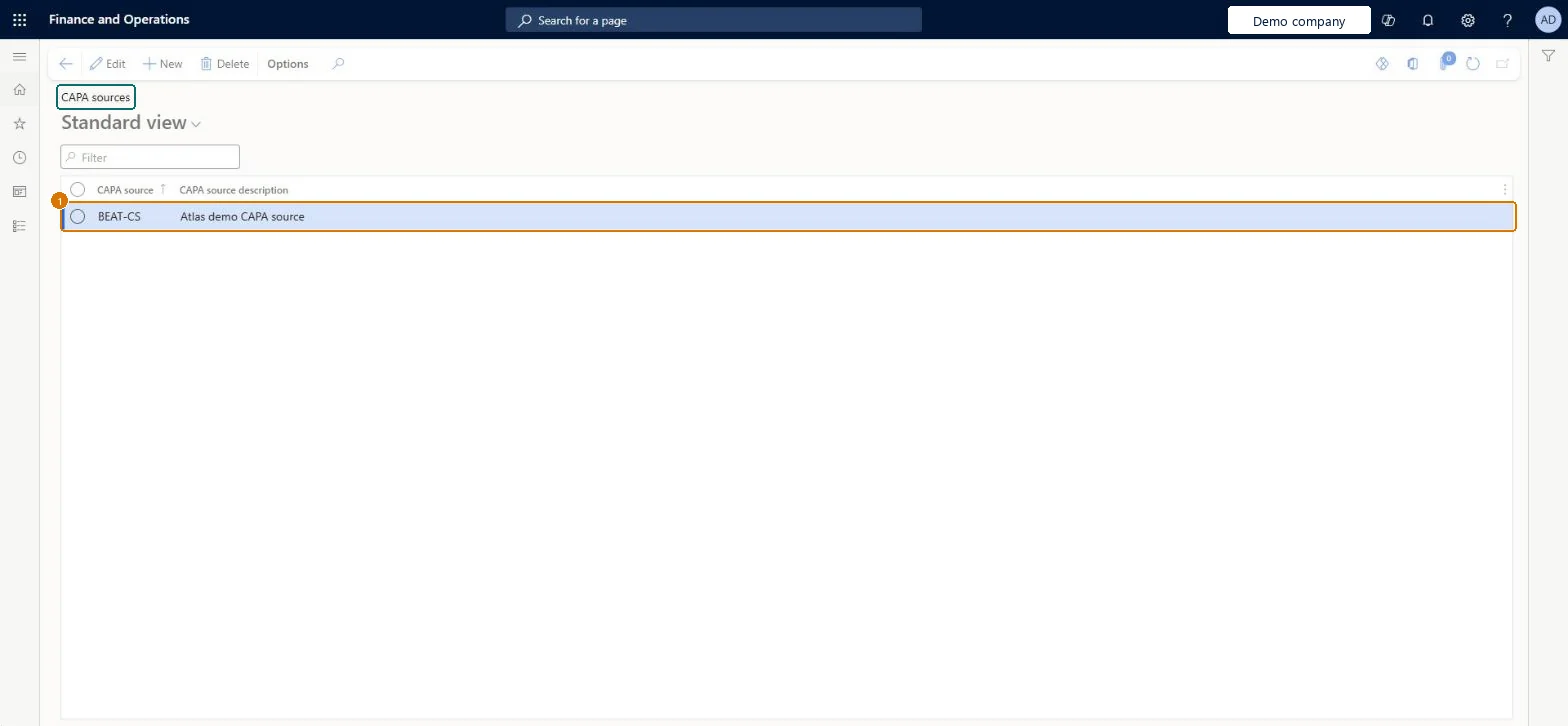
    Create a CAPA source

    Go to Inventory management > Setup > CAPA management > CAPA sources

    1. Select New
    2. Enter the source code and description
    3. Select Save
    1CAPA sourceBEAT-CS
    CAPA source descriptionCAPA source
    Create a CAPA source (zoomed on the outlined fields)
    Show the full screenCreate a CAPA source
    page title tab to open what to set or check

Steps from Microsoft

  1. Go to Inventory management > Setup > CAPA management > CAPA sources.
  2. Select New to add a CAPA source.
  3. Enter a name and a description.
  4. Save the record.

Source: Microsoft Learn

Fields on the page

FieldWhat it meansExampleTable column
CAPA sourceAUDITSourceCodeId
CAPA source descriptionCAPA sourceSourceDescription

Test checklist

  1. Create the sources.
  2. Create a CAPA case and select a source.
  3. Filter CAPA cases by source and check the case is listed.

Source: Microsoft Learn

Functional consultant

4Setup decisions

Setup stepRecommended value and whyDecision, common mistake and test
Set up CAPA sourcesSources such as Internal audit, External audit and Ad-hoc testingThese are the examples Learn gives for tracking where each CAPA case comes from.

Feature management and licence

Feature to turn onAdvanced quality management (Mandatory, on by default)

Microsoft Learn

Solution architect

5Design impact

Can it be undoneReversible: Sources can be added or deleted.
Technical architect

6Technical

Menu itemQMSCAPASourceCode Checked in Dynamics 365
FormQMSCAPASourceCode Checked in Dynamics 365
TableQMSCAPASourceCodeShown as “CAPA sources” in Record infoKey field: SourceCodeIdChecked in Dynamics 365
Data entitiesQMSCAPASourceEntityCAPA sources Checked in Dynamics 365
Who can open itPrivilegesMaintain CAPA sources QMSCAPASourceCodeMaintainView CAPA sources QMSCAPASourceCodeViewDutiesInquire into processes associated with CAPA cases QMSCAPAProcessDefinitionInquireMaintain processes associated with CAPA cases QMSCAPAProcessDefinitionMaintain
2 security rolesCAPA administrator QMSCAPAAdministratorCAPA updater QMSCAPAUpdater
Checked in Dynamics 365
Roles to set it up and use itTo set it up or change itCAPA updater QMSCAPAUpdaterCAPA administrator QMSCAPAAdministratorGive people one of these roles. On this system, 2 roles can open this page.Checked in Dynamics 365
Actions on the pageOptions: Personalize, Page options, ShareChecked in Dynamics 365
Developer

7Developer

Open it by URLhttps://<your-environment>/?mi=QMSCAPASourceCode
Integrate withQMSCAPASourceEntity data entity Checked in Dynamics 365
Everyone

8Sources

To cite this step: IM-CAPA-050, Set up CAPA sources. Beyond ERP Atlas Hub, 2026-11-11. https://www.beyonderp.cloud/atlas/step/IM-CAPA-050