About the examples: Examples and screenshots in this guide use BEAT, a demo company in a Dynamics 365 test environment. Use your own company's codes and values instead of copying them.
Step by step, with screenshots
Set up CAPA sources1 screen
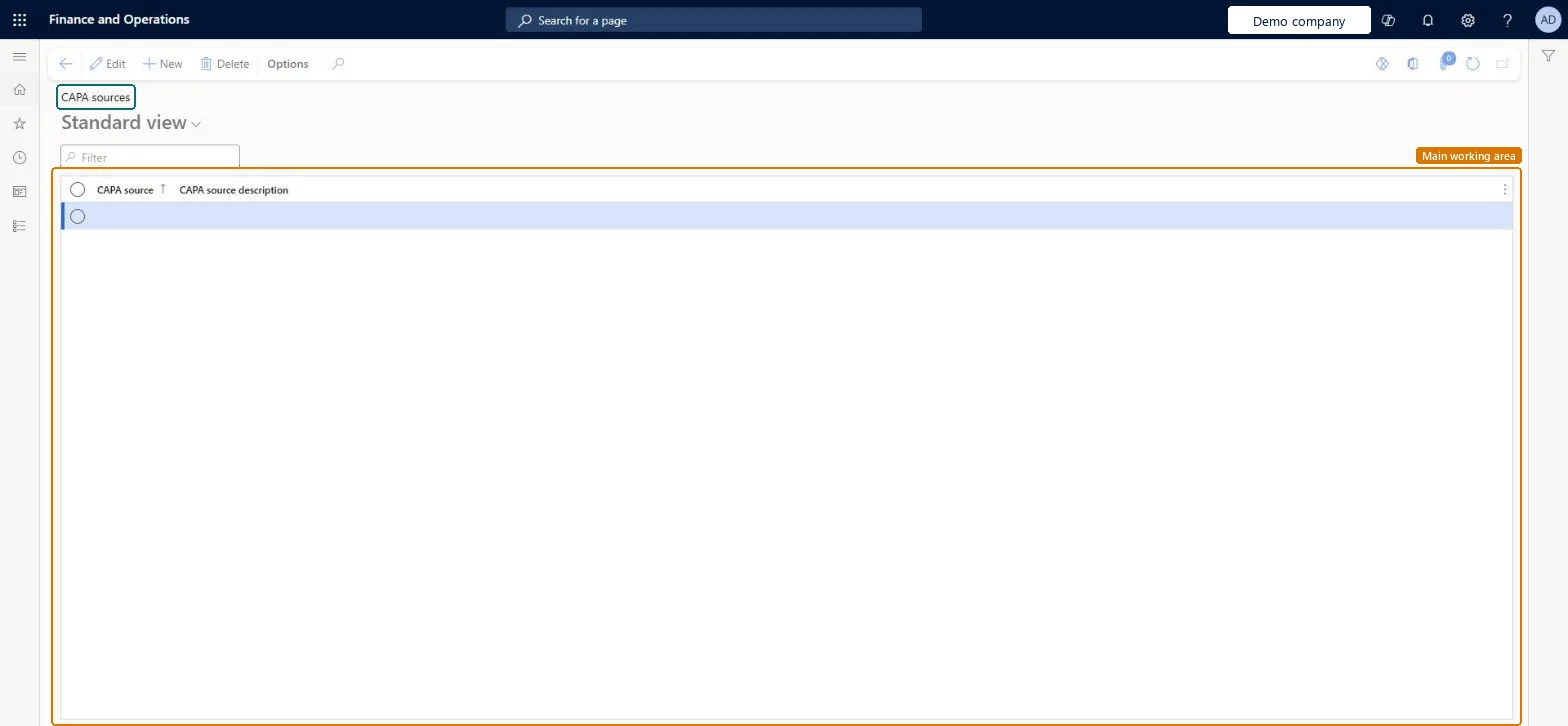
Use this page to track where each CAPA case comes from.
Screen 1
Create a CAPA source
Go to Inventory management > Setup > CAPA management > CAPA sources
Select New
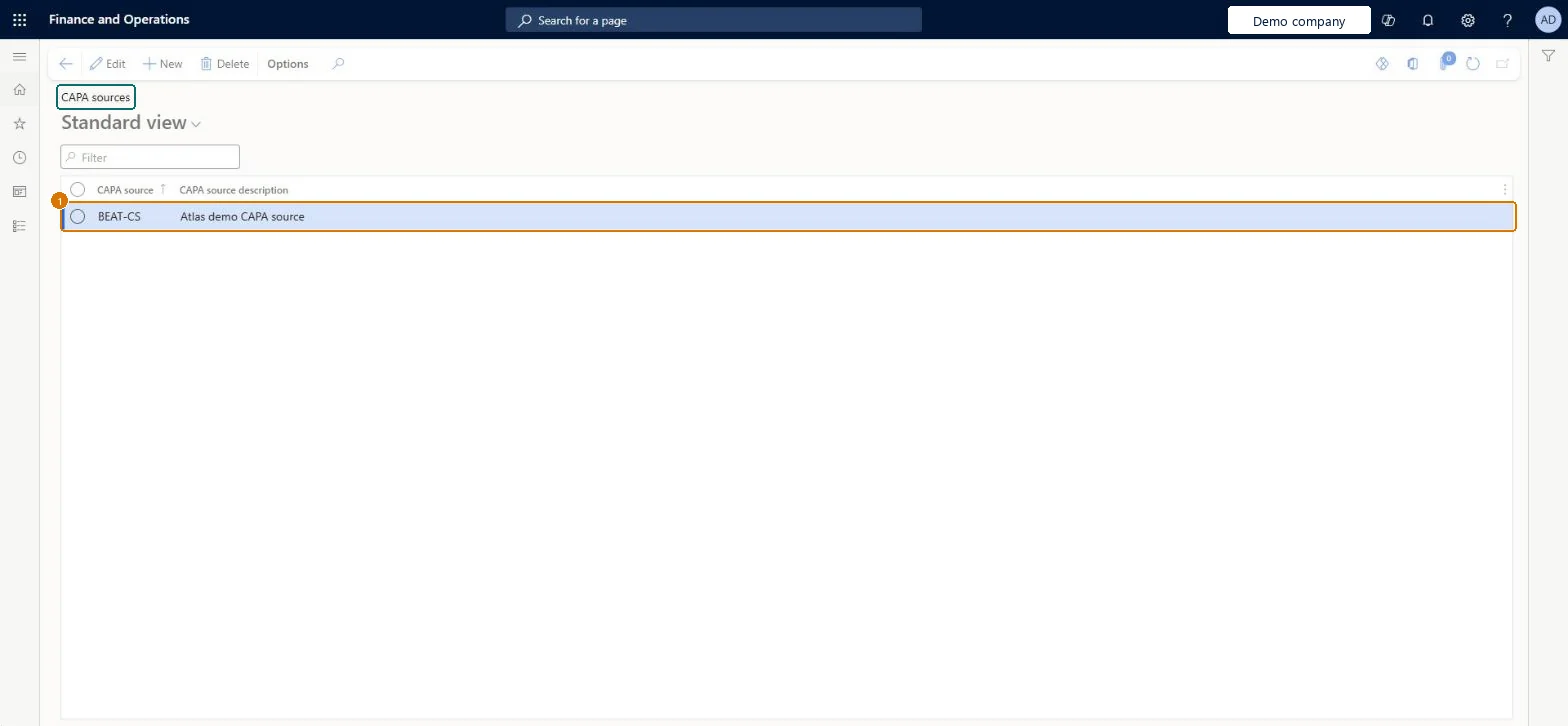
Enter the source code and description
Select Save
1CAPA source
BEAT-CS
CAPA source description
CAPA source
Show the full screen page title tab to open what to set or check
Steps from Microsoft
Go to Inventory management > Setup > CAPA management > CAPA sources.
Reversible: Sources can be created or deleted at any time. Microsoft Learn
Technical architect
6Technical
Menu item
QMSCAPASourceCodeChecked in Dynamics 365
Form
QMSCAPASourceCodeChecked in Dynamics 365
Table
QMSCAPASourceCodeShown as “CAPA sources” in Record infoKey field: SourceCodeIdChecked in Dynamics 365
Data entities
QMSCAPASourceEntityCAPA sources Checked in Dynamics 365
Who can open it
PrivilegesMaintain CAPA sources QMSCAPASourceCodeMaintainView CAPA sources QMSCAPASourceCodeViewDutiesInquire into processes associated with CAPA cases QMSCAPAProcessDefinitionInquireMaintain processes associated with CAPA cases QMSCAPAProcessDefinitionMaintain2 security rolesCAPA administrator QMSCAPAAdministratorCAPA updater QMSCAPAUpdaterChecked in Dynamics 365
Roles to set it up and use it
To set it up or change itCAPA updater QMSCAPAUpdaterCAPA administrator QMSCAPAAdministratorGive people one of these roles. On this system, 2 roles can open this page.Checked in Dynamics 365
Actions on the page
Options: Personalize, Page options, ShareChecked in Dynamics 365
Developer
7Developer
Open it by URL
https://<your-environment>/?mi=QMSCAPASourceCode
Integrate with
QMSCAPASourceEntity data entity Checked in Dynamics 365
Checked in a working Dynamics 365 system, version 10.0.49: the menu item, form, table and security, the page, the demo records and the values in the screenshots.