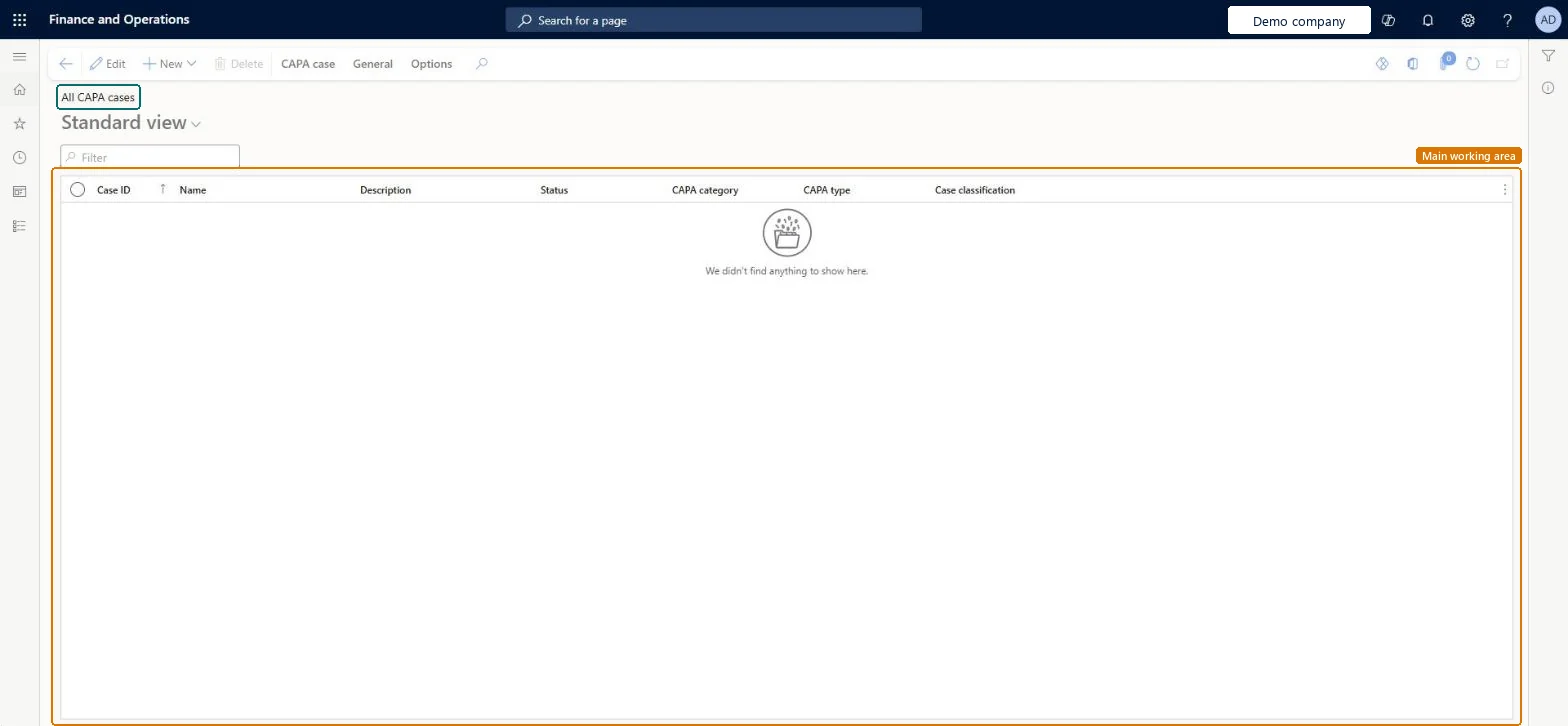
About the examples: Examples and screenshots in this guide use BEAT, a demo company in a Dynamics 365 test environment. Use your own company's codes and values instead of copying them.
When to run it
When to run it
When a nonconformity or defect needs corrective and preventive action that several people follow.
How often
On demand, for each new problem and when you review all open cases.
What the output shows
All CAPA cases in the system, whoever is responsible, with Status, Priority, category and stage. Use My CAPA cases instead for only your own cases.
PrivilegesMaintain CAPA cases QMSCAPACaseListPage_CasesMaintainView CAPA cases QMSCAPACaseListPage_CasesViewDelete CAPA cases QMSCAPACasesDeleteDutiesInquire into CAPA cases QMSCAPACaseCasesInquireMaintain cases for CAPA QMSCAPACaseCasesMaintain3 security rolesCAPA administrator QMSCAPAAdministratorCAPA updater QMSCAPAUpdaterCAPA viewer QMSCAPAViewerChecked in Dynamics 365
Roles to set it up and use it
To set it up or change itCAPA updater QMSCAPAUpdaterCAPA administrator QMSCAPAAdministratorTo use itCAPA viewer QMSCAPAViewerGive people one of these roles. On this system, 3 roles can open this page.Checked in Dynamics 365
Actions on the page
CAPA case: Maintain, Process, Service level agreement, Signature, PrintGeneral: Set up, Follow up, Related information, ActivitiesOptions: Personalize, Page options, ShareChecked in Dynamics 365