Compensation and benefits manager, Human resource manager, Payroll administrator and 1 more role
Business process
Develop people strategy
Menu item
HRMCompVarPlanType
Main table
HRMCompVarPlanType
Data entity
HcmVariableCompensationTypeEntity
Setup steps
1 on this page
Show what matters for
SETUP GUIDEHow to set it up8 sections. Choose a role to highlight what matters to you.
Everyone
1What it is and why
What it is
A setup page where you describe the kinds of variable compensation your organisation awards, such as cash bonuses or stock awards.
What you do here
Use this page to set up the required variable compensation types and specify whether each is paid in cash or in a non-monetary form such as stock.
Example
For example, BEAT sets up CASHBONUS as a cash type and RSU as a non-monetary stock type; the RSU plan then awards 200 units valued at 40 USD each, while the cash bonus plan awards a currency amount.
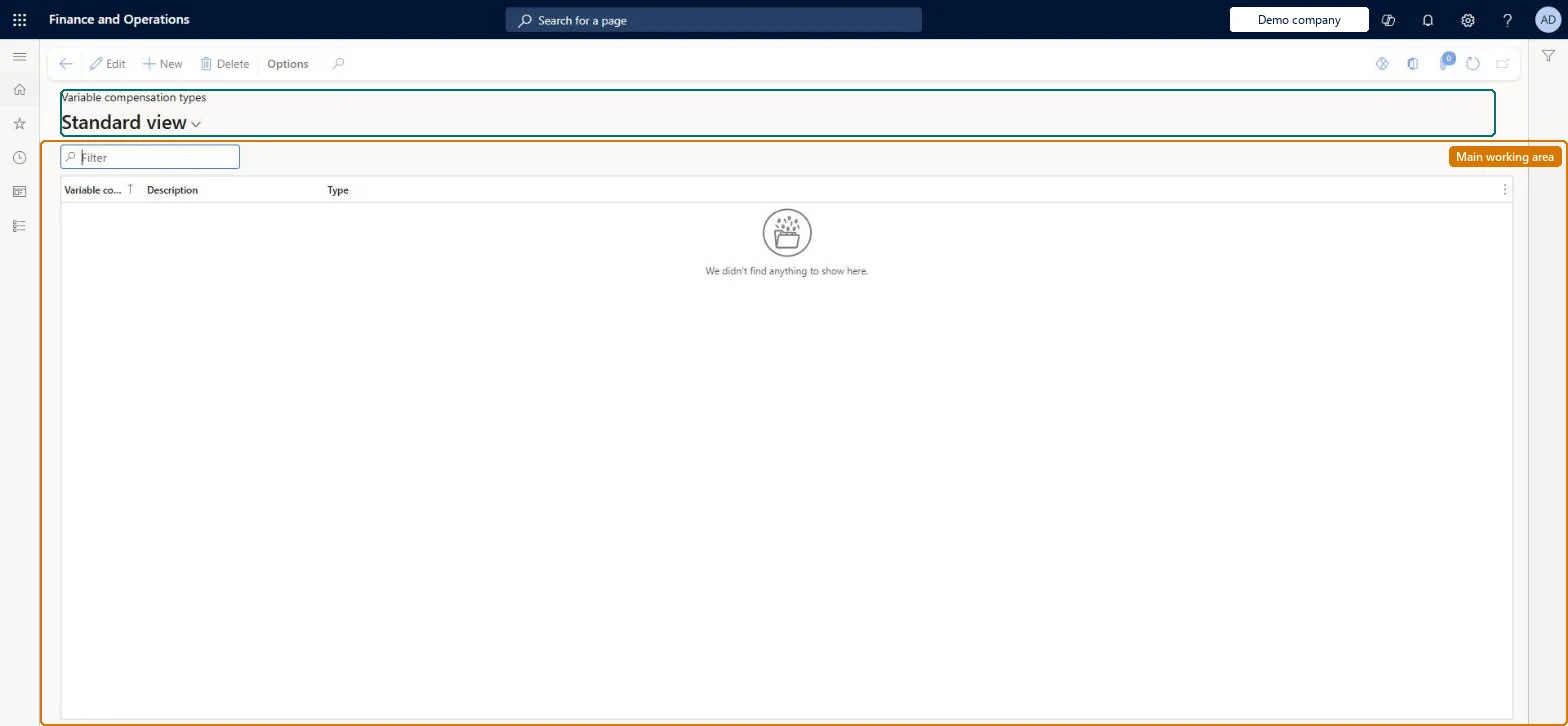
The page in Dynamics 365. page title tab to open what to set or check
About the examples: Examples and screenshots in this guide use BEAT, a demo company in a Dynamics 365 test environment. Use your own company's codes and values instead of copying them.
Setup steps on this page
Set up Variable compensation types
Use this page to set up the required variable compensation types and specify whether each is paid in cash or in a non-monetary form such as stock.
Steps from Microsoft
Go to Human resources > Compensation > Variable compensation > Variable compensation types.
Use the Filter box to find a type.
Select New and enter the Variable compensation type, its Description and Type.
Select Save; select Delete to remove a selected type.
Separate types for cash awards and for non-monetary awards such as stock.The type set on a variable compensation plan decides whether the award is calculated as a currency amount or as a number of units.
Compensation and benefits managers set up and run compensation; Human resource managers and payroll roles can view it. No Feature management feature is needed for this page.
Per company: variable compensation types belong to the legal entity you are signed in to. Data management lists the HcmVariableCompensationTypeEntity entity as not shared, so each company keeps its own. Checked in Dynamics 365
Can it be undone
Reversible: Types can be added at any time. Check the plans that use a type before changing whether it is cash or non-monetary.
If you change it later
The type chosen on a plan decides whether the award is calculated as a currency amount or as a number of units. Microsoft Learn
Technical architect
6Technical
Menu item
HRMCompVarPlanTypeChecked in Dynamics 365
Form
HRMCompVarPlanTypeChecked in Dynamics 365
Table
HRMCompVarPlanTypeShown as “COMPENSATION VARIABLE TYPE” in Record infoChecked in Dynamics 365
Data entities
HcmVariableCompensationTypeEntityCompensation variable type Checked in Dynamics 365
Who can open it
PrivilegesMaintain variable compensation types HRMCompVarPlanTypeMaintainView variable compensation types HRMCompVarPlanTypeViewDutiesInquire into compensation process HcmCompensationInquireEnable compensation process HcmCompensationProcessEnable4 security rolesCompensation and benefits manager HcmCompensationAndBenefitsManagerHuman resource manager HcmHumanResourceManagerPayroll administrator HcmPayrollAdministratorPayroll manager HcmPayrollManagerChecked in Dynamics 365
Roles to set it up and use it
To set it up or change itCompensation and benefits manager HcmCompensationAndBenefitsManagerTo use itHuman resource manager HcmHumanResourceManagerPayroll administrator HcmPayrollAdministratorPayroll manager HcmPayrollManagerGive people one of these roles. On this system, 4 roles can open this page.Checked in Dynamics 365
Developer
7Developer
Open it by URL
https://<your-environment>/?mi=HRMCompVarPlanType
Integrate with
HcmVariableCompensationTypeEntity data entity Checked in Dynamics 365
Data migration
HcmVariableCompensationTypeEntity Compensation variable type. Loaded for each company.Load order: Load with the Compensation management template, before the variable compensation plans that select the type.Microsoft Learn
Checked in a working Dynamics 365 system, version 10.0.49: the menu item, form, table and security, the page.
To cite this step: HR-COMP-080, Set up Variable compensation types. Beyond ERP Atlas Hub, 2026-11-11. https://www.beyonderp.cloud/atlas/step/HR-COMP-080