Use this page to maintain degrees so they can be recorded for people and used as search criteria in skill mapping, skill gap analysis and skill profiles.
Marketing manager, Compensation and benefits manager, Human resource assistant and 6 more roles
Business process
Develop people strategy
Menu item
HcmEducationLevel
Main table
HcmEducationLevel
Data entity
HcmEducationDegreeEntity
Setup steps
1 on this page
Show what matters for
SETUP GUIDEHow to set it up8 sections. Choose a role to highlight what matters to you.
Everyone
1What it is and why
What it is
A setup page that holds the list of educational degrees that workers, applicants or contacts might have earned.
What you do here
Use this page to maintain degrees so they can be recorded for people and used as search criteria in skill mapping, skill gap analysis and skill profiles.
Example
For example, BEAT keeps 5 degrees from Diploma to Doctorate, including Bachelor of Science and Master of Business Administration; the Senior accountant job asks for a Bachelor's degree and HR records each worker's highest degree on their education.
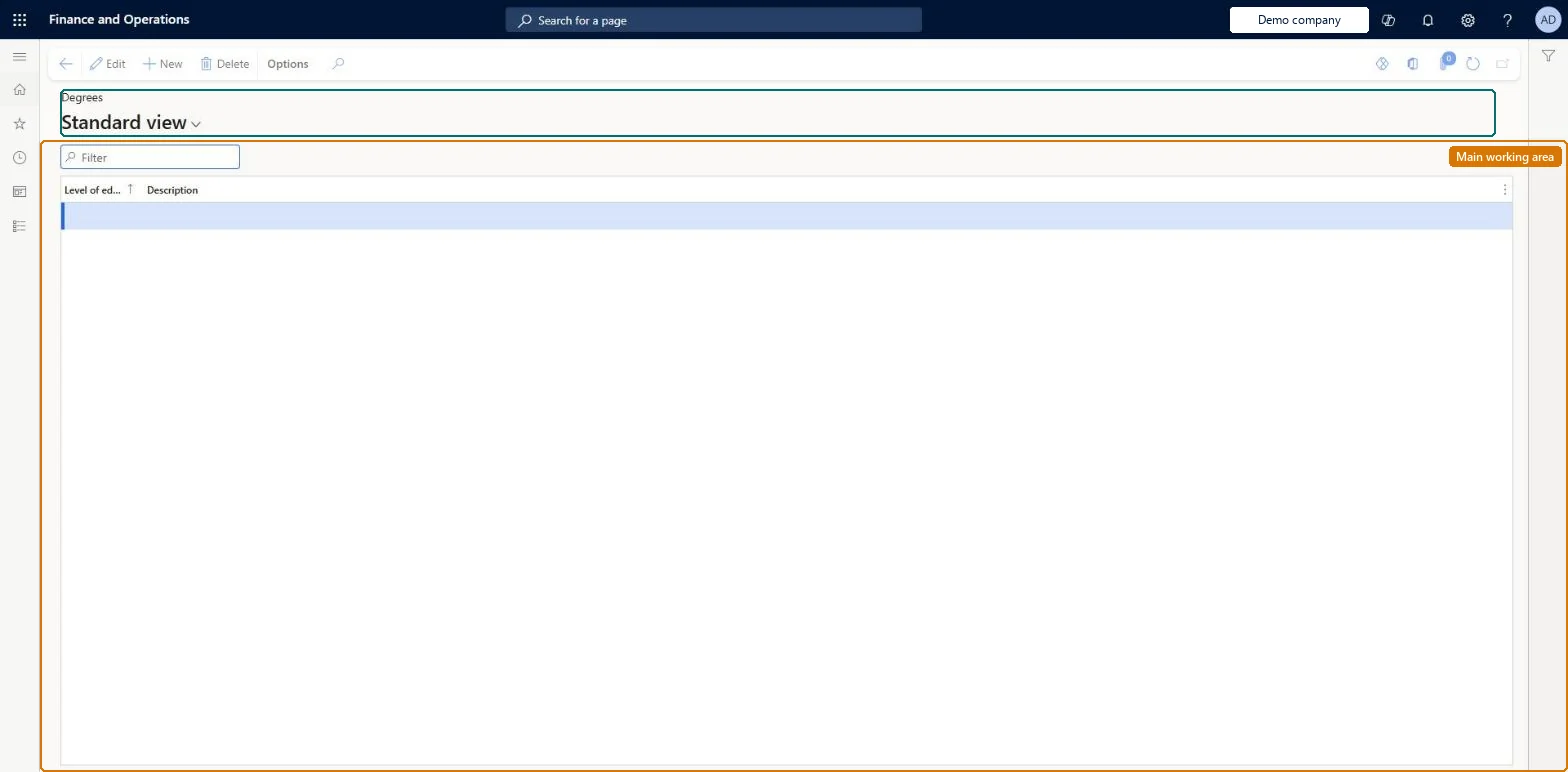
The page in Dynamics 365. page title tab to open what to set or check
About the examples: Examples and screenshots in this guide use BEAT, a demo company in a Dynamics 365 test environment. Use your own company's codes and values instead of copying them.
Setup steps on this page
Set up Degrees
Use this page to maintain degrees so they can be recorded for people and used as search criteria in skill mapping, skill gap analysis and skill profiles.
How to use it
Go to Human resources > Competencies > Setup > Degrees.
Use the Filter box to find a row.
Select New and enter the Level of education and its Description.
Review the Level of education and Description columns.
Select Edit to change a selected row, or Delete to remove it.
Source: Checked in Dynamics 365
Fields on the page
Field
What it means
Example
Level of education
The identifier of the degree.Checked in Dynamics 365
BSC
Description
The name of the degree.Checked in Dynamics 365
Bachelor of Science
Common errors and fixes
Message
What to do
The degree isn't offered on a person's education
Degrees are the education levels defined for the organization here. Create it, then select it on the education record. Microsoft Learn
Test checklist
Create the degree Bachelor of Science.
Add an education record to a worker with a discipline and that degree.
A short list of degrees or education levels, with the subject kept as the education discipline.A person's education record holds the degree (education level) and, separately, the required education discipline.
Shared: degrees are not per company. Data management lists the Education degree entity as shared. Checked in Dynamics 365
Can it be undone
Hard to reverse: Education records point to the degree.
If you change it later
A person's education record points to a degree (education level) defined here, so changing a degree changes it on every education record that uses it. Microsoft Learn
Technical architect
6Technical
Menu item
HcmEducationLevelChecked in Dynamics 365
Form
HcmEducationLevelChecked in Dynamics 365
Table
HcmEducationLevelShown as “LEVEL OF EDUCATION” in Record infoKey field: EducationLevelIdChecked in Dynamics 365
Data entities
HcmEducationDegreeEntityEducation degree Checked in Dynamics 365
Who can open it
PrivilegesMaintain education levels HcmEducationLevelMaintainView education levels HcmEducationLevelViewDutiesEnable workforce management process HcmWorkforceProcessEnableInquire into workforce management process HcmWorkforceProcessInquireEnable contact process smmContactProcessEnable9 security rolesMarketing manager CRMMarketingManagerCompensation and benefits manager HcmCompensationAndBenefitsManagerHuman resource assistant HcmHumanResourceAssistantHuman resource manager HcmHumanResourceManagerPayroll administrator HcmPayrollAdministratorPayroll manager HcmPayrollManagerRecruiter HcmRecruiterCustomer service manager TradeCustomerServiceManagerSales manager TradeSalesManagerChecked in Dynamics 365
Roles to set it up and use it
To set it up or change itHuman resource assistant HcmHumanResourceAssistantMarketing manager CRMMarketingManagerCustomer service manager TradeCustomerServiceManagerSales manager TradeSalesManagerTo use itHuman resource manager HcmHumanResourceManagerCompensation and benefits manager HcmCompensationAndBenefitsManagerRecruiter HcmRecruiterPayroll administrator HcmPayrollAdministratorPayroll manager HcmPayrollManagerGive people one of these roles. On this system, 9 roles can open this page.Checked in Dynamics 365
Developer
7Developer
Open it by URL
https://<your-environment>/?mi=HcmEducationLevel
Integrate with
HcmEducationDegreeEntity data entity Checked in Dynamics 365
Data migration
HcmEducationDegreeEntity Education degree. Shared by all companies.Load order: Load with the Employee development template before people's education (Education competency).Microsoft Learn