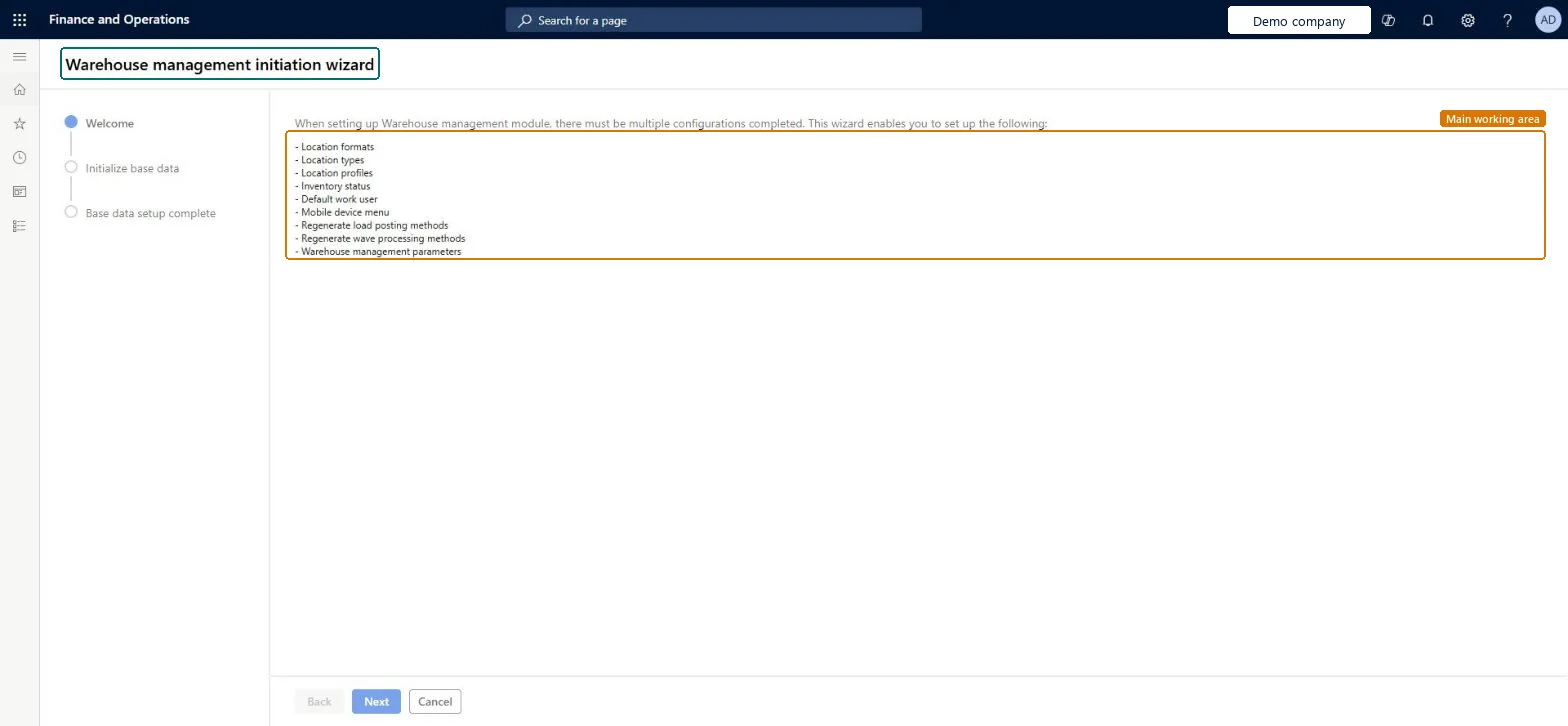
A wizard that sets up the basic settings the Warehouse management module needs, such as location types, location profiles, location formats, the default inventory status, the default work user and the mobile device menu.
PAGE GUIDEWhat the page does and how to use it8 sections. Choose a role to highlight what matters to you.
Everyone
1What it is and why
What it is
A wizard that sets up the basic settings the Warehouse management module needs, such as location types, location profiles, location formats, the default inventory status, the default work user and the mobile device menu.
What you do here
Use this wizard to configure the Warehouse management module from scratch in a new legal entity.
The page in Dynamics 365. page title tab to open what to set or check
About the examples: Examples and screenshots in this guide use BEAT, a demo company in a Dynamics 365 test environment. Use your own company's codes and values instead of copying them.
Setup steps on this page
Set up Warehouse management initiation wizard
Use this wizard to configure the Warehouse management module from scratch in a new legal entity.
Steps from Microsoft
Go to Warehouse management > Setup > Wizards > Warehouse management initiation wizard.
On the Welcome page, read the summary and select Next.
On the Initialize base data page, enter the names for the location types and location profiles, the location format, the default inventory status ID, the default work user ID and password, and the mobile device menu.
Select Next.
On the Base data setup complete page, review the summary and select Finish.
The name of the staging location type and location profile. The staging location type is also identified on the Warehouse management parameters page.Microsoft Learn
Create one generic format instead of each profile
No creates a separate location format for each location profile. Yes creates one format for all the profiles.Microsoft Learn
Location format
The name of the shared location format, used when one generic format is created.Microsoft Learn
The name of the default work user, which is used for automated work transactions.Microsoft Learn
Mobile device menu
The name of the mobile device menu that the wizard creates.Microsoft Learn
Test checklist
Link your user to a person record in System administration > Users.
Run the wizard and review the Base data setup complete summary before Finish.
Check Warehouse management parameters show the staging, packing, final shipping and sorting location types, default inventory status and default work user ID.
Check the new location profiles, mobile device menu and the worker record with the default work user exist.
Run once per new legal entity, at the point the default Warehouse implementation tasks list says, after linking your user to a person recordLearn says to use the wizard for new legal entities configured from scratch and to run it when the default task list instructs. Your user must be linked to a person record, because the wizard adds that person as a warehouse worker with the default work user.
Running it on a legal entity that is already configured. It sets location types, user location profile, default work user and default inventory status in Warehouse management parameters, and regenerates wave processing and load posting methods.
Solution architect
5Design impact
Can it be undone
Hard to reverse: Everything the wizard creates (location types, profiles, formats, inventory status, work user, mobile device menu) and the parameter values it sets can be changed afterwards, but only page by page. Microsoft Learn
Technical architect
6Technical
Menu item
WHSManagementInitiationWizardChecked in Dynamics 365
Form
WHSManagementInitiationWizardChecked in Dynamics 365
Roles to set it up and use it
To set it up or change itWarehouse manager WMSWarehouseManagerProcess engineer RouteProcessEngineerGive people one of these roles. On this system, 2 roles can open this page.Checked in Dynamics 365