PAGE GUIDEWhat the page does and how to use it7 sections. Choose a role to highlight what matters to you.
Everyone
1What it is and why
What it is
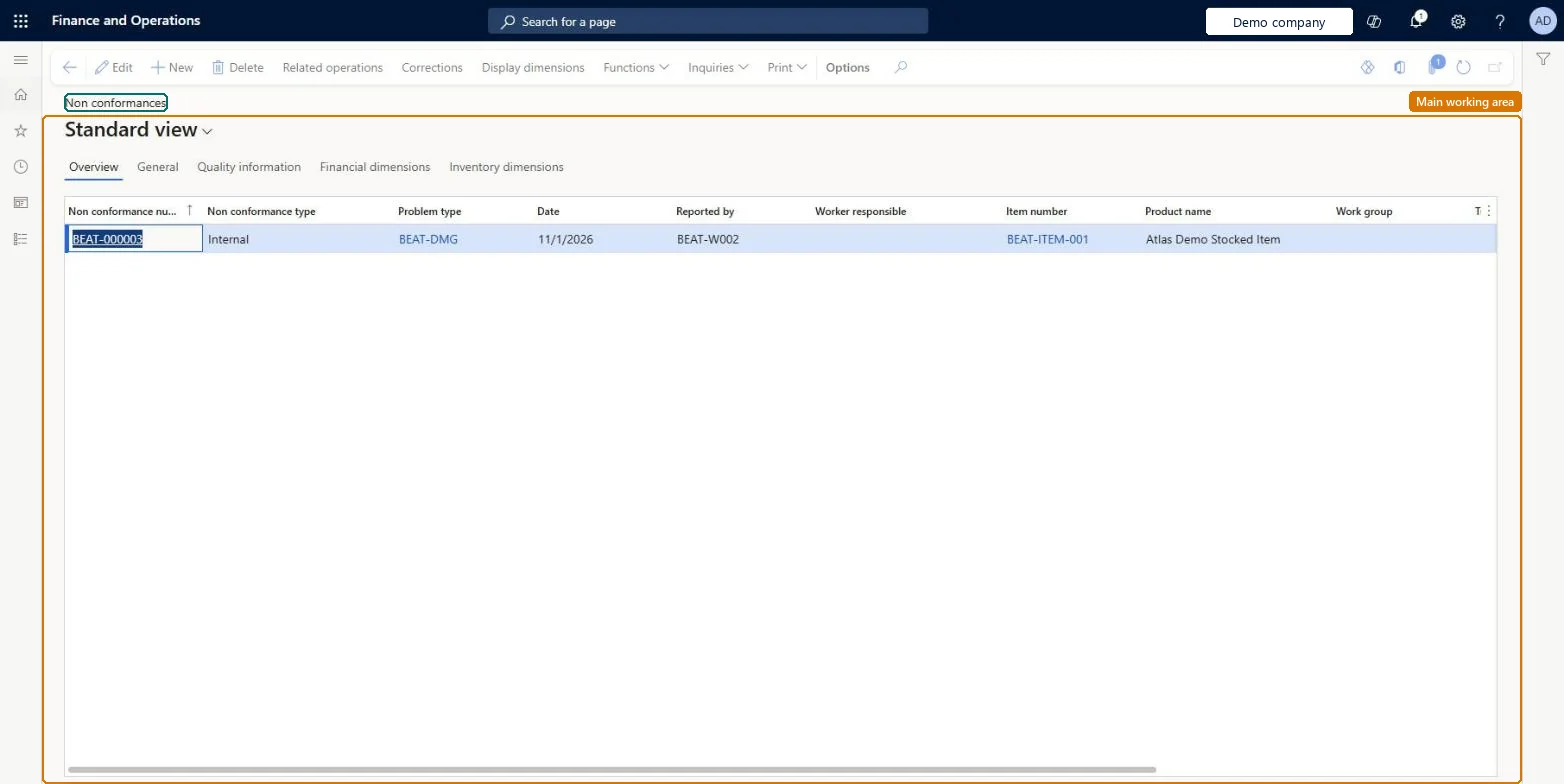
A list page where you create and manage nonconformances, which record items that have a quality problem.
What you do here
Use this page to log quality problems, approve or refuse them, and then add the operations and corrections needed to resolve them.
Example
For example, a nonconformance of the Vendor type can record a problem found when a purchase order is received, or a vendor's concern about a part it supplies.
The page in Dynamics 365. page title tab to open what to set or check
About the examples: Examples and screenshots in this guide use BEAT, a demo company in a Dynamics 365 test environment. Use your own company's codes and values instead of copying them.
When to run it
When to run it
When an inspection or a customer complaint shows an item with a quality problem.
How often
On demand, for each quality problem found.
What the output shows
Nonconformance records with Problem type and Approval status, and for approved ones the related operations and corrections. A record still New is a request for action that nobody has approved or refused.
Partly: Approval status can be changed, but operations can only be added or changed while the nonconformance is approved. Microsoft Learn
If you change it later
Operations can be added or changed only while a nonconformance is approved. Microsoft Learn
Technical architect
5Technical
Menu item
InventNonConformanceTable
Roles to set it up and use it
To set it up or change itQuality control clerk InventQualityControlClerkTo use itQuality control manager InventQualityControlManagerWarehouse manager WMSWarehouseManagerMaterials manager InventMaterialsManagerProduction supervisor ProdProductionSupervisorShipping clerk InventShippingClerkGive people one of these roles. On this system, 11 roles can open this page.Checked in Dynamics 365