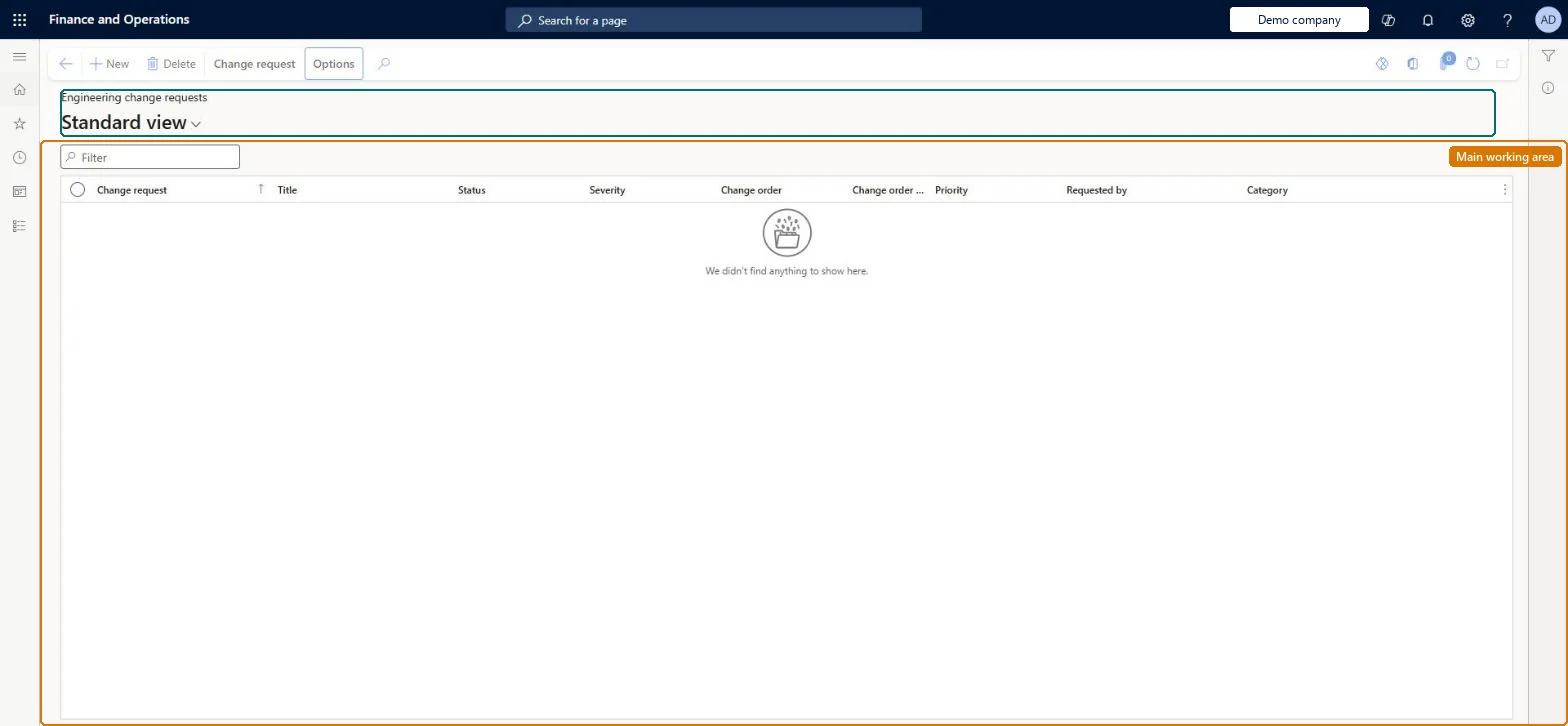
A page where anyone in the company records a request to change an engineering product, which is then reviewed and approved by workflow before an engineer follows it up with an engineering change order.
PAGE GUIDEWhat the page does and how to use it7 sections. Choose a role to highlight what matters to you.
Everyone
1What it is and why
What it is
A page where anyone in the company records a request to change an engineering product, which is then reviewed and approved by workflow before an engineer follows it up with an engineering change order.
What you do here
Use this page to capture ideas, issues and improvement suggestions for products, attach supporting notes and files, list the affected products, assess the business impact on open transactions, and approve the request.
Example
For example, a sales clerk on the phone with a customer records the customer's requested BOM change as a change request directly from the sales order line.
The page in Dynamics 365. page title tab to open what to set or check
About the examples: Examples and screenshots in this guide use BEAT, a demo company in a Dynamics 365 test environment. Use your own company's codes and values instead of copying them.
Steps from Microsoft
Go to Engineering change management > Common > Engineering change management > Engineering change requests.
On the Action Pane, select New.
On the General FastTab, enter the Change request name and Title, and select Priority, Category and Severity.
On the Information FastTab, select New and add a File, Image, Note or URL describing the change.
On the Products FastTab, add the products the request affects, then select Save.
On the Change request tab, in the Business impact group, select Search to review affected open transactions.
On the Change request tab, in the Change status group, select Approve (or submit to workflow).
In the Engineering change order group, select Copy link and products to follow up with a change order.
Created, Approved or Followed up, depending on where the request is in the process.Microsoft Learn
Status
Change order
The number of the change order that followed up the request, if any.Microsoft Learn
EngineeringChangeOrderNumber
Solution architect
4Design impact
If you change it later
Approving a request lets it be followed up by a change order; several requests can be combined into one order, but one request can never spawn more than one change order. Microsoft Learn
Technical architect
5Technical
Menu item
EngChgEcmRequestListPageChecked in Dynamics 365
Form
EngChgEcmRequestListPageChecked in Dynamics 365
Table
EngChgEcmRequestShown as “ENGINEERING CHANGE REQUESTS” in Record infoKey field: RequestIdChecked in Dynamics 365
Data entities
EngChgEngineeringChangeRequestHeaderEntityEngineering change request headers Checked in Dynamics 365
To set it up or change itProduct engineering manager EngChgProductEngineeringManagerEngineering change request clerk EngChgEngineeringChangeRequestClerkTo use itProduct engineer EngChgProductEngineerGive people one of these roles. On this system, 3 roles can open this page.Checked in Dynamics 365