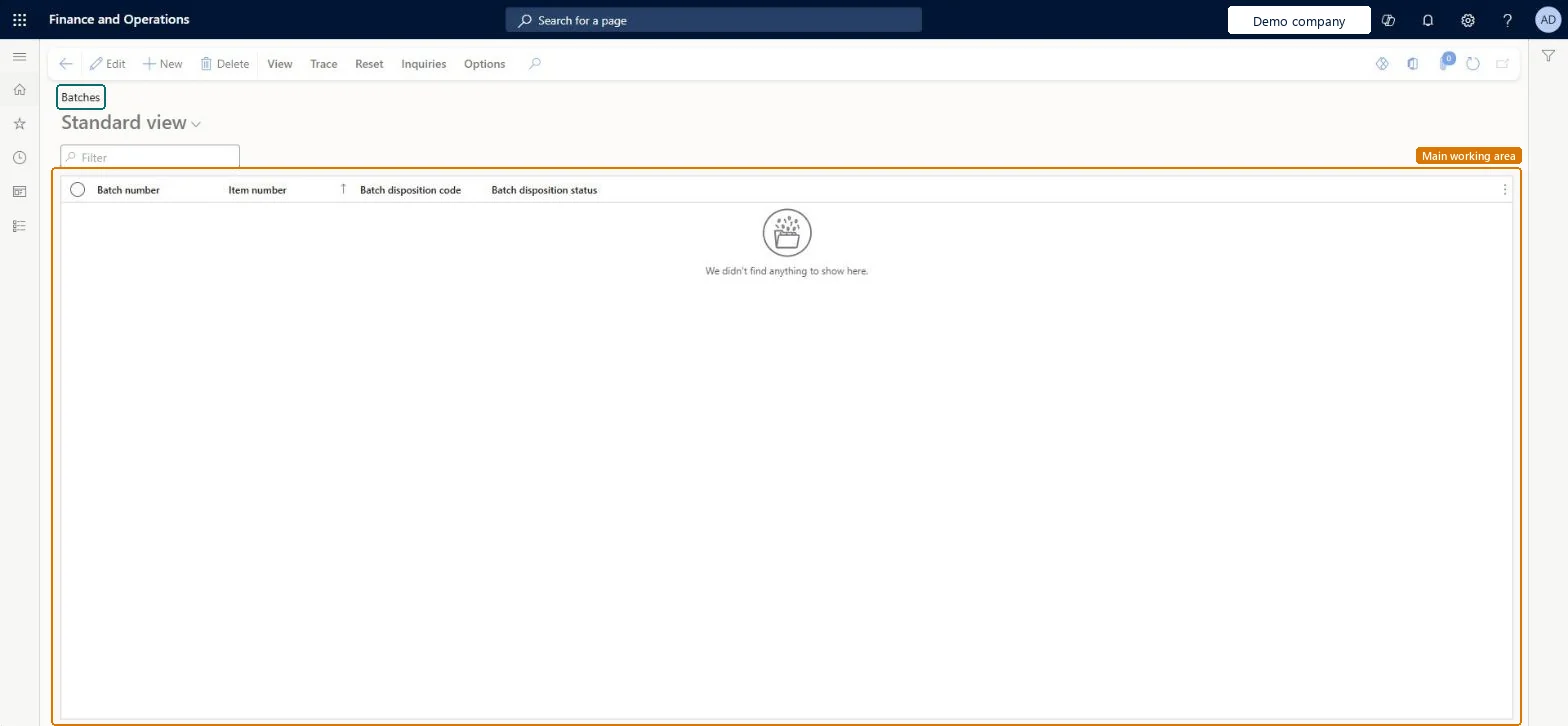
About the examples: Examples and screenshots in this guide use BEAT, a demo company in a Dynamics 365 test environment. Use your own company's codes and values instead of copying them.
Setup steps on this page
Set up Batches
Use this page to review inventory batches and to assign a batch disposition code that marks a batch as available or unavailable.
Steps from Microsoft
Open the Batches page.
Select one or more batches.
On the Action Pane, on the Reset tab, select Reset batch disposition code.
In the New batch disposition code field, select the code to assign.
Two batch disposition codes (one Available, one Unavailable) assigned to batches with Reset batch disposition codeLearn notes you often need just these two codes; an Unavailable code blocks planning, reservation, picking and shipping for the batch.
Expecting disposition codes to stop reservation for WMS items with batch below location in a warehouse that doesn't use warehouse management processes. They're enforced there only when Batch reservation policy for non advanced warehouses is Advanced.
Reversible: A batch's disposition code can be reset at any time; it affects planning, reservation, picking and shipping from then on.
If you change it later
A batch with an Unavailable disposition code can't be used for master planning, reservation, picking or shipping, unless the code allows exceptions. Microsoft Learn
Technical architect
6Technical
Menu item
InventBatchChecked in Dynamics 365
Form
InventBatchChecked in Dynamics 365
Table
InventBatchShown as “Batches” in Record infoKey field: inventBatchId, itemIdChecked in Dynamics 365
PrivilegesMaintain item batches InventBatchMaintainView item batches InventBatchViewDutiesInquire into tracking dimensions master InventTrackingDimensionsMasterInquireMaintain tracking dimensions master InventTrackingDimensionsMasterMaintain8 security rolesQuality control clerk InventQualityControlClerkQuality control manager InventQualityControlManagerReceiving clerk InventReceivingClerkShipping clerk InventShippingClerkPurchasing manager TradePurchasingManagerSales manager TradeSalesManagerWarehouse manager WMSWarehouseManagerWarehouse worker WMSWarehouseWorkerChecked in Dynamics 365
Roles to set it up and use it
To set it up or change itQuality control clerk InventQualityControlClerkSales manager TradeSalesManagerPurchasing manager TradePurchasingManagerWarehouse worker WMSWarehouseWorkerShipping clerk InventShippingClerkTo use itQuality control manager InventQualityControlManagerWarehouse manager WMSWarehouseManagerGive people one of these roles. On this system, 8 roles can open this page.Checked in Dynamics 365