About the examples: Examples and screenshots in this guide use BEAT, a demo company in a Dynamics 365 test environment. Use your own company's codes and values instead of copying them.
Setup steps on this page
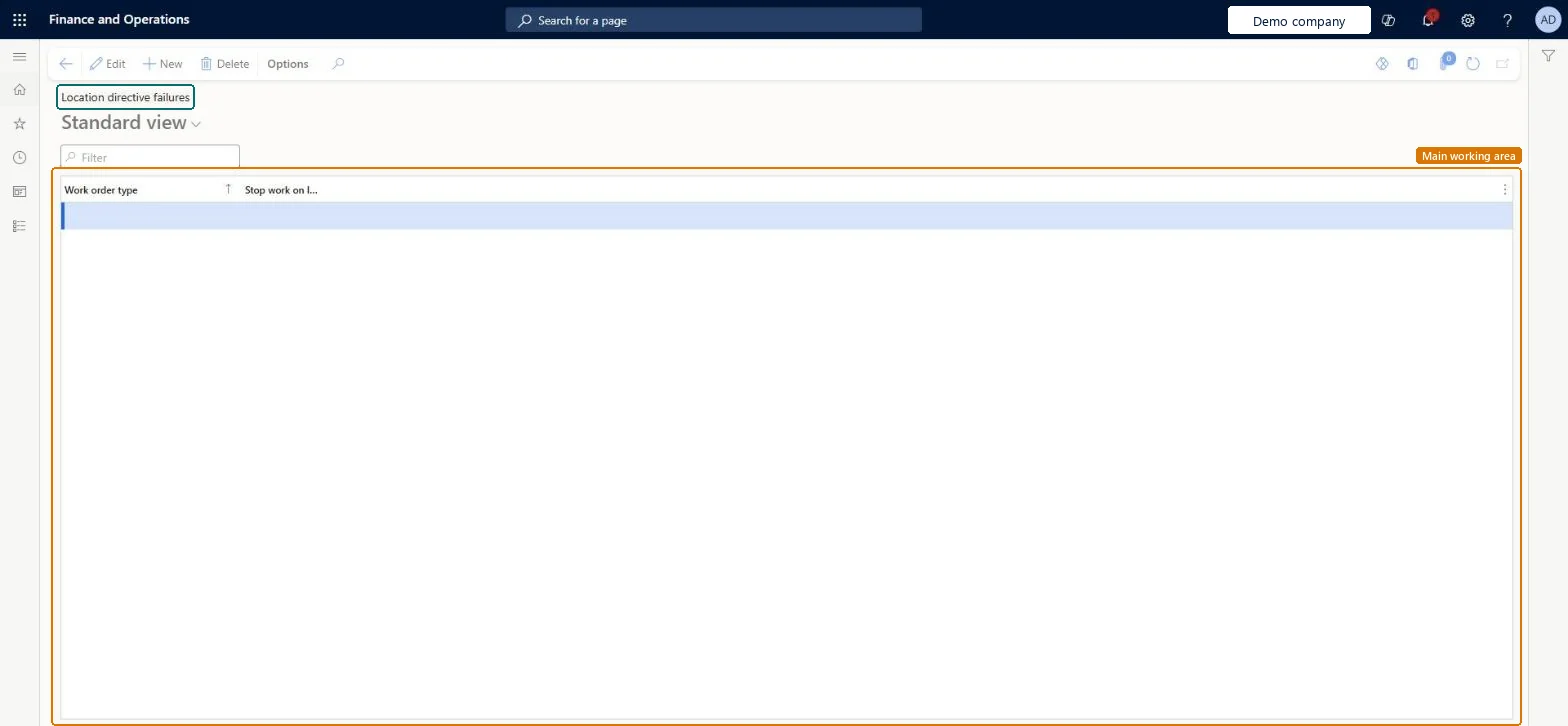
Set up Location directive failures
Use this page to control whether work is still created or the work creation process fails when a location directive finds no location.
How to use it
Go to Warehouse management > Setup > Work > Location directive failures.
Select New to add a row for a work order type.
Choose the work order type.
Set the Stop work on location directive failure option for that work order type.
Select Edit to change an existing row.
Source: Checked in Dynamics 365
Test checklist
Select Stop work on location directive failure for Purchase orders.
Receive a purchase line for an item where no put directive action can find a location.
Check work creation fails instead of creating put work.
Clear the option, repeat, and check put work is created without a put location.
Not deciding per work order type. If no directive action finds a location and Stop work on location directive failure is off, work can be created without a location; with it on, work creation fails.
Reversible: The option can be changed per work order type at any time and affects the next work creation.
Technical architect
6Technical
Menu item
WHSLocDirFailureChecked in Dynamics 365
Form
WHSLocDirFailureChecked in Dynamics 365
Table
WHSLocDirFailureShown as “LOCATION DIRECTIVES FAILURE PARAMETER” in Record infoChecked in Dynamics 365
Data entities
WHSWarehouseLocationDirectiveFailureEntityWarehouse location directive failures Microsoft data model
Who can open it
PrivilegesMaintain location directive failures WHSLocDirFailureMaintainView location directive failures WHSLocDirFailureViewDutiesInquire into warehouse operation master WMSWarehouseOperationMasterInquireMaintain warehouse operation master WMSWarehouseOperationMasterMaintain6 security rolesField Service Integration User FieldServiceIntegrationUserProduction supervisor ProdProductionSupervisorProcess engineer RouteProcessEngineerProcess engineering manager RouteProcessEngineeringManagerWarehouse planner WHSWarehousePlannerWarehouse manager WMSWarehouseManagerChecked in Dynamics 365
Roles to set it up and use it
To set it up or change itWarehouse manager WMSWarehouseManagerProcess engineer RouteProcessEngineerTo use itWarehouse planner WHSWarehousePlannerProduction supervisor ProdProductionSupervisorProcess engineering manager RouteProcessEngineeringManagerField Service Integration User FieldServiceIntegrationUserGive people one of these roles. On this system, 6 roles can open this page.Checked in Dynamics 365
WHSWarehouseLocationDirectiveFailureEntity (Warehouse location directive failures): loaded for each company, in Microsoft's default template 400 - Warehouse management.Load order: Microsoft's default template 400 - Warehouse management loads Warehouse location directive failures at execution unit 1, level 30, sequence 10. Lower levels load first, and entities at the same level load in sequence order.Load first: the default templates at lower levels (System setup to General ledger)Microsoft Learn
Checked in a working Dynamics 365 system, version 10.0.49: the menu item, form, table and security, the page.
To cite this step: WM-WORK-060, Set up Location directive failures. Beyond ERP Atlas Hub, 2026-11-11. https://www.beyonderp.cloud/atlas/step/WM-WORK-060