SETUP GUIDEHow to set it up8 sections. Choose a role to highlight what matters to you.
Everyone
1What it is and why
What it is
A setup page where you create the pay types that pay agreements use to calculate different kinds of pay, with rates for date intervals and, if needed, individual worker rates.
What you do here
Use this page to set up pay types and their rates, or pay types that count a balance, such as vacation days, instead of pay.
Example
For example, you create a pay type that is not included in the export and use it to count each worker's earned vacation days.
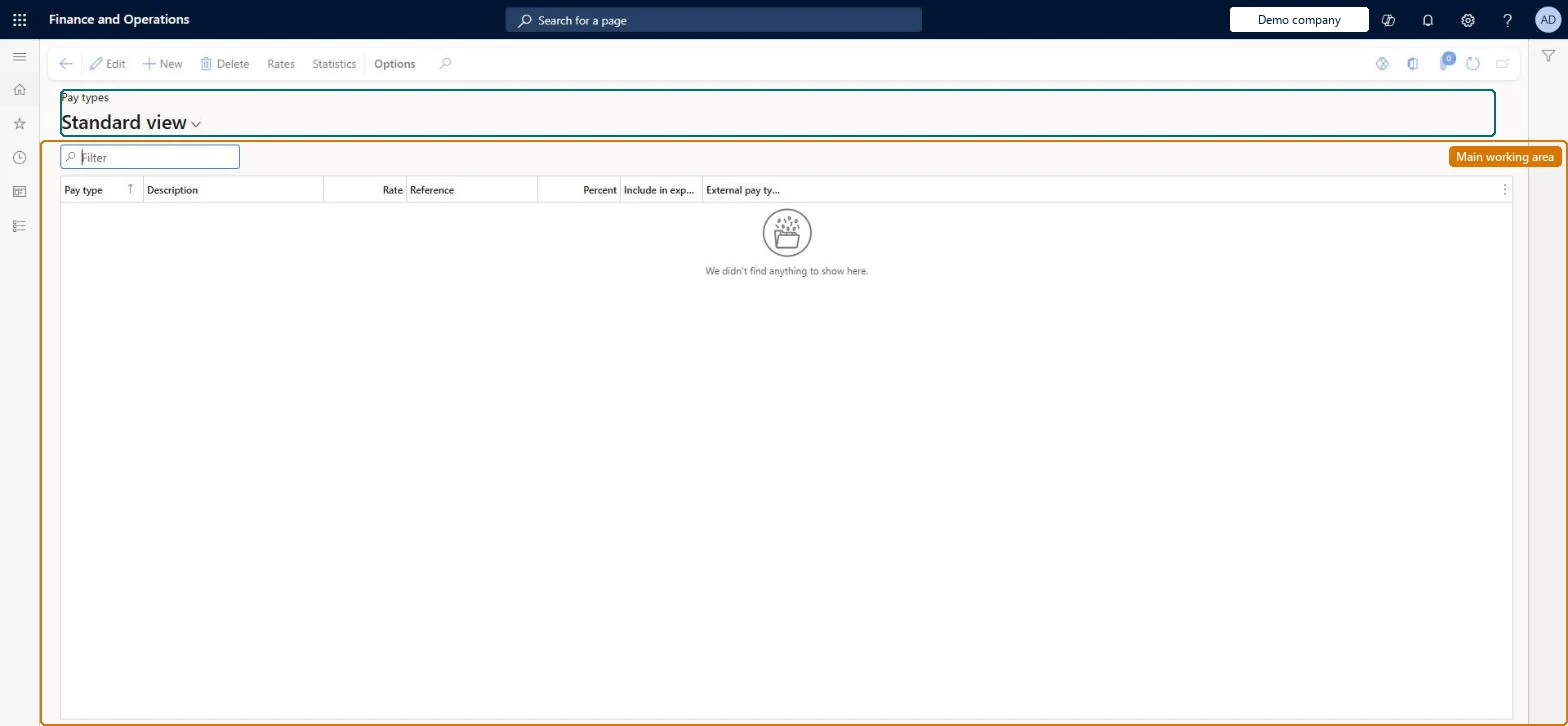
The page in Dynamics 365. page title tab to open what to set or check
About the examples: Examples and screenshots in this guide use BEAT, a demo company in a Dynamics 365 test environment. Use your own company's codes and values instead of copying them.
Setup steps on this page
Set up Pay types
Use this page to set up pay types and their rates, or pay types that count a balance, such as vacation days, instead of pay.
Steps from Microsoft
Go to Time and attendance > Setup > Payroll > Pay types.
Select New.
Enter a value in the Pay type field and a description.
Pay types for each kind of pay used in agreements; rates only where Time and attendance must value pay (for example job cost), and Include in export = No for counter pay types such as vacation balancesLearn notes rates are not always needed because the payroll system may hold them, and uses a pay type with Include in export = No to count a vacation balance instead of pay.
Time and attendance roles come from the security read in the Technical section. On this system the page is opened with roles such as Payroll administrator. The Microsoft Learn article for this page names no Feature management feature to turn on.
PrivilegesMaintain pay types JmgPayTableMaintainView pay types JmgPayTableViewDutiesMaintain pay agreement master JmgPayAgreementMasterMaintainInquire into time and attendance payroll policies JmgTimeAttandancePayrollPoliciesInquireMaintain time and attendance payroll adjustments JmgTimeAttendancePayrollAjustMaintainMaintain time and attendance payroll JmgTimeAttendancePayrollMaintainEnable time and attendance payroll process JmgTimeAttendancePayrollProcessEnableInquire into time and attendance payroll reference data JmgTimeAttendancePayrollRefDataInquire1 security rolePayroll administrator HcmPayrollAdministratorChecked in Dynamics 365
Roles to set it up and use it
To set it up or change itPayroll administrator HcmPayrollAdministratorGive people one of these roles. On this system, 1 role can open this page.Checked in Dynamics 365
Actions on the page
(Action Pane without tabs): Rates, StatisticsChecked in Dynamics 365
JmgPayTypeEntity (Pay types): loaded for each company, in Microsoft's default template 410 - Production control.Load order: Microsoft's default template 410 - Production control loads Pay types at execution unit 1, level 30, sequence 10. Lower levels load first, and entities at the same level load in sequence order.Load first: the default templates at lower levels (System setup to General ledger)Microsoft Learn