Human resource manager, Payroll administrator, Production manager
Business process
Manage time and attendance
Menu item
JmgSpecialDayTable
Main table
JmgSpecialDayTable
Data entity
JmgPayAgreementExceptionEntity
Setup steps
1 on this page
Show what matters for
SETUP GUIDEHow to set it up8 sections. Choose a role to highlight what matters to you.
Everyone
1What it is and why
What it is
A setup page where you define special days, such as holidays, that are exceptions to the usual rules for pay and for attendance and absence registrations.
What you do here
Use this page to give special days their own pay handling in pay agreements and a default absence code for workers who do not register on that day.
Example
For example, you set up a special day with Special pay selected so that a fixed bonus, not linked to hours worked, is paid on that day.
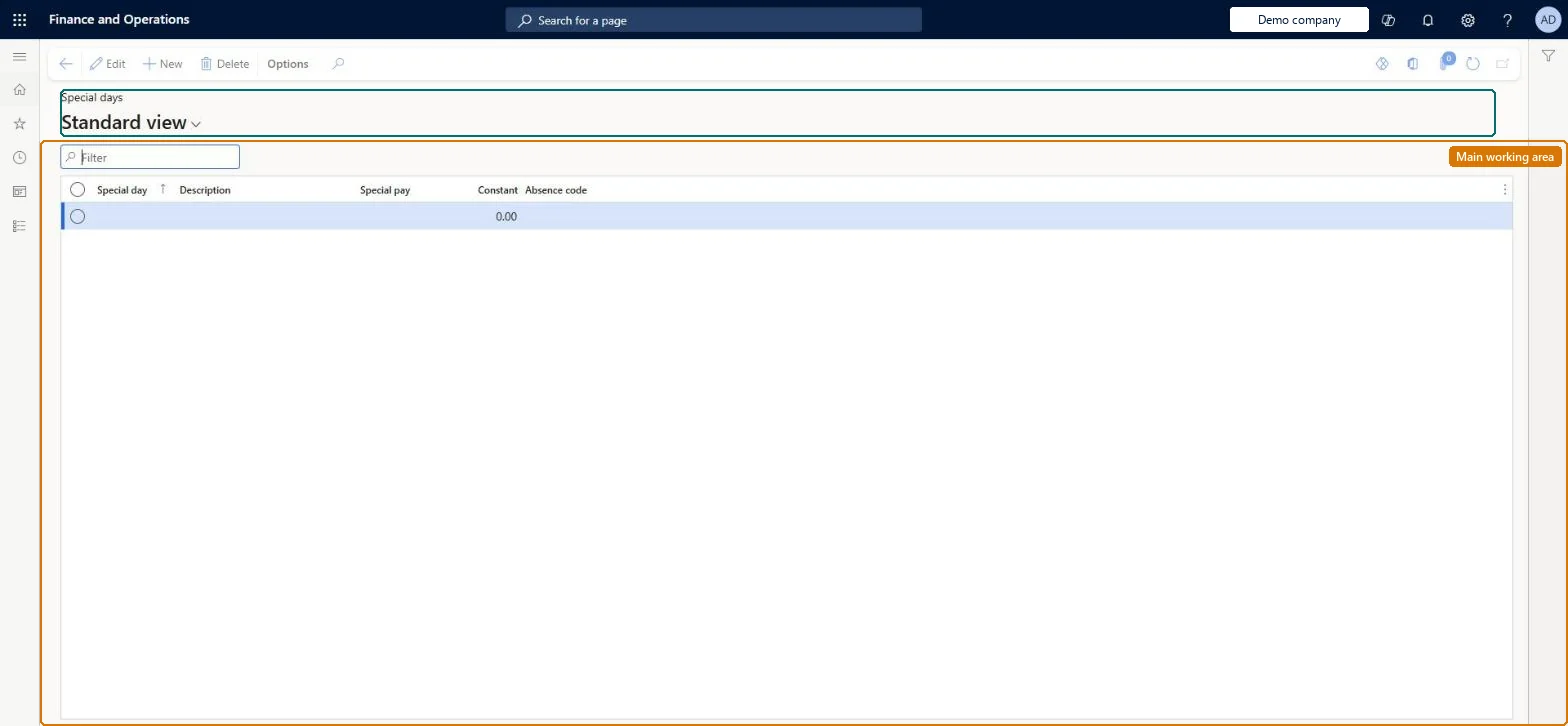
The page in Dynamics 365. page title tab to open what to set or check
About the examples: Examples and screenshots in this guide use BEAT, a demo company in a Dynamics 365 test environment. Use your own company's codes and values instead of copying them.
Setup steps on this page
Set up Special days
Use this page to give special days their own pay handling in pay agreements and a default absence code for workers who do not register on that day.
Steps from Microsoft
Go to Time and attendance > Setup > Time profiles > Special days.
Select New.
Enter a name in the Special day field and a description.
Select Special pay to use the day in pay agreements.
In the Constant field, enter the value to use instead of the calculated pay time.
In the Absence code field, select the absence code to use when workers do not register.
One special day per public holiday that is paid or registered differently, with Special pay only where a fixed bonus applies.Special days are exceptions to the usual pay and registration rules on those dates.
Time and attendance roles come from the security read in the Technical section. On this system the page is opened with roles such as Human resource manager, Payroll administrator, Production manager. The Microsoft Learn article for this page names no Feature management feature to turn on.
PrivilegesMaintain special days JmgSpecialDayTableMaintainView special days JmgSpecialDayTableViewDutiesEnable time and attendance payroll process JmgTimeAttendancePayrollProcessEnableInquire into time and attendance policies JmgTimeAttendancePoliciesInquireEnable time and attendance process JmgTimeAttendanceProcessEnable3 security rolesHuman resource manager HcmHumanResourceManagerPayroll administrator HcmPayrollAdministratorProduction manager ProdProductionManagerChecked in Dynamics 365
Roles to set it up and use it
To set it up or change itPayroll administrator HcmPayrollAdministratorProduction manager ProdProductionManagerTo use itHuman resource manager HcmHumanResourceManagerGive people one of these roles. On this system, 3 roles can open this page.Checked in Dynamics 365
JmgPayAgreementExceptionEntity (Pay agreement exceptions): loaded for each company, in Microsoft's default template 410 - Production control.Load order: Microsoft's default template 410 - Production control loads Pay agreement exceptions at execution unit 1, level 40, sequence 30. Lower levels load first, and entities at the same level load in sequence order.Load first: the default templates at lower levels (System setup to dependency bands 30 to 90)Microsoft Learn