Accounts receivable clerk, Accounts receivable manager, Accounts receivable centralized payments clerk and 6 more roles
Business process
Estimate and quote sales
Menu item
SalesQuotationTypeGroup
Main table
SalesQuotationTypeGroup
Data entity
SalesQuotationTypeEntity
Setup steps
1 on this page
Show what matters for
SETUP GUIDEHow to set it up8 sections. Choose a role to highlight what matters to you.
Everyone
1What it is and why
What it is
A setup page where you create the quotation types, a code and a description, used to categorize sales quotations.
What you do here
Use this page to categorize quotations so that lists of quotations can be filtered by kind of offer.
Example
BEAT uses the quotation types FIRM for binding offers and BUDGET for budget estimates. Of the 74 quotations sent in April 2026, 22 are BUDGET, and the sales manager follows up the FIRM ones first.
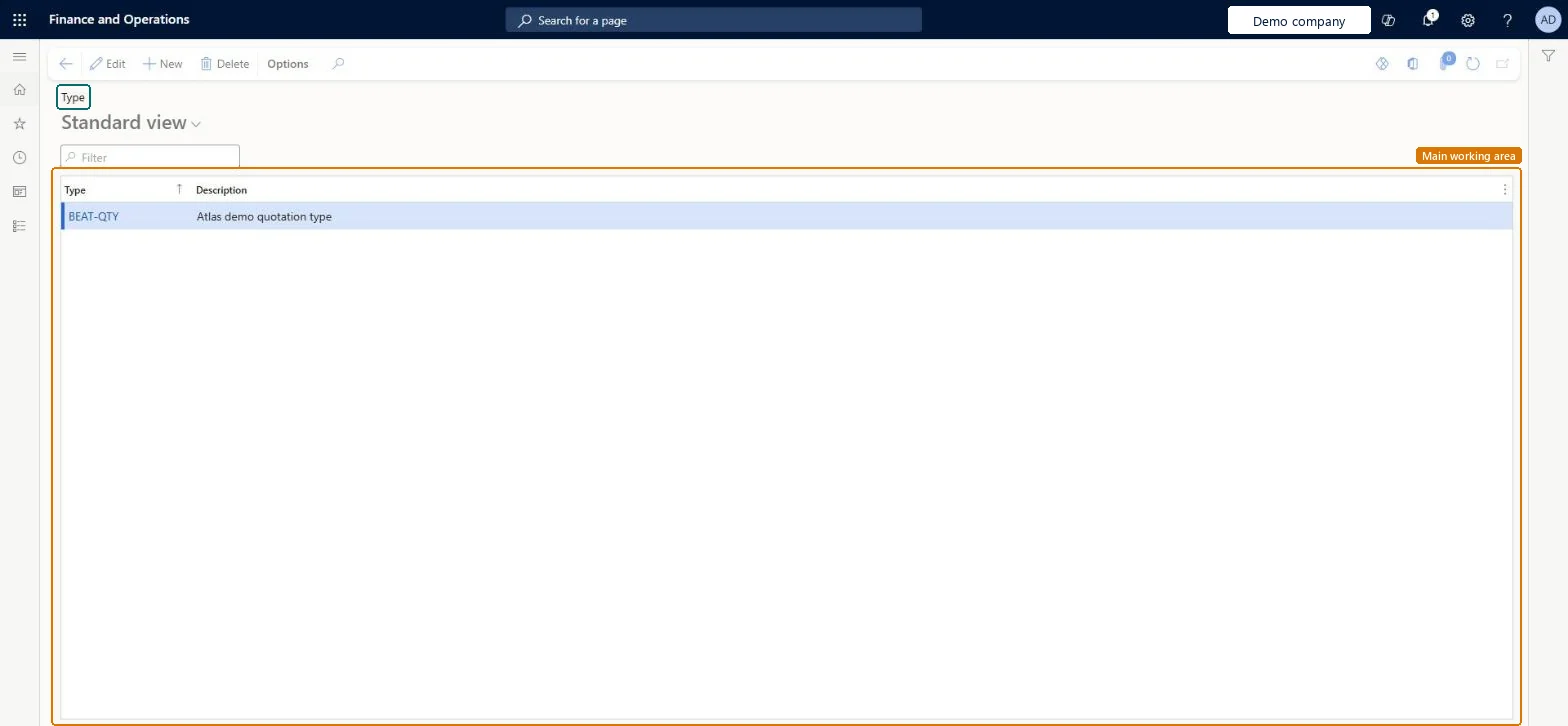
The page in Dynamics 365. page title tab to open what to set or check
About the examples: Examples and screenshots in this guide use BEAT, a demo company in a Dynamics 365 test environment. Use your own company's codes and values instead of copying them.
Step by step, with screenshots
Set up Type1 screen
Use this page to categorize quotations and to track and analyze the kinds of quotations issued.
Screen 1
Create a quotation type
Go to Sales and marketing > Setup > Quotations > Type
Select New
Enter the type code and description
Select Save
Select the type on sales quotations to categorize them
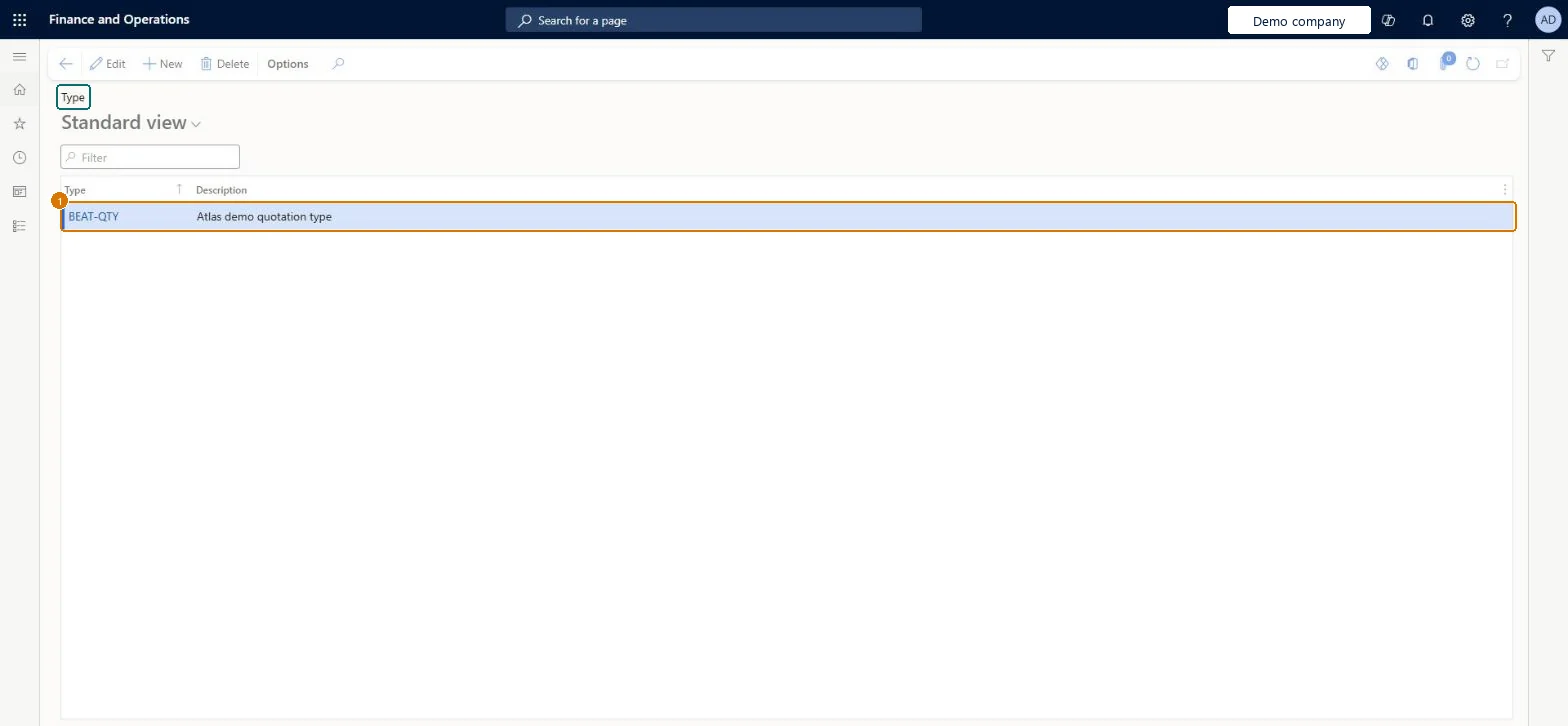
1Type
BEAT-QTY
Description
Quotation type
Show the full screen page title tab to open what to set or check
How to use it
Go to Sales and marketing > Setup > Quotations > Type.
Select New and enter the Type code, such as FIRM.
Enter a Description that says what kind of offer the type stands for.
Create a quotation on All quotations and select the new type on its header.
The quotation type is confused with the Quotation type field that separates sales quotations from project quotations.
That field is set automatically: quotations created from Sales and marketing are sales quotations. Use the codes on this page only to categorize sales quotations. Microsoft Learn
A short list of quotation types for the kinds of offers sales management reports on (for example FIRM, BUDGET).The type is a filter on quotation lists, so a short agreed list lets the sales manager follow up each kind of offer.
On the live system, Sales manager, Rental manager, Rental coordinator agent, Rental sales manager and Accounts receivable manager can maintain this page.
Reversible: Types can be changed; quotations keep their code.
If you change it later
Quotations refer to the type code, so a new type is available on new quotations at once; renaming a description changes only the text shown. Microsoft data model
Technical architect
6Technical
Menu item
SalesQuotationTypeGroupChecked in Dynamics 365
Form
SalesQuotationTypeGroupChecked in Dynamics 365
Table
SalesQuotationTypeGroupShown as “Quotation type” in Record infoChecked in Dynamics 365
PrivilegesMaintain quotation template groups and types SalesQuotationTemplateGroupMaintainView quotation template groups and types SalesQuotationTemplateGroupViewDutiesEnable quotation to sales order process RentalSalesQuotationToSlsOrdProcessEnableEnable quotation to sales order process SalesQuotationToSalesOrderProcessEnableInquire into quotation to sales order reference data SalesQuotationToSalesOrderRefDataInquir9 security rolesAccounts receivable clerk CustInvoiceAccountsReceivableClerkAccounts receivable manager CustInvoiceAccountsReceivableManagerAccounts receivable centralized payments clerk PaymAccountsReceivableCentralPaymClerkAccounts receivable payments clerk PaymAccountsReceivablePaymentsClerkRental coordinator agent RentalCoordinatorAgentRental manager RentalManagerRental sales manager RentalSalesManagerRetail service RetailServiceSales manager TradeSalesManagerChecked in Dynamics 365
Roles to set it up and use it
To set it up or change itSales manager TradeSalesManagerRental manager RentalManagerRental coordinator agent RentalCoordinatorAgentRental sales manager RentalSalesManagerAccounts receivable manager CustInvoiceAccountsReceivableManagerTo use itAccounts receivable clerk CustInvoiceAccountsReceivableClerkAccounts receivable centralized payments clerk PaymAccountsReceivableCentralPaymClerkAccounts receivable payments clerk PaymAccountsReceivablePaymentsClerkGive people one of these roles. On this system, 9 roles can open this page.Checked in Dynamics 365
Actions on the page
Options: Personalize, Page options, ShareChecked in Dynamics 365
SalesQuotationTypeEntity (Quotation type): loaded for each company, in Microsoft's default template 330 - Sales and marketing.Load order: Microsoft's default template 330 - Sales and marketing loads Quotation type at execution unit 1, level 30, sequence 10. Lower levels load first, and entities at the same level load in sequence order.Load first: the default templates at lower levels (System setup to General ledger)Microsoft Learn
Checked in a working Dynamics 365 system, version 10.0.49: the menu item, form, table and security, the page, the demo records and the values in the screenshots.
To cite this step: SM-SETUP-600, Set up Type. Beyond ERP Atlas Hub, 2026-11-11. https://www.beyonderp.cloud/atlas/step/SM-SETUP-600