Sales and marketingInquiries and reportsSales and marketing reports
output:smmSalesTargets
Business process
Analyze sales
Menu item
output:smmSalesTargets
Setup steps
1 on this page
Show what matters for
SETUP GUIDEHow to set it up8 sections. Choose a role to highlight what matters to you.
Everyone
1What it is and why
What it is
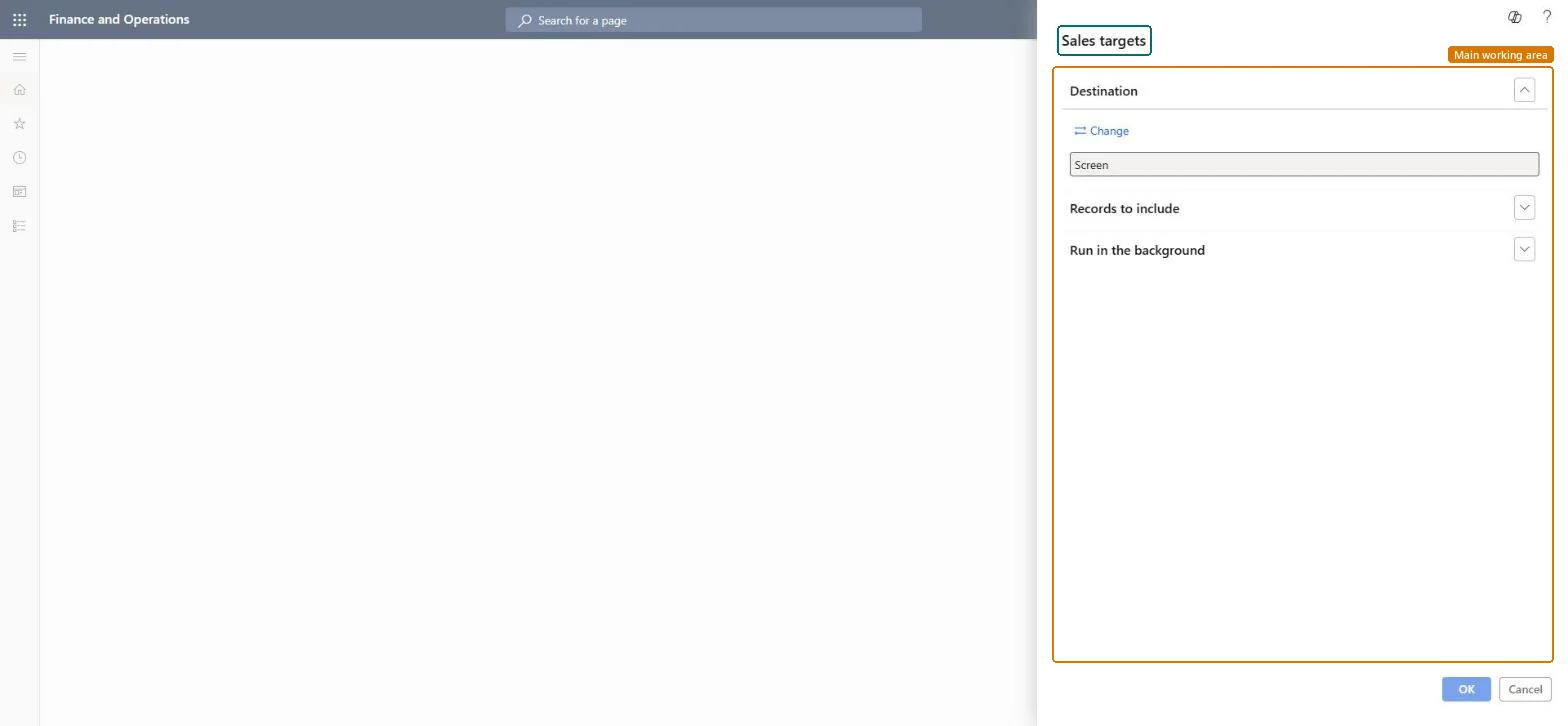
A report that prints the sales targets of salespeople by sales unit and sales manager.
What you do here
Use it to review the targets set for a salesperson or a whole sales unit before a target talk. Targets are maintained with Update sales target.
Example
For example, BEAT's sales manager prints the targets of sales unit NORTH for the fourth quarter: Jodie Strand has a target of 250,000.00 and two new colleagues have none yet, so their targets are entered before the kick-off on 01.10.2026.
The page in Dynamics 365. page title tab to open what to set or check
About the examples: Examples and screenshots in this guide use BEAT, a demo company in a Dynamics 365 test environment. Use your own company's codes and values instead of copying them.
When to run it
When to run it
When targets are set or reviewed with salespeople, for example at the start of a quarter.
How often
On demand, per target period.
What the output shows
The sales targets of the selected salespeople with their sales unit and sales manager.
Filter on Sales unit first; use Sales manager only when one manager owns several units.The sales unit groups the salespeople whose targets are discussed together.
On the live system, Sales manager, Sales representative and Chief executive officer use this page; 3 roles can run it in total. No Feature management feature is needed to open it.
Checked in Dynamics 365
Solution architect
5Design impact
Shared or per company
Per company: the report reads the data of the legal entity you run it in. To compare legal entities, run it in each one. Checked in Dynamics 365
Can it be undone
Reversible: Running the inquiry or report changes no data.
If you change it later
The report prints the targets as stored at run time; targets changed later need a new run. Sales targets belong to the built-in CRM, which many projects replace with Dynamics 365 Sales through prospect to cash. Microsoft Learn
Technical architect
6Technical
Menu item
output:smmSalesTargetsChecked in Dynamics 365
Form
SysOperationTemplateFormChecked in Dynamics 365
Roles to set it up and use it
To use itSales manager TradeSalesManagerSales representative TradeSalesRepresentativeChief executive officer CompanyChiefExecutiveOfficerGive people one of these roles. On this system, 3 roles can run this page.Checked in Dynamics 365
Load order: Sales targets (report) has no data entity in Data management. It is a report: it reads the targets entered with Update sales target and stores nothing of its own.Checked in Dynamics 365