SETUP GUIDEHow to set it up8 sections. Choose a role to highlight what matters to you.
Everyone
1What it is and why
What it is
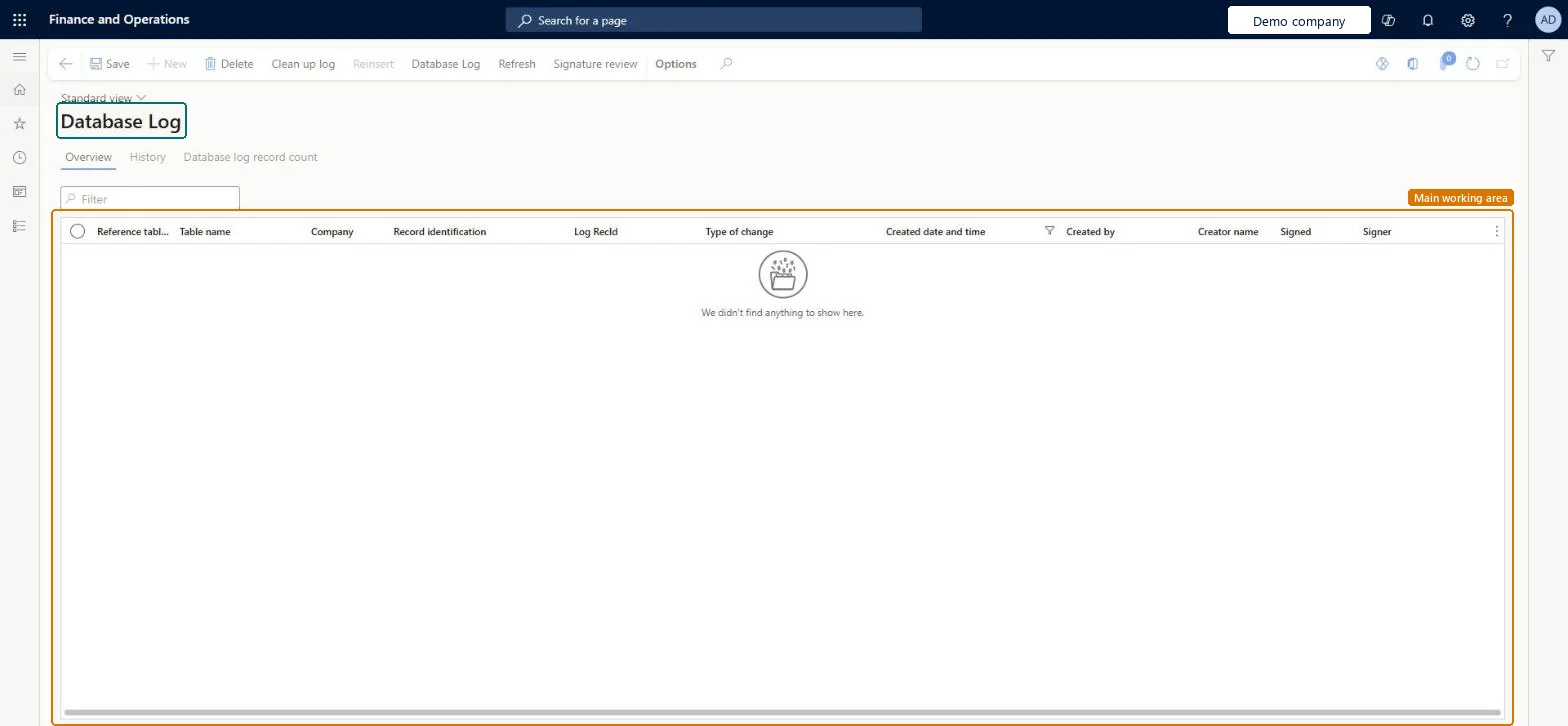
An inquiry page that shows the changes recorded by database logging for the tables and fields that are set up to be logged.
What you do here
Use this page to review tracked inserts, updates, deletes and key renames, and to clean up or check the database log.
Example
For example, a BEAT controller asks who changed a vendor's bank account last week; the log, filtered on the table and the date, shows the update with the old value, the new value and the user.
The page in Dynamics 365. page title tab to open what to set or check
About the examples: Examples and screenshots in this guide use BEAT, a demo company in a Dynamics 365 test environment. Use your own company's codes and values instead of copying them.
Setup steps on this page
Read and clean up the database log
Use the log to answer who changed what, and keep it small with regular clean-up.
Steps from Microsoft
Go to System administration > Inquiries > Database > Database log.
Filter on Table name and Created date and time to find the change.
Read the user, the type of change and the old and new values of the logged fields.
From a record, use Record info > Database log to see the history of that record only.
To delete old logs, select Clean up log and choose by table, by type of log, or by creation date and time.
To repair missing or orphaned log triggers, select Consistency check.
Log only the tables and fields auditors need, and clean up entries older than the audit retention outside business hoursEvery logged change writes a row, so a broad log slows processing and grows the database; clean-up keeps it in check.
Can't be undone: Clean up log deletes entries for good.
If you change it later
Log records that are electronically signed can't be deleted, and cleanup has to be set up for each company. Microsoft Learn
Technical architect
6Technical
Menu item
SysDatabaseLogChecked in Dynamics 365
Form
SysDatabaseLogChecked in Dynamics 365
Table
SysDataBaseLogShown as “Database Log” in Record infoChecked in Dynamics 365
Data entities
SysDatabaseLogEntityDatabase log Checked in Dynamics 365
Who can open it
PrivilegesView database log SysDatabaseLogViewDutiesMaintain system settings SysServerSettingsMaintain1 security roleInformation technology manager SysServerITManagerChecked in Dynamics 365
Roles to set it up and use it
To use itInformation technology manager SysServerITManagerGive people one of these roles. On this system, 1 role can open this page.Checked in Dynamics 365
Actions on the page
Options: Personalize, Page options, Edit, ShareChecked in Dynamics 365
Developer
7Developer
Open it by URL
https://<your-environment>/?mi=SysDatabaseLog
Integrate with
SysDatabaseLogEntity data entity Checked in Dynamics 365
Data migration
SysDatabaseLogEntity (Database log): per company; not in Microsoft's default templates.Load order: Database log entries are the change history of each environment. Export them only to archive; don't import them into a new environment.Checked in Dynamics 365