SETUP GUIDEHow to set it up8 sections. Choose a role to highlight what matters to you.
Everyone
1What it is and why
What it is
An inquiry page that lists SQL index fragmentation details for each defragmentation run, by table name and index name.
What you do here
Use this page to review the defragmentation status and fragmentation figures recorded for the indexes in each defragmentation run.
Example
For example, BEAT users report slow vendor lists one morning; the administrator opens the last defragmentation run and sees the job stopped at its 2-hour limit with indexes still fragmented.
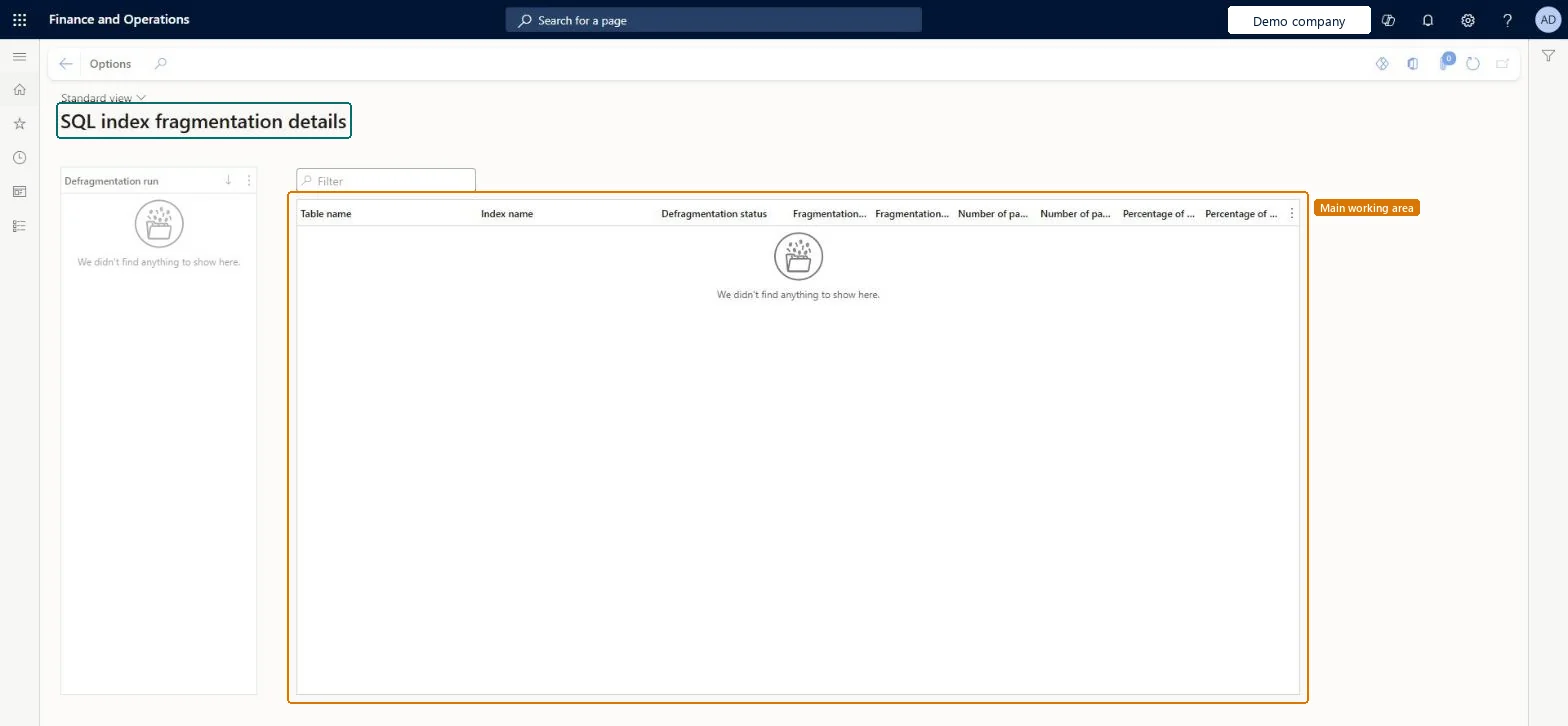
The page in Dynamics 365. page title tab to open what to set or check
About the examples: Examples and screenshots in this guide use BEAT, a demo company in a Dynamics 365 test environment. Use your own company's codes and values instead of copying them.
Setup steps on this page
Check the daily index defragmentation
Use the page when performance drops to see whether the nightly index job ran.
Steps from Microsoft
Go to System administration > Inquiries > Database > SQL index fragmentation details.
Select a run in the Defragmentation run list on the left.
Read the Table name, Index name and Defragmentation status for that run.
Check the latest run when users report slow pages, before raising a support caseFragmented indexes slow queries; the system job rebuilds them daily, and this log shows whether it did.
The index defragmentation system job runs every day at 3:00 AM local time for at most 2 hours and stops early when few indexes need a rebuild; this page shows what each run did. Microsoft Learn
Technical architect
6Technical
Menu item
SysIndexFragmentationDetailsChecked in Dynamics 365
Form
SysIndexFragmentationDetailsChecked in Dynamics 365
Table
SysIndexRebuildActivityLogChecked in Dynamics 365
Who can open it
PrivilegesSQL index fragmentation details SysIndexFragmentationDetailsViewDutiesMaintain system settings SysServerSettingsMaintain1 security roleInformation technology manager SysServerITManagerChecked in Dynamics 365
Roles to set it up and use it
To use itInformation technology manager SysServerITManagerGive people one of these roles. On this system, 1 role can open this page.Checked in Dynamics 365
Actions on the page
Options: Personalize, Page options, ShareChecked in Dynamics 365
Load order: SQL index fragmentation details has no data entity in Data management, so it can't be loaded from a file or a configuration template. It is a log of each environment's own index job.Checked in Dynamics 365
Checked in a working Dynamics 365 system, version 10.0.49: the menu item, form, table and security, the page.
To cite this step: SA-INQ-550, Check the daily index defragmentation. Beyond ERP Atlas Hub, 2026-11-11. https://www.beyonderp.cloud/atlas/step/SA-INQ-550