Retail and CommerceChannel setupCall center setupScripts
MCRSalesOrderMessages
Used by
Sales clerk, Sales manager, Sales representative
Business process
Manage sales channels
Menu item
MCRSalesOrderMessages
Main table
MCRMessageAssociation
Setup steps
1 on this page
Show what matters for
SETUP GUIDEHow to set it up8 sections. Choose a role to highlight what matters to you.
Everyone
1What it is and why
What it is
A setup page where you assign scripts that are shown to call center users in the sales order page's information panel for the general order entry process, rather than scripts tied to a specific product.
What you do here
Use this page to choose which predefined scripts appear during order entry for call center users whose channel has direct selling enabled.
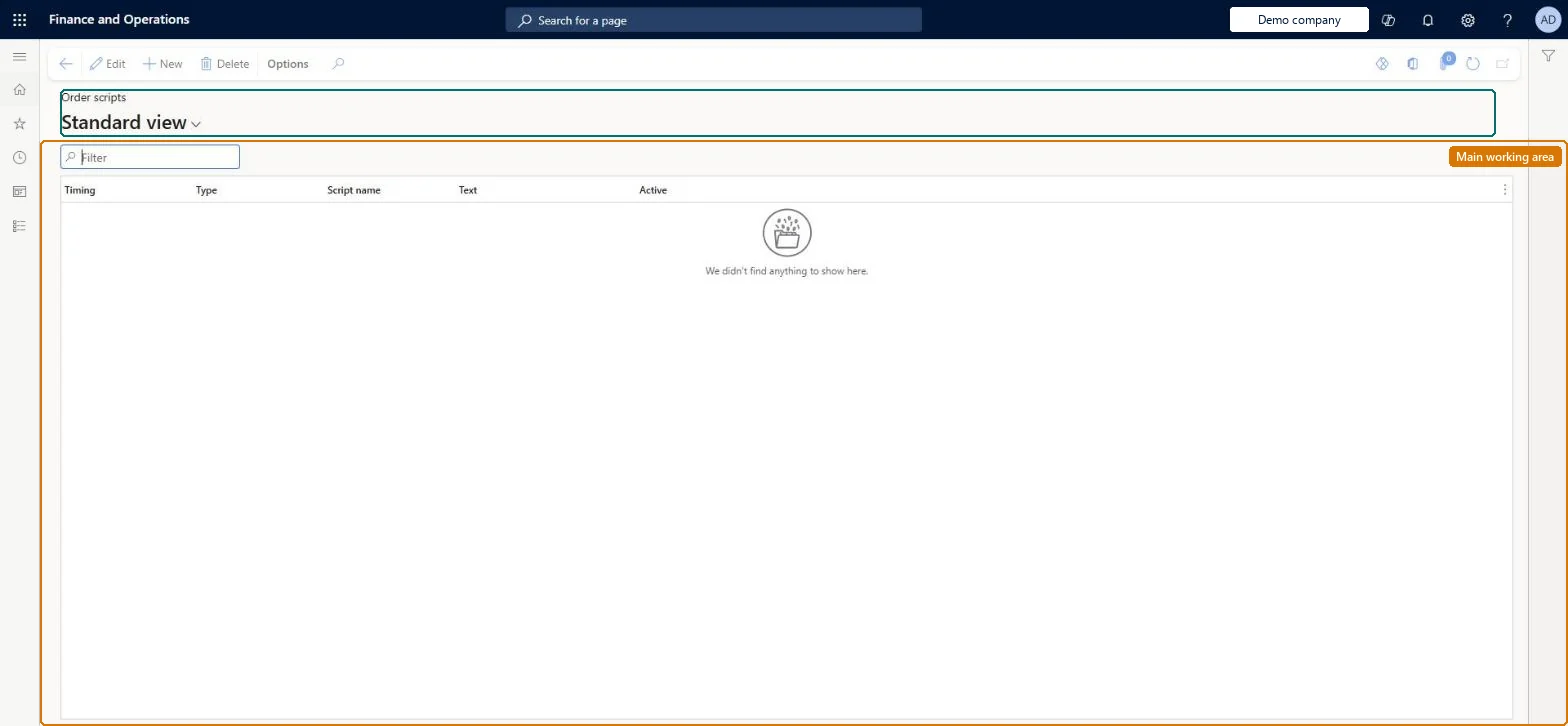
The page in Dynamics 365. page title tab to open what to set or check
About the examples: Examples and screenshots in this guide use BEAT, a demo company in a Dynamics 365 test environment. Use your own company's codes and values instead of copying them.
Setup steps on this page
Set up Order scripts
Use this page to choose which predefined scripts appear during order entry for call center users whose channel has direct selling enabled.
How to use it
Go to Retail and Commerce > Channel setup > Call center setup > Scripts > Order scripts.
Use the Filter box to find a row.
Select New and choose the Timing (when the script shows during order entry), the Type, the Script name and its Text, and set Active to show it to agents.
Select Save; select Delete to remove a selected row.
Source: Checked in Dynamics 365
Test checklist
On Retail and Commerce > Channels > Call centers > All call centers, confirm Enable direct selling is Yes for the test call center.
Sign in as a user linked to that call center and create a sales order from Customer service.
Check that the information panel on the right of the sales order page shows the order script.
Turn Enable direct selling off on a second call center and confirm the panel and script don't appear there.
Order scripts only appear when Enable direct selling is turned on for the call center channel. With it off, the information panel isn't shown during order entry, so users never see the scripts you set up here.
Solution architect
5Design impact
Can it be undone
Reversible: Scripts are text shown in the information panel during order entry. Changing or removing one affects only orders entered afterwards.
Technical architect
6Technical
Menu item
MCRSalesOrderMessagesChecked in Dynamics 365
Form
MCRSalesOrderMessagesChecked in Dynamics 365
Table
MCRMessageAssociationShown as “SCRIPT ASSOCIATION” in Record infoChecked in Dynamics 365
Who can open it
PrivilegesMaintain sales order scripts MCRSalesOrderMessagesMaintainDutiesMaintain scripts MCRMessageMaintainMaintain sales order MCRSalesMaintain4 security rolesMCRTestUserRoleSales clerk TradeSalesClerkSales manager TradeSalesManagerSales representative TradeSalesRepresentativeChecked in Dynamics 365
Roles to set it up and use it
To set it up or change itSales manager TradeSalesManagerSales clerk TradeSalesClerkSales representative TradeSalesRepresentativeGive people one of these roles. On this system, 3 roles can open this page.Checked in Dynamics 365