Set up Project management and accounting workflows
Project management and accountingSetup
WorkflowConfigurationProject
Business process
Manage project financials
Menu item
WorkflowConfigurationProject
Main table
WorkflowTable
Setup steps
1 on this page
Show what matters for
SETUP GUIDEHow to set it up8 sections. Choose a role to highlight what matters to you.
Everyone
1What it is and why
What it is
A setup page where you create approval workflows for Project management and accounting documents.
What you do here
Use this page to require approval of project documents, such as invoice proposals, before they can be posted.
Example
For example, BEAT activates a Review project invoice proposals workflow with one approval step for the project manager, so that a 4,800.00 invoice proposal for PRJ-0042 can only post after the manager approves it.
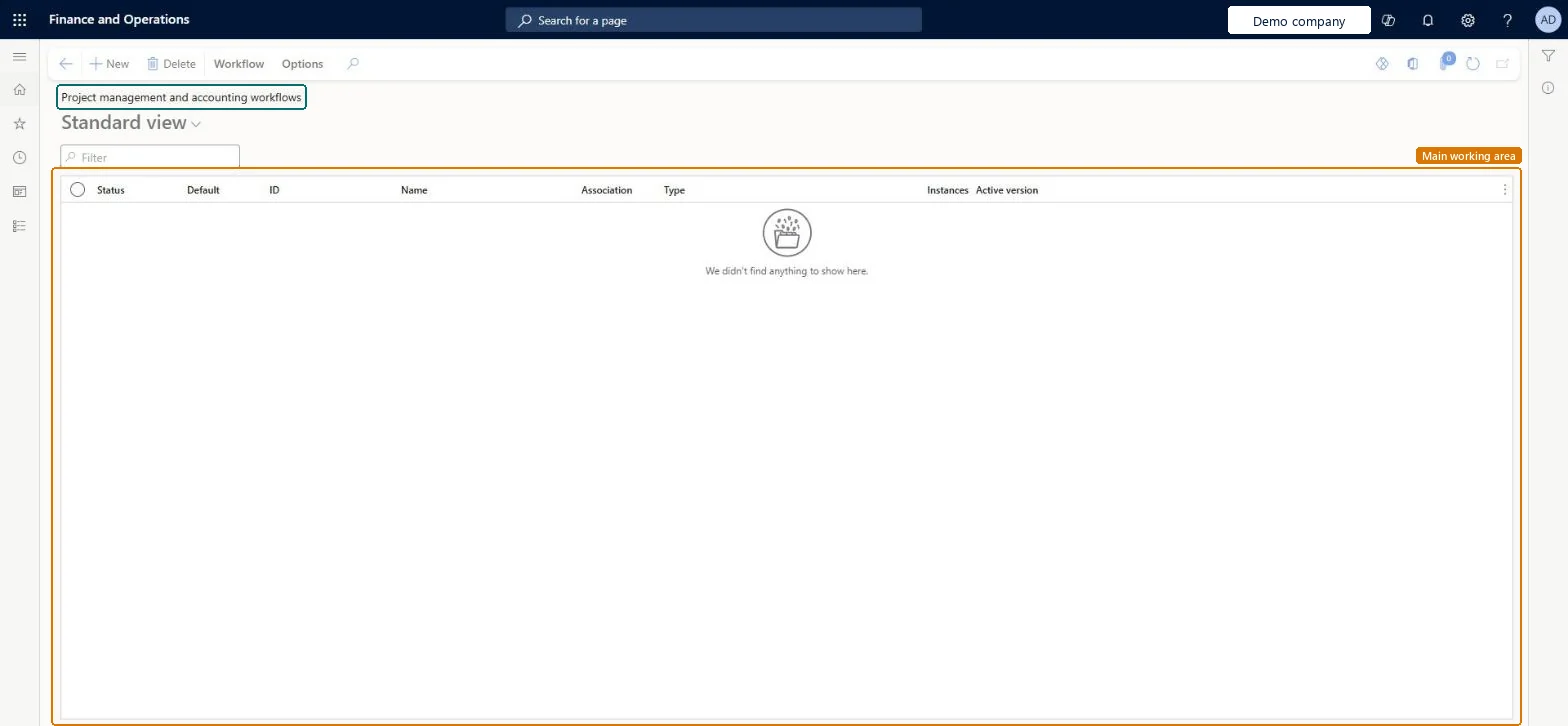
The page in Dynamics 365. page title tab to open what to set or check
About the examples: Examples and screenshots in this guide use BEAT, a demo company in a Dynamics 365 test environment. Use your own company's codes and values instead of copying them.
Setup steps on this page
Set up Project management and accounting workflows
Use this page to require approval of project documents, such as invoice proposals, before they can be posted.
Steps from Microsoft
Go to Project management and accounting > Setup > Project management and accounting workflows.
Select New.
In the list of workflow types, select the type, for example Review project invoice proposals.
In the workflow editor, add the approval element and connect it to the Start node.
Add the remaining elements, connect them, and set their properties.
Select Save and close, and activate the workflow when prompted.
Workflow type for approving original project budgets.Microsoft Learn
Approval by the project controller
Review budget revision workflow
Workflow type for approving project budget revisions.Microsoft Learn
Approval by the project controller
Common errors and fixes
Message
What to do
An invoice proposal stays in a failed workflow and can't be posted or edited.
Fix the approver setup in the workflow, then reset the proposal to Draft from Reset invoice proposal workflow status and submit it again. Microsoft Learn
Test checklist
Create and activate a Review project invoice proposals workflow.
Turn on Enable processing invoice proposals in workflow on the parameters Invoice tab.
Create an invoice proposal and check Post is not available before submission.
Submit and approve it, then check it can be posted.
Repeat in a second legal entity without the parameter and check proposals post without approval.
Review project invoice proposals: an Invoice proposal approval element followed by a Post invoice element, activated, with Enable processing invoice proposals in workflow turned on per legal entityThis is the setup Learn describes for formal approval before an invoice proposal can be posted as a customer invoice, giving an auditable review of amounts and billing.
On the live system, Project supervisor and Information technology manager can open this page.
Checked in Dynamics 365
Solution architect
5Design impact
Shared or per company
Per company: a workflow configuration belongs to the legal entity it was created in, and the invoice proposal workflow parameter is also set per legal entity. Microsoft Learn
Can it be undone
Hard to reverse: Once on, a proposal posts only after full approval; proposals stuck in a failed workflow need a reset to Draft.
If you change it later
Once the invoice proposal workflow is on, a proposal can be posted only after it is fully approved. Microsoft Learn
Technical architect
6Technical
Menu item
WorkflowConfigurationProjectChecked in Dynamics 365
Form
WorkflowTableListPageRnrChecked in Dynamics 365
Table
WorkflowTableShown as “Workflow configurations” in Record infoKey field: SequenceNumberChecked in Dynamics 365
Roles to set it up and use it
To set it up or change itProject supervisor ProjProjectSupervisorInformation technology manager SysServerITManagerGive people one of these roles. On this system, 2 roles can open this page.Checked in Dynamics 365
Actions on the page
Workflow: Manage, HierarchyOptions: Personalize, Page options, ShareChecked in Dynamics 365
Load order: Project management and accounting workflows has no data entity in Data management. Create and activate each workflow by hand in the workflow editor in every legal entity that needs it.Checked in Dynamics 365
Checked in a working Dynamics 365 system, version 10.0.49: the menu item, form, table and security, the page.
To cite this step: PM-SETUP-480, Set up Project management and accounting workflows. Beyond ERP Atlas Hub, 2026-11-11. https://www.beyonderp.cloud/atlas/step/PM-SETUP-480