SETUP GUIDEHow to set it up8 sections. Choose a role to highlight what matters to you.
Everyone
1What it is and why
What it is
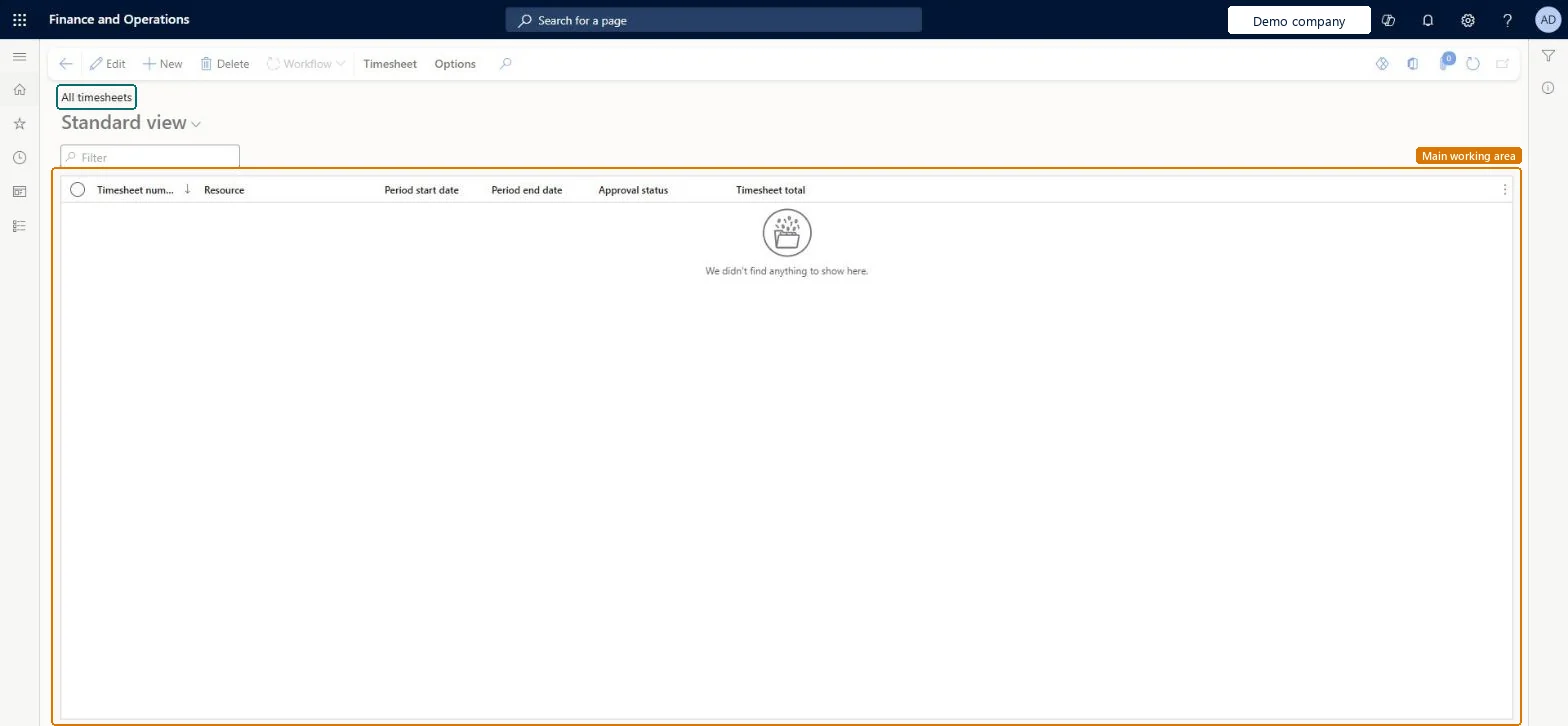
The project accountant's list of project timesheets in the legal entity, opened on the current timesheet period, with each timesheet's resource, period, approval status and total hours.
What you do here
Use it to find any timesheet, create one, check where it is in the approval workflow, and follow time recorded on projects of another legal entity.
Example
For example, at week end the BEAT project accountant opens All timesheets, filters Approval status on Submitted and finds 7 timesheets with 263.50 hours still waiting for approval.
The page in Dynamics 365. page title tab to open what to set or check
About the examples: Examples and screenshots in this guide use BEAT, a demo company in a Dynamics 365 test environment. Use your own company's codes and values instead of copying them.
Setup steps on this page
Review timesheets by approval status
See which timesheets block the period close.
Steps from Microsoft
Go to Project management and accounting > Timesheets > All timesheets.
Filter the Approval status column, for example on Submitted, to see what still waits for approval.
Check the Period start date, Period end date and Timesheet total columns.
Select New to create a timesheet for a resource, or Edit to open the selected one.
For approved timesheets that are not yet posted, run Post all approved timesheets.
Filter Approval status first, on Submitted for approvals still to do and on Approved for timesheets still to post.The page opens on the current period and mixes every status, so totals without a status filter mean nothing.
On the live system, Project accountant use this page.
Checked in Dynamics 365
Solution architect
5Design impact
Shared or per company
Per company: each legal entity has its own timesheets; a worker can still record time for a project of another legal entity through intercompany timesheets. Microsoft Learn
Can it be undone
Reversible: Reversible: the list changes no data.
If you change it later
A timesheet posts project hours only after it is approved and posted; until then it doesn't change project cost. Microsoft Learn
Technical architect
6Technical
Menu item
TSTimesheetEntryGridViewAllTimesheetsChecked in Dynamics 365
Form
TSTimesheetEntryChecked in Dynamics 365
Table
TSTimesheetTableShown as “Timesheets” in Record infoChecked in Dynamics 365
To set it up or change itProject accountant ProjProjectAccountantGive people one of these roles. On this system, 1 role can open this page.Checked in Dynamics 365
Actions on the page
Timesheet: Maintain, Related information, Print, PolicyOptions: Personalize, Page options, ShareChecked in Dynamics 365
TSTimesheetTableEntity (Timesheet Headers): loaded for each company.Load order: Timesheets are usually not migrated; post the open ones in the old system. If loaded, load workers, projects, project categories and timesheet periods first, then the headers.Load first: Workers, Projects, Project categories, Timesheet period typesMicrosoft Learn