SETUP GUIDEHow to set it up8 sections. Choose a role to highlight what matters to you.
Everyone
1What it is and why
What it is
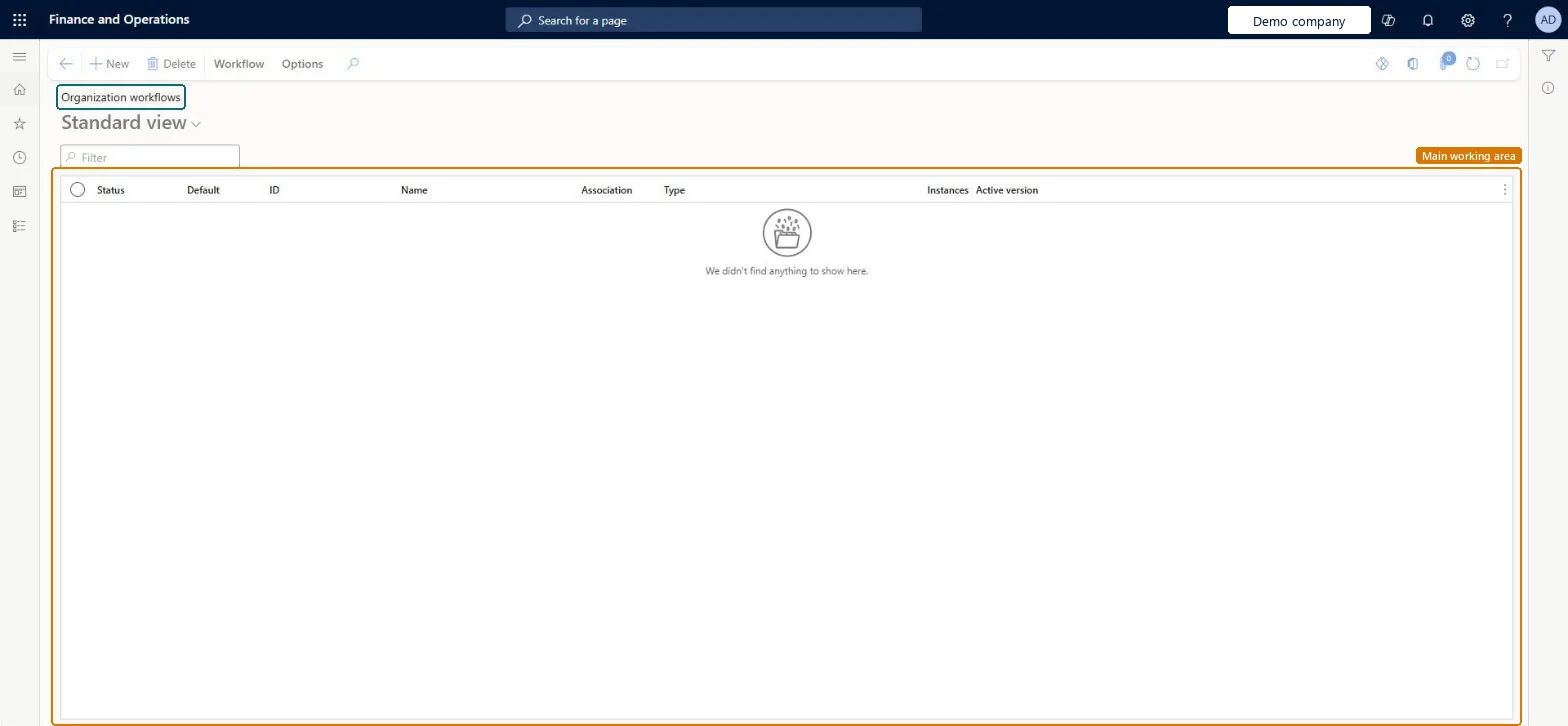
A list page where you create and manage the workflows for Organization administration, such as case management, document handling and signing limit workflows.
What you do here
Use this page to define how these documents move through the system and who must complete a task or approve them.
The page in Dynamics 365. page title tab to open what to set or check
About the examples: Examples and screenshots in this guide use BEAT, a demo company in a Dynamics 365 test environment. Use your own company's codes and values instead of copying them.
Setup steps on this page
Set up Organization workflows
Use this page to define how these documents move through the system and who must complete a task or approve them.
Steps from Microsoft
Go to Organization administration > Workflow > Organization workflows.
Select New.
Select the type of workflow, and then select Create workflow.
In the workflow editor, drag workflow elements onto the canvas.
Resolve every error and warning in the workflow editor, save with comments, and activate a version only after it's tested.A workflow can't be made active until all errors and warnings are resolved; when you save, you choose whether to activate the new version or keep the current one.
Choosing Activate the new version for an untested change: documents submitted from then on follow that version.
Solution architect
5Design impact
Can it be undone
Reversible: Under Versions you can make another version active, or make the current one inactive.
Technical architect
6Technical
Menu item
WorkflowConfigurationBasicChecked in Dynamics 365
Form
WorkflowTableListPageRnrChecked in Dynamics 365
Table
WorkflowTableShown as “Workflow configurations” in Record infoKey field: SequenceNumberChecked in Dynamics 365
Who can open it
PrivilegesAuthor Basic workflows WorkflowAuthorBasicWorkflowsDutiesMaintain workflow and alerts settings WorkflowAlertsSettingsMaintain1 security roleInformation technology manager SysServerITManagerChecked in Dynamics 365
Roles to set it up and use it
To set it up or change itInformation technology manager SysServerITManagerGive people one of these roles. On this system, 1 role can open this page.Checked in Dynamics 365
Actions on the page
Workflow: Manage, HierarchyOptions: Personalize, Page options, ShareChecked in Dynamics 365