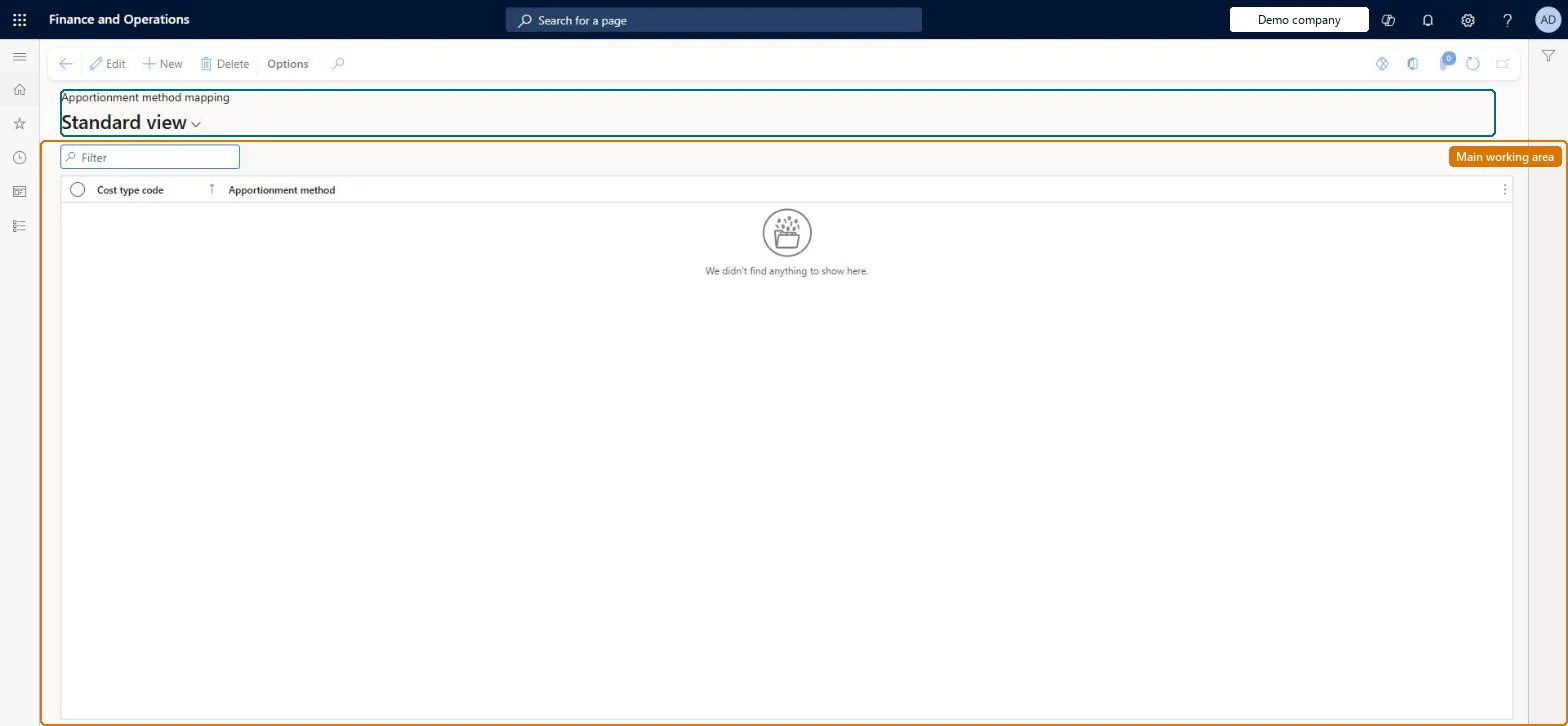
Setup step on the Apportionment mapping page · Landed cost
Set up Apportionment mapping
Use this page to define the default apportionment method per cost type code. When a cost transaction entity imports a cost with that cost type, the mapped method overrides whatever the entity supplied; if nothing is mapped and the entity gives no method, the import fails.
SETUP GUIDEHow to set it up8 sections. Choose a role to highlight what matters to you.
Everyone
1What it is and why
What it is
A setup page where you map each cost type code to a default apportionment method, used when costs are created through data entities by an external party that cannot specify the method.
What you do here
Use this page to define the default apportionment method per cost type code. When a cost transaction entity imports a cost with that cost type, the mapped method overrides whatever the entity supplied; if nothing is mapped and the entity gives no method, the import fails.
Example
For example, you map the Freight cost type to the Weight method so that freight costs sent by a freight forwarder through the voyage cost entity are always apportioned by weight.
The page in Dynamics 365. page title tab to open what to set or check
About the examples: Examples and screenshots in this guide use BEAT, a demo company in a Dynamics 365 test environment. Use your own company's codes and values instead of copying them.
Setup steps on this page
Set up Apportionment mapping
Use this page to define the default apportionment method per cost type code. When a cost transaction entity imports a cost with that cost type, the mapped method overrides whatever the entity supplied; if nothing is mapped and the entity gives no method, the import fails.
How to use it
Go to Landed cost > Costing setup > Apportionment mapping.
Use the Filter box to find a mapping.
Select New, select the Cost type code and choose the Apportionment method it maps to.
Select Edit to change a selected mapping, or Delete to remove it.
Source: Checked in Dynamics 365
Fields on the page
Field
What it means
Cost type code
The cost type the default method applies to (key of the mapping).Microsoft Learn
Apportionment method
The default method (for example Quantity, Amount, Volume, Weight) used to spread a cost of this type across the cost area contents.Microsoft Learn
Test checklist
Map cost type FREIGHT to Apportionment method Volume.
Import a voyage cost for FREIGHT through the Voyage costs entity with Apportionment method Amount.
Check the imported cost uses Volume.
Import a cost for an unmapped cost type with no method and check the import fails.
A mapping row for every cost type code that external parties, such as freight forwarders, send through the cost transaction entitiesAn external source can't specify the apportionment method. The mapped method is used instead of any value in the entity.
No mapping and no method in the imported record: creation of the cost fails.
Solution architect
5Design impact
Can it be undone
Reversible: Mappings can be changed at any time; they apply to costs imported afterwards.
If you change it later
Changing a mapping changes how every cost of that type imported through a cost transaction entity is apportioned, because the mapped method takes precedence over the value in the entity. Microsoft Learn
Technical architect
6Technical
Menu item
ITMApportionmentMappingChecked in Dynamics 365
Form
ITMApportionmentMappingChecked in Dynamics 365
Table
ITMApportionmentMappingShown as “APPORTIONMENT METHOD MAPPING” in Record infoKey field: ShipCostTypeIdChecked in Dynamics 365
Data entities
ITMApportionmentMappingEntityApportionment method mapping Checked in Dynamics 365
To set it up or change itLanded cost manager ITMManagerGive people one of these roles. On this system, 1 role can open this page.Checked in Dynamics 365