| What it is | A setup page where you create packing groups, so that all items in a group use the same packing material allocation. |
|---|---|
| What you do here | Use this page to allocate packing materials to groups of items instead of to each item separately. |
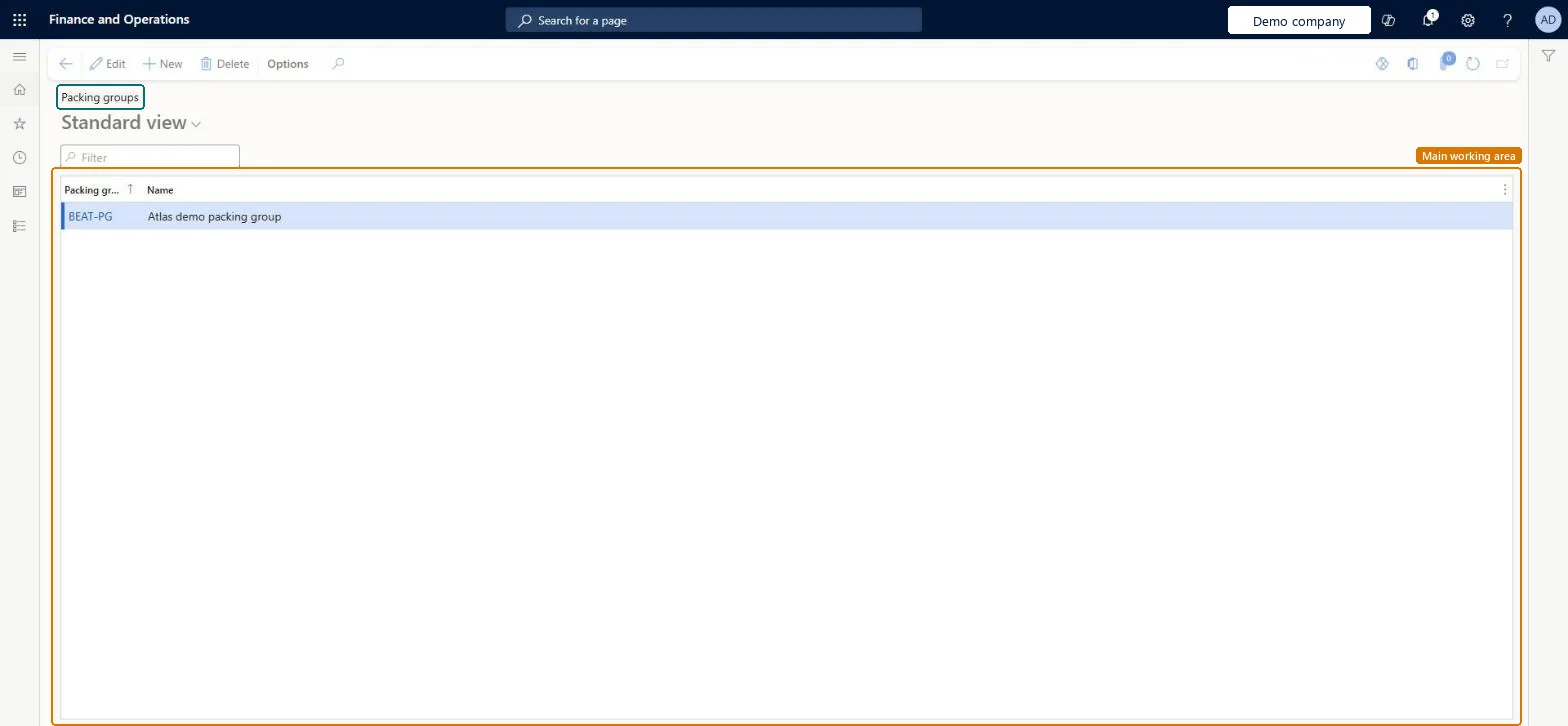
Setup step on the Packing groups page · Inventory management
Use this page to allocate packing materials to groups of items instead of to each item separately.
InventPackagingGroupInventPackagingGroupInventPackingMaterialGroupEntity| What it is | A setup page where you create packing groups, so that all items in a group use the same packing material allocation. |
|---|---|
| What you do here | Use this page to allocate packing materials to groups of items instead of to each item separately. |
| Business process | Maintain inventory levels |
|---|---|
| Menu path | Inventory management › Setup › Packing material › Packing groups |
| Set up first | Inventory and warehouse management parameters Microsoft Learn Set up Inventory and warehouse management parameters |
| Used next by | Packaging material allocation Microsoft Learn Set up Packaging material allocation |
| Related pages | Packing material codes Microsoft Learn Packing material fees Microsoft Learn Packaging material allocation Microsoft Learn |
| In this process | Set up Warehouse management · Set up Packaging material allocation |
About the examples: Examples and screenshots in this guide use BEAT, a demo company in a Dynamics 365 test environment. Use your own company's codes and values instead of copying them.
Use this page to allocate packing materials to groups of items instead of to each item separately.
Screen 1
Go to Inventory management > Setup > Packing material > Packing groups
| 1Packing group | BEAT-PG |
|---|---|
| Name | Packing group |
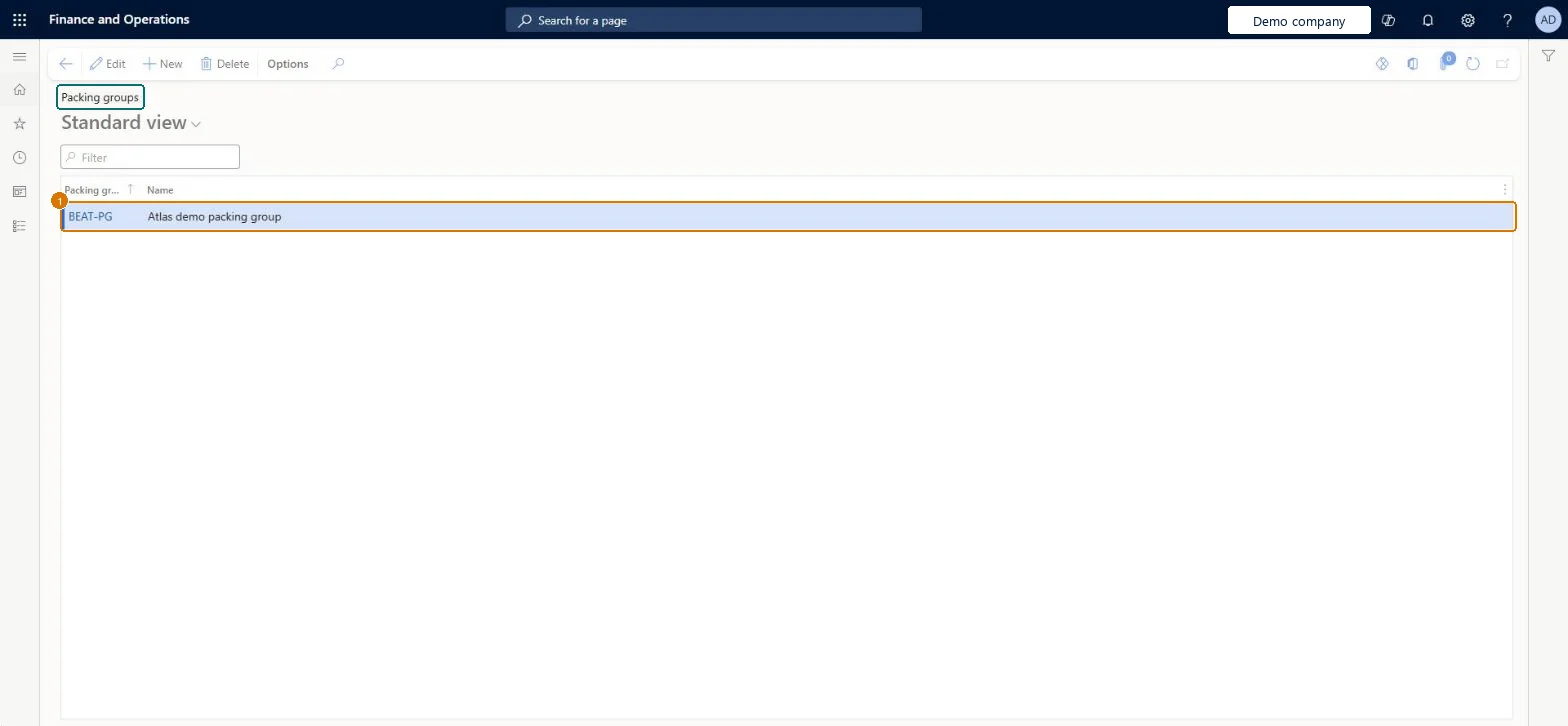
Source: Microsoft Learn
| Field | What it means | Example | Table column |
|---|---|---|---|
| Packing group | The code that identifies the packing group.Microsoft Learn | FRAGILE | PackagingGroupId |
| Name | The descriptive name of the packing group.Microsoft Learn | Packing group | Name |
Source: Microsoft Learn
| Setup step | Recommended value and why | Decision, common mistake and test |
|---|---|---|
| Set up Packing groups | Packing groups only where many items share the same packing; assign the group on Released products > Manage inventory > Packing groupAll items in a packing group use the same packing material allocation, and the group must be set on each product. | Creating groups but not assigning them to products, so the Group allocation never matches any item. |
| Shared or per company | Per company: each legal entity has its own records. Microsoft data model |
|---|---|
| Can it be undone | Reversible: Groups can be changed; allocation is taken when the order line is created. |
| Menu item | InventPackagingGroup Checked in Dynamics 365 |
|---|---|
| Form | InventPackagingGroup Checked in Dynamics 365 |
| Table | InventPackagingGroupShown as “Packing groups” in Record infoKey field: PackagingGroupId, NameChecked in Dynamics 365 |
| Data entities | InventPackingMaterialGroupEntityPacking material groups Microsoft data model |
| Who can open it | PrivilegesMaintain packing groups InventPackagingGroupMaintainView packing groups InventPackagingGroupViewDutiesEnable packing material management process InventPackMaterialManagementProcessEnabInquire into packing material management reference data InventPackMaterialManagementRefInquir5 security rolesProduct design managerBOMProductDesignManagerMaterials manager InventMaterialsManagerProduction supervisor ProdProductionSupervisorProcess engineer RouteProcessEngineerProcess engineering manager RouteProcessEngineeringManager |
| Roles to set it up and use it | To set it up or change itMaterials manager InventMaterialsManagerProcess engineer RouteProcessEngineerTo use itProduction supervisor ProdProductionSupervisorProduct design manager BOMProductDesignManagerProcess engineering manager RouteProcessEngineeringManagerGive people one of these roles. On this system, 5 roles can open this page.Checked in Dynamics 365 |
| Actions on the page | Options: Personalize, Page options, ShareChecked in Dynamics 365 |
| Open it by URL | https://<your-environment>/?mi=InventPackagingGroup |
|---|---|
| Integrate with | InventPackingMaterialGroupEntity data entity Microsoft data model |
| Data migration | InventPackingMaterialGroupEntity (Packing material groups): loaded for each company, in Microsoft's default template 300 - Inventory.Load order: Microsoft's default template 300 - Inventory loads Packing material groups at execution unit 1, level 30, sequence 10. Lower levels load first, and entities at the same level load in sequence order.Load first: the default templates at lower levels (System setup to General ledger)Microsoft Learn |
| Table definition | InventPackagingGroup columns and relations Microsoft data model |
To cite this step: IM-SETUP-330, Set up Packing groups. Beyond ERP Atlas Hub, 2026-11-11. https://www.beyonderp.cloud/atlas/step/IM-SETUP-330