| What it is | A setup page where you define the major/minor classification codes that users can select for each CAPA case. |
|---|---|
| What you do here | Use this page to classify each CAPA case with a major or minor classification code. |
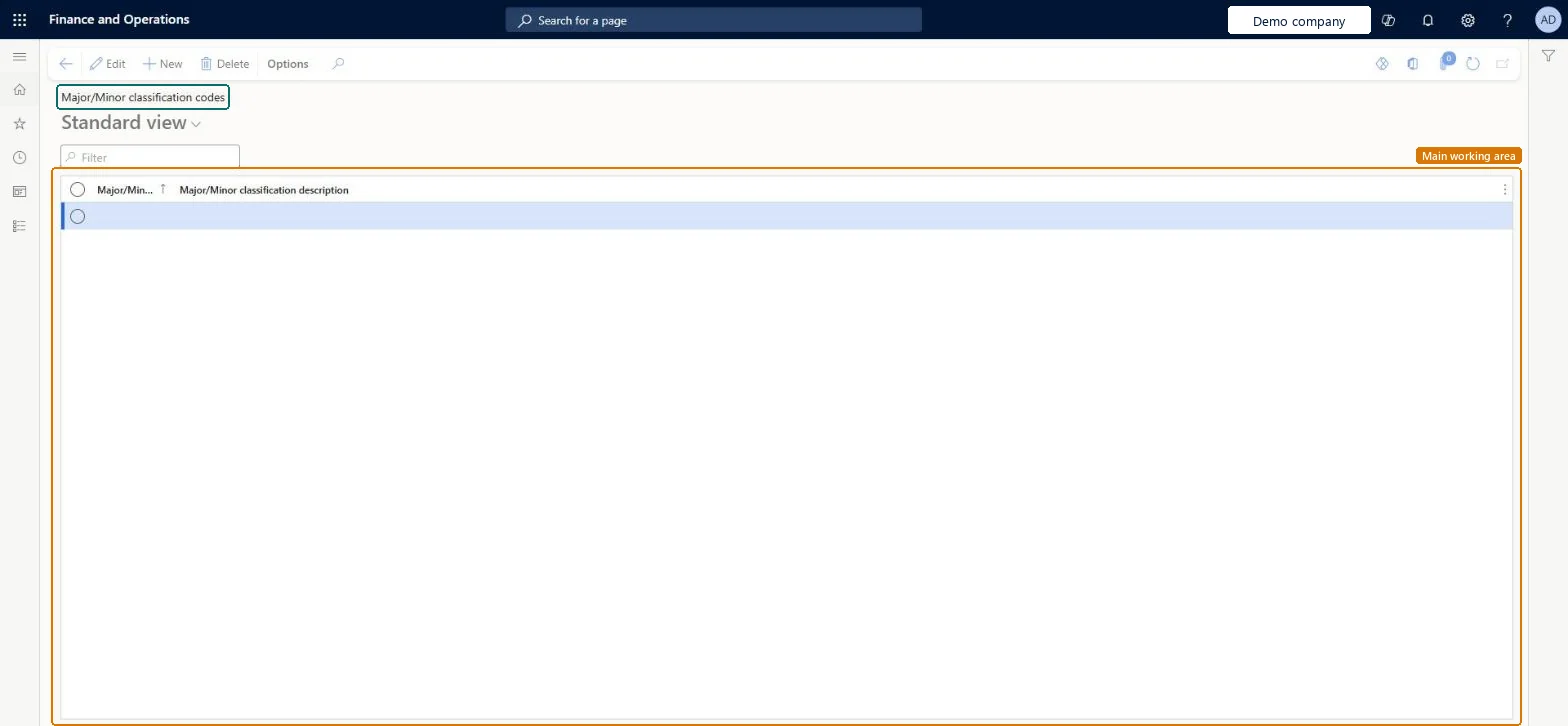
Setup step on the Major/Minor classification codes page · Inventory management
Use this page to classify each CAPA case with a major or minor classification code.
QMSCAPAClassificationCodeQMSCAPAClassificationCodeQMSCAPAClassificationEntity| What it is | A setup page where you define the major/minor classification codes that users can select for each CAPA case. |
|---|---|
| What you do here | Use this page to classify each CAPA case with a major or minor classification code. |
| Business process | Manage inventory quality › Perform corrective and preventative actions › Use corrective and preventative (CAPA) management module to enter and record details about CAPA cases in Dynamics 365 Supply Chain Management |
|---|---|
| Menu path | Inventory management › Setup › CAPA management › Major/Minor classification codes |
| Used next by | All CAPA cases Microsoft Learn |
| Related pages | CAPA categories Microsoft Learn CAPA types Microsoft Learn CAPA sources Microsoft Learn CAPA resolution types Microsoft Learn CAPA root causes Microsoft Learn CAPA processes Microsoft Learn |
| In this process | Set up CAPA types · Set up CAPA root causes |
About the examples: Examples and screenshots in this guide use BEAT, a demo company in a Dynamics 365 test environment. Use your own company's codes and values instead of copying them.
Use this page to classify each CAPA case with a major or minor classification code.
Screen 1
Go to Inventory management > Setup > CAPA management > Major/Minor classification codes
| 1Major/Minor classification code | BEAT-MC |
|---|---|
| Major/Minor classification description | Minor classification |
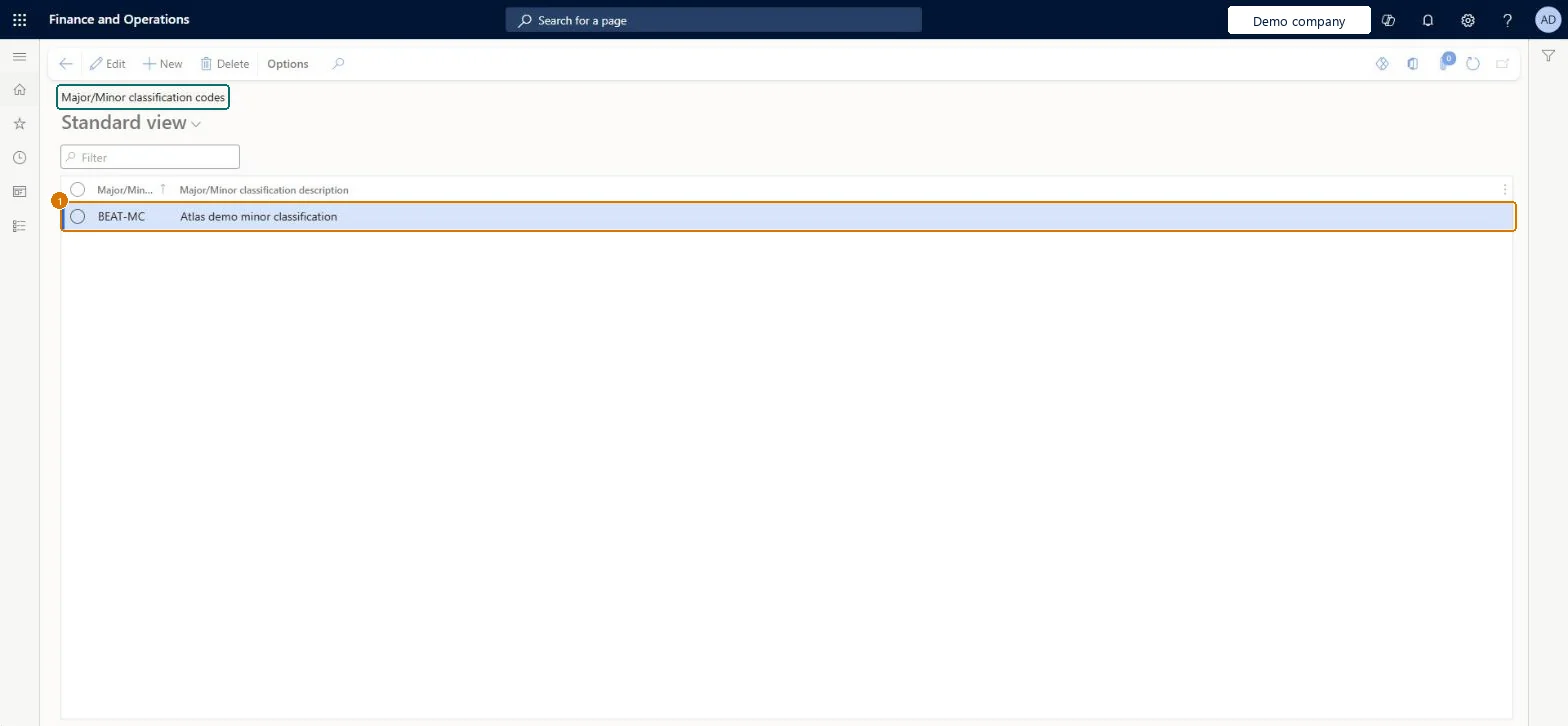
Source: Microsoft Learn
| Field | What it means | Example | Table column |
|---|---|---|---|
| Major/Minor classification code | The code that identifies the major or minor classification.Microsoft Learn | MAJOR | ClassificationCodeId |
| Major/Minor classification description | Minor classification | ClassificationDescription |
Source: Microsoft Learn
| Feature to turn on | Advanced quality management (Mandatory, on by default) |
|---|
| Can it be undone | Reversible: Classification codes can be added or deleted. |
|---|
| Menu item | QMSCAPAClassificationCode Checked in Dynamics 365 |
|---|---|
| Form | QMSCAPAClassificationCode Checked in Dynamics 365 |
| Table | QMSCAPAClassificationCodeShown as “Major/Minor classification codes” in Record infoKey field: ClassificationCodeIdChecked in Dynamics 365 |
| Data entities | QMSCAPAClassificationEntityCAPA classifications Checked in Dynamics 365 |
| Who can open it | PrivilegesMaintain CAPA classifications QMSCAPAClassificationsMaintainView CAPA classifications QMSCAPAClassificationsViewDutiesInquire into processes associated with CAPA cases QMSCAPAProcessDefinitionInquireMaintain processes associated with CAPA cases QMSCAPAProcessDefinitionMaintain2 security rolesCAPA administratorQMSCAPAAdministratorCAPA updater QMSCAPAUpdater |
| Roles to set it up and use it | To set it up or change itCAPA updater QMSCAPAUpdaterCAPA administrator QMSCAPAAdministratorGive people one of these roles. On this system, 2 roles can open this page.Checked in Dynamics 365 |
| Actions on the page | Options: Personalize, Page options, ShareChecked in Dynamics 365 |
| Open it by URL | https://<your-environment>/?mi=QMSCAPAClassificationCode |
|---|---|
| Integrate with | QMSCAPAClassificationEntity data entity Checked in Dynamics 365 |
To cite this step: IM-CAPA-070, Set up Major/Minor classification codes. Beyond ERP Atlas Hub, 2026-11-11. https://www.beyonderp.cloud/atlas/step/IM-CAPA-070