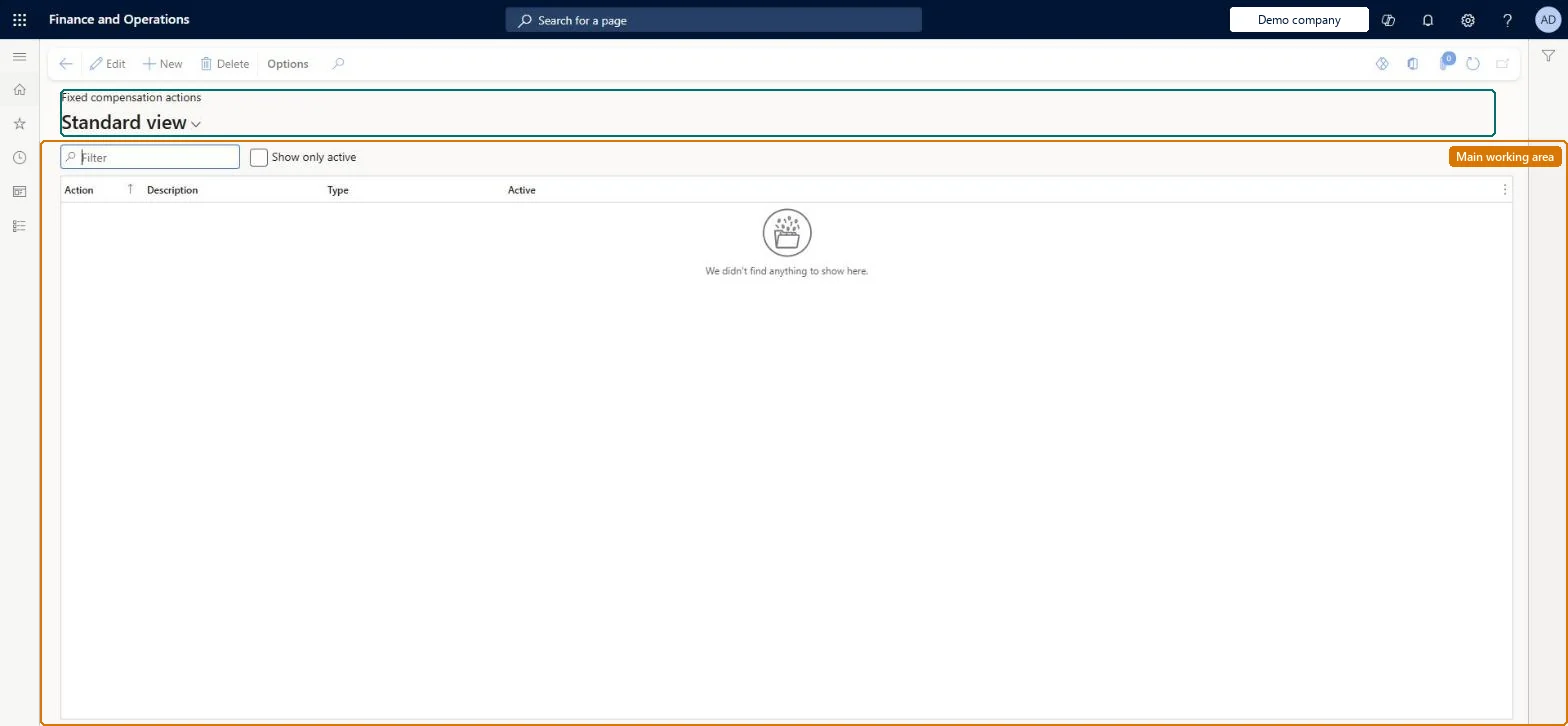
Setup step on the Fixed compensation actions page · Human resources
Set up Fixed compensation actions
Use this page to define the actions a compensation manager uses when recording or processing fixed compensation; each action type carries its own logic and can be used only at specific times.
Compensation and benefits manager, Human resource manager
Business process
Develop people strategy
Menu item
HRMCompFixedAction
Main table
HRMCompFixedAction
Data entity
HcmFixedCompensationActionEntity
Setup steps
1 on this page
Show what matters for
SETUP GUIDEHow to set it up8 sections. Choose a role to highlight what matters to you.
Everyone
1What it is and why
What it is
A setup page where you give descriptive names to the types of actions used to set or change an employee's fixed compensation, such as Hire, Merit or Promotion.
What you do here
Use this page to define the actions a compensation manager uses when recording or processing fixed compensation; each action type carries its own logic and can be used only at specific times.
Example
For example, BEAT creates Hire, Rehire and Transfer of type Hire/Rehire, EQUITY, MERIT, COLA (General), PROMO (Promotion), DEMOTION (Other level change) and STEP1 (Step); a new hire's first fixed compensation line can only use Hire, Rehire or Transfer.
The page in Dynamics 365. page title tab to open what to set or check
About the examples: Examples and screenshots in this guide use BEAT, a demo company in a Dynamics 365 test environment. Use your own company's codes and values instead of copying them.
Setup steps on this page
Set up Fixed compensation actions
Use this page to define the actions a compensation manager uses when recording or processing fixed compensation; each action type carries its own logic and can be used only at specific times.
Steps from Microsoft
Go to Human resources > Compensation > Fixed compensation > Fixed compensation actions.
Select New.
Enter values for Action and Description, for example Hire.
In the Type field, select the action type, for example Hire/Rehire.
Several descriptive actions per action type, for example Hire, Rehire and Transfer all of type Hire/Rehire, plus Equity, Merit, General, Promotion and Other level change actions for processing, and Step actions for step plans.Each action type has its own logic and can only be used at specific times; descriptive names record why fixed compensation was set or changed.
Compensation and benefits managers set up and run compensation; Human resource managers and payroll roles can view it. No Feature management feature is needed for this page.
Per company: fixed compensation actions belong to the legal entity you are signed in to. Data management lists the HcmFixedCompensationActionEntity entity as not shared, so each company keeps its own. Checked in Dynamics 365
Can it be undone
Reversible: Action names can be added at any time. The action type decides where an action can be used, so add a new action rather than changing the type of one already in use.
If you change it later
The action type decides when an action can be used and what it calculates: only Hire/Rehire actions when compensation is first set up, Equity, Merit, General, Promotion and Other level change for grade and band plans in a process, and only Step actions for step plans. Microsoft Learn
Technical architect
6Technical
Menu item
HRMCompFixedActionChecked in Dynamics 365
Form
HRMCompFixedActionChecked in Dynamics 365
Table
HRMCompFixedActionShown as “COMPENSATION FIXED ACTION TABLE” in Record infoChecked in Dynamics 365
Data entities
HcmFixedCompensationActionEntityCompensation fixed action table Checked in Dynamics 365
Who can open it
PrivilegesMaintain fixed compensation actions HRMCompFixedActionMaintainView fixed compensation actions HRMCompFixedActionViewDutiesInquire into compensation transactions HcmCompensationTransactionInquireMaintain compensation transactions HcmCompensationTransactionMaintain2 security rolesCompensation and benefits manager HcmCompensationAndBenefitsManagerHuman resource manager HcmHumanResourceManagerChecked in Dynamics 365
Roles to set it up and use it
To set it up or change itCompensation and benefits manager HcmCompensationAndBenefitsManagerTo use itHuman resource manager HcmHumanResourceManagerGive people one of these roles. On this system, 2 roles can open this page.Checked in Dynamics 365
Developer
7Developer
Open it by URL
https://<your-environment>/?mi=HRMCompFixedAction
Integrate with
HcmFixedCompensationActionEntity data entity Checked in Dynamics 365
Data migration
HcmFixedCompensationActionEntity Compensation fixed action table. Loaded for each company.Load order: Load with the Compensation management template: the fixed action table is listed first, before employee fixed compensation and compensation processes that name the actions.Microsoft Learn
Checked in a working Dynamics 365 system, version 10.0.49: the menu item, form, table and security, the page.
To cite this step: HR-COMP-060, Set up Fixed compensation actions. Beyond ERP Atlas Hub, 2026-11-11. https://www.beyonderp.cloud/atlas/step/HR-COMP-060