SETUP GUIDEHow to set it up8 sections. Choose a role to highlight what matters to you.
Everyone
1What it is and why
What it is
A setup page where you organise course templates (course types) into logical groups.
What you do here
Use this page to group course templates so that courses are easier to find when you have many kinds of courses.
Example
For example, BEAT's group Company holds 6 templates for company processes and HR management courses, and the group Technical holds 9 templates for software training.
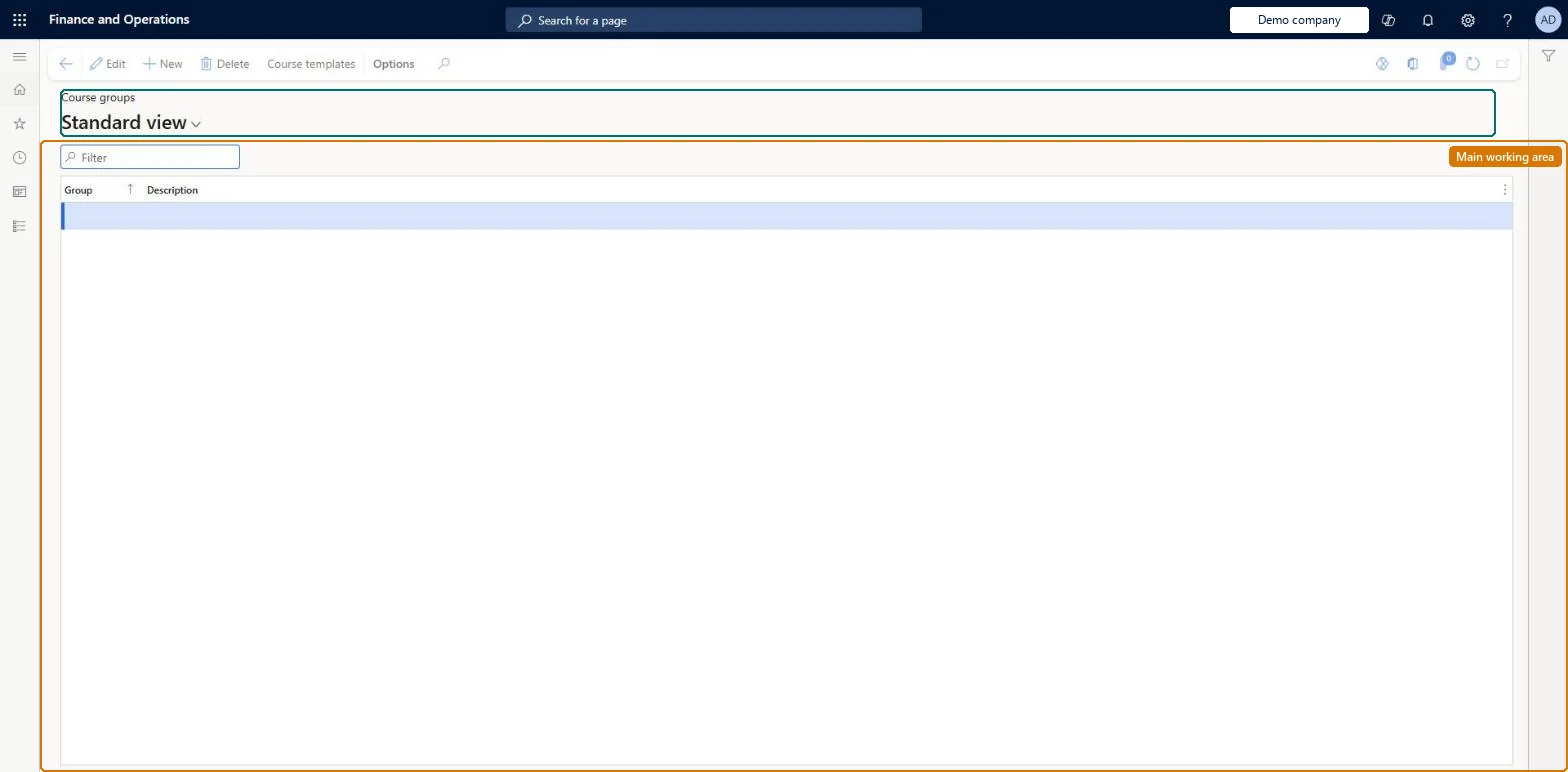
The page in Dynamics 365. page title tab to open what to set or check
About the examples: Examples and screenshots in this guide use BEAT, a demo company in a Dynamics 365 test environment. Use your own company's codes and values instead of copying them.
Setup steps on this page
Set up Course groups
Use this page to group course templates so that courses are easier to find when you have many kinds of courses.
Steps from Microsoft
Go to Human resources > Courses > Setup > Course groups.
Use the Filter box to find a row.
Select New and enter the Group and its Description.
Select Course templates to open the templates for the selected group.
Select Edit to change a selected row, or Delete to remove it.
Set up course groups before course templates and coursesLearn lists course groups as optional course information to set up before you create course records.
Courses are kept by HR and the Training manager role; employees register in Employee self service and managers follow their reports' courses in Manager self service. No Feature management feature is needed for this page.
Shared: Data management lists the Course groups entity as shared, so every legal entity uses the same groups. Checked in Dynamics 365
Can it be undone
Reversible: A course group only organizes course templates. Learn does not document a lock on it.
If you change it later
Course templates are assigned to a group; the group organizes templates so courses are easier to find, and doesn't change course data. Microsoft Learn
Technical architect
6Technical
Menu item
HcmCourseTypeGroupChecked in Dynamics 365
Form
HcmCourseTypeGroupChecked in Dynamics 365
Table
HcmCourseTypeGroupShown as “COURSE GROUPS” in Record infoKey field: CourseTypeGroupIdChecked in Dynamics 365
Data entities
HcmCourseGroupEntityCourse groups Checked in Dynamics 365
Who can open it
PrivilegesMaintain course type groups HcmCourseTypeGroupMaintainView course type groups HcmCourseTypeGroupViewDutiesEnable training process HcmTrainingProcessEnableInquire into training process HcmTrainingProcessInquire2 security rolesHuman resource manager HcmHumanResourceManagerTraining manager HcmTrainingManagerChecked in Dynamics 365
Roles to set it up and use it
To set it up or change itTraining manager HcmTrainingManagerTo use itHuman resource manager HcmHumanResourceManagerGive people one of these roles. On this system, 2 roles can open this page.Checked in Dynamics 365
Actions on the page
(Action Pane without tabs): Course templatesChecked in Dynamics 365
Developer
7Developer
Open it by URL
https://<your-environment>/?mi=HcmCourseTypeGroup
Integrate with
HcmCourseGroupEntity data entity Checked in Dynamics 365
Data migration
HcmCourseGroupEntity Course groups. Shared by all companies.Load order: Course groups load at the start of the Employee development template, before course types.Microsoft Learn