SETUP GUIDEHow to set it up8 sections. Choose a role to highlight what matters to you.
Everyone
1What it is and why
What it is
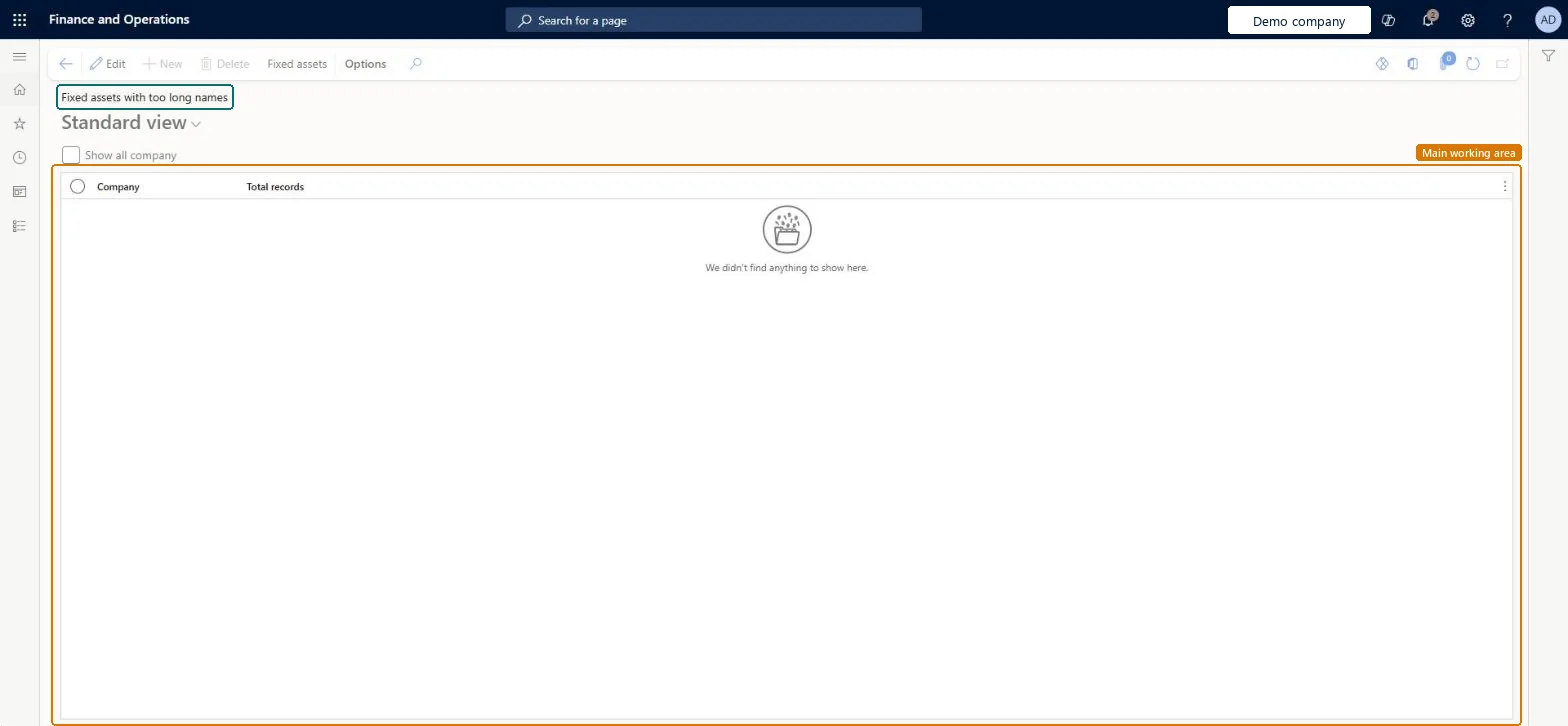
A periodic task page that lists companies and their total number of records for fixed assets with names that are too long, with a Show all company option.
What you do here
Use this task to check which companies have fixed assets whose names are too long, and to open the fixed assets from the Action Pane.
Example
For example, after importing 2,000 assets the accountant runs the check with Show all company and sees that one company has 14 assets whose names must be shortened.
The page in Dynamics 365. page title tab to open what to set or check
About the examples: Examples and screenshots in this guide use BEAT, a demo company in a Dynamics 365 test environment. Use your own company's codes and values instead of copying them.
When to run it
When to run it
Before you use reports or integrations that need shorter asset names, or after importing assets.
How often
On demand, after asset imports.
What the output shows
One line per company with the number of fixed assets whose names are too long. A count above zero means names must be shortened.
Fixed assets is part of Dynamics 365 Finance. Fixed asset accountants run it after imports. On this system the roles that open the page include Accounting supervisor, Accounting manager. No Feature management feature needs to be turned on for this page.
Checked in Dynamics 365
Solution architect
5Design impact
Shared or per company
Per company, or all companies with Show all company. Checked in Dynamics 365
Can it be undone
Reversible: The check changes no data.
If you change it later
The check only counts assets; names are shortened on the assets themselves. Checked in Dynamics 365
Technical architect
6Technical
Menu item
AssetNameTooLongChecked in Dynamics 365
Form
AssetNameTooLongChecked in Dynamics 365
Table
AssetNameTooLongTmpChecked in Dynamics 365
Who can open it
PrivilegesUpdate fixed assets with too long names AssetNameTooLongSelfHealingOpportunityTakeActionDutiesAssetSelfHealingRuleMaintain2 security rolesAccounting manager LedgerAccountingManagerAccounting supervisor LedgerAccountingSupervisorChecked in Dynamics 365
Roles to set it up and use it
To set it up or change itAccounting supervisor LedgerAccountingSupervisorAccounting manager LedgerAccountingManagerGive people one of these roles. On this system, 2 roles can open this page.Checked in Dynamics 365
Actions on the page
Options: Personalize, Page options, ShareChecked in Dynamics 365
Developer
7Developer
Open it by URL
https://<your-environment>/?mi=AssetNameTooLong
Data migration
Load order: The check has no data entity in Data management, so it can't be loaded from a file or a configuration template. Run it in the new environment after the assets are imported.Checked in Dynamics 365
Checked in a working Dynamics 365 system, version 10.0.49: the menu item, form, table and security, the page.
To cite this step: FA-PER-070, Find assets with names that are too long. Beyond ERP Atlas Hub, 2026-11-11. https://www.beyonderp.cloud/atlas/step/FA-PER-070