SETUP GUIDEHow to set it up8 sections. Choose a role to highlight what matters to you.
Everyone
1What it is and why
What it is
A report that lists travel requisitions.
What you do here
Use this report to review travel requisitions by date, worker and approval status.
Example
For example, every Monday the travel coordinator runs the report for requisitions submitted last week with approval status In review and chases the managers before flights are booked.
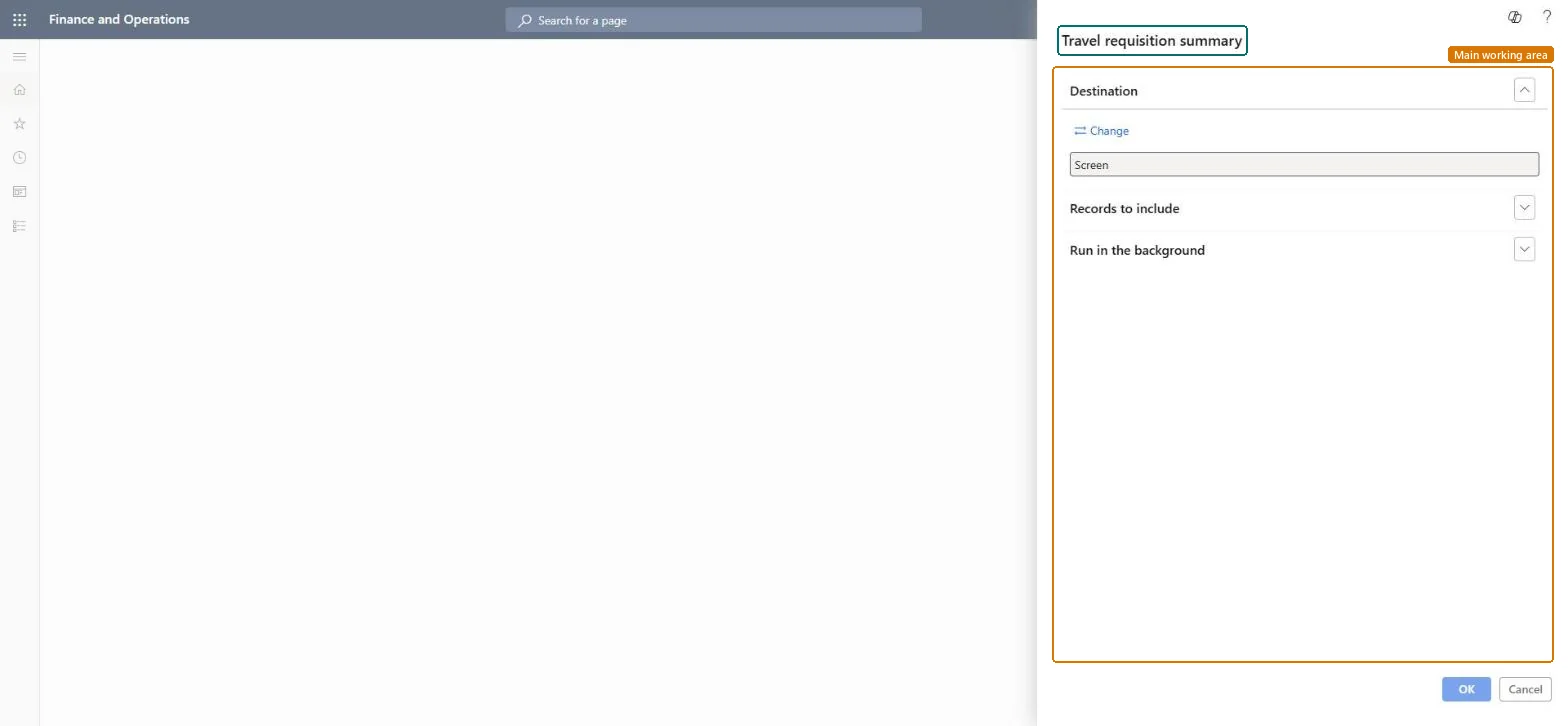
The page in Dynamics 365. page title tab to open what to set or check
About the examples: Examples and screenshots in this guide use BEAT, a demo company in a Dynamics 365 test environment. Use your own company's codes and values instead of copying them.
When to run it
When to run it
When you plan or approve travel, or when you check that trips had an approved travel requisition.
How often
On demand, for example weekly during busy travel periods.
What the output shows
A list of travel requisitions with the submission date, worker and approval status. A trip without an approved requisition matters when the Preauthorization of travel is mandatory parameter is on.
Run it weekly for requisitions still in review, and monthly for approved ones not yet reconciled.When preauthorization is mandatory, an employee can't submit expense reports until the requisition is approved.
In this system Employee and Contractor enter their own expenses, and Expense administrator sets up the module and processes documents. The expense mobile app needs the Employee role, a company on the user account and a link to an employee with active employment. The expense administrator runs this report; no Feature management feature is needed.
Per company: the report runs in the legal entity you are signed in to and reads that company's expense data. Microsoft Learn
Can it be undone
Reversible: The report reads data and changes nothing.
If you change it later
The lines show each requisition's total estimate, approval status and reconciliation status, which changes when expense reports are mapped to it. Microsoft Learn
Technical architect
6Technical
Menu item
output:TrvRequisitionSummaryChecked in Dynamics 365
Form
SysOperationTemplateFormChecked in Dynamics 365
Roles to set it up and use it
To use itExpense administrator ExpenseAdministratorGive people one of these roles. On this system, 1 role can run this page.Checked in Dynamics 365
Load order: The report has no data entity in Data management, so it can't be loaded from a file or a configuration template. It reads posted or entered expense data and prints it; nothing on it is loaded or migrated. Run it in each environment after the data is there.Microsoft Learn