Use corrective and preventative (CAPA) management module to enter and record details about CAPA cases in Dynamics 365 Supply Chain Management
Menu item
QMSActivitiesListPageMyOpen
Main table
smmActivities
Data entity
None for this page's own settings
Setup steps
1 on this page
Show what matters for
SETUP GUIDEHow to set it up8 sections. Choose a role to highlight what matters to you.
Everyone
1What it is and why
What it is
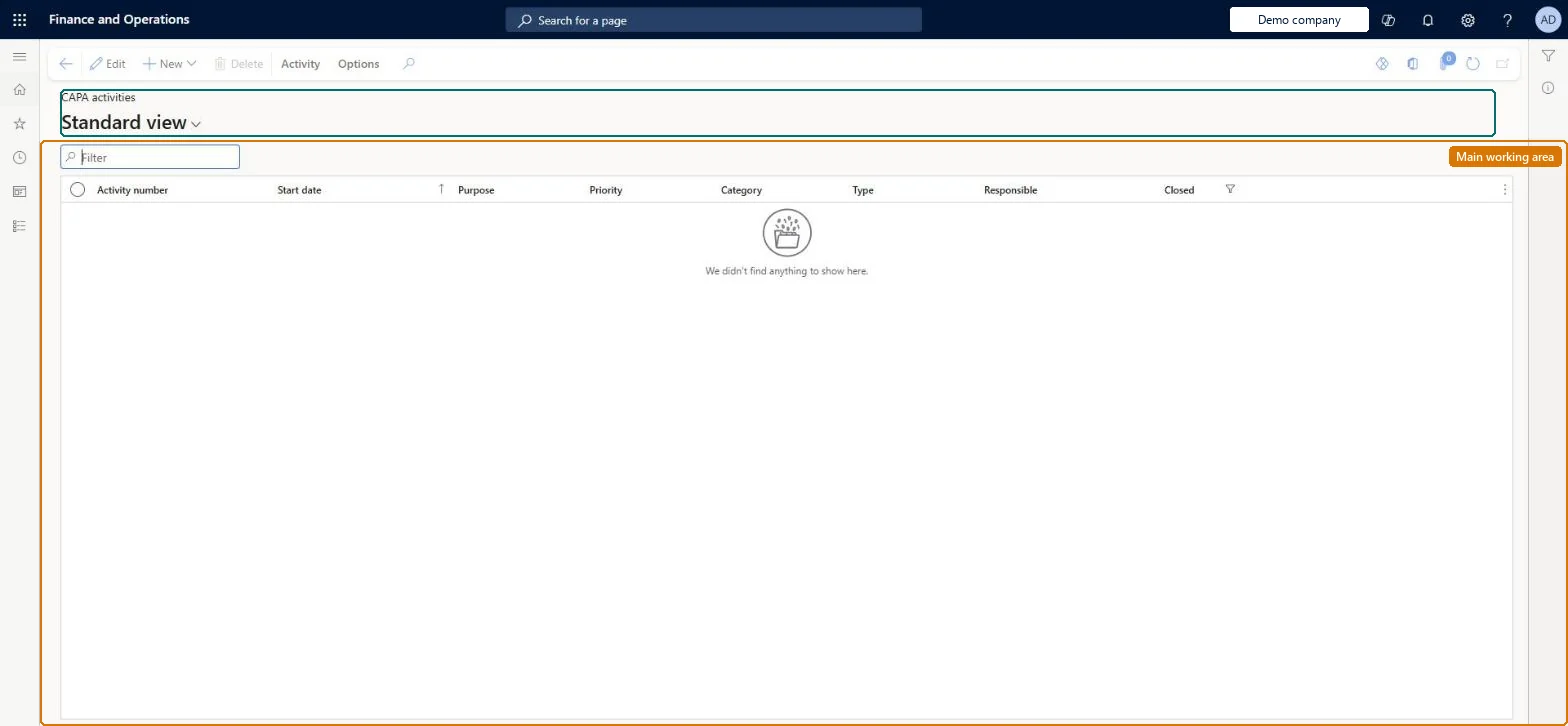
A list page that shows corrective and preventive action (CAPA) activities for the current user, filtered to open activities assigned to you. Activities are the tasks inside each stage of a CAPA case process.
What you do here
Use this page to find the CAPA activities that need work, open an activity to enter notes and information, and mark it as complete so the case can move to its next stage.
Example
For example, a BEAT quality engineer opens My open CAPA activities and has 3 open: two investigation activities and one verification activity, and finishes the verification first because its case is waiting to close.
The page in Dynamics 365. page title tab to open what to set or check
About the examples: Examples and screenshots in this guide use BEAT, a demo company in a Dynamics 365 test environment. Use your own company's codes and values instead of copying them.
Setup steps on this page
Work CAPA activities from My open CAPA activities
Find and finish CAPA activities so cases can move through their stages.
Steps from Microsoft
Go to Common > Common > Activities > CAPA activities > My open CAPA activities.
Use My open CAPA activities to see your CAPA activities that aren't closed yet.
Start with activities whose case is waiting on you to change stage.
Select Set as complete on the Activity tab when the work is done; when all mandatory activities of the stage are closed, change the case's stage.
Per company: CAPA activities belong to CAPA cases of the legal entity (the Activities entity is not shared). Checked in Dynamics 365
Can it be undone
Hard to reverse: Closing the last mandatory activity lets the case change stage, which can't be reversed.
If you change it later
Closing the last mandatory activity of a stage lets the case move to its next stage, which can't be undone. Microsoft Learn
Technical architect
6Technical
Menu item
QMSActivitiesListPageMyOpenChecked in Dynamics 365
Form
smmActivitiesChecked in Dynamics 365
Table
smmActivitiesShown as “ACTIVITIES” in Record infoKey field: ActivityNumberChecked in Dynamics 365
Data entities
smmActivitiesEntityActivities (the activity records; CAPA activities are generated by the CAPA process, not loaded) Microsoft data model
Who can open it
PrivilegesView my CAPA activities QMSSmmActivitiesListPage_MyActivityViewMaintain my CAPA activities QMSSmmActivitiesListPage_MyActivMaintainDutiesMaintain CAPA activities QMSsmmActivitiesMaintain2 security rolesCAPA administrator QMSCAPAAdministratorCAPA updater QMSCAPAUpdaterChecked in Dynamics 365
Roles to set it up and use it
To set it up or change itCAPA updater QMSCAPAUpdaterCAPA administrator QMSCAPAAdministratorGive people one of these roles. On this system, 2 roles can open this page.Checked in Dynamics 365
Actions on the page
Activity: Maintain, Set up, Attachments(Action Pane without tabs): New, DeleteChecked in Dynamics 365
smmActivitiesEntity (Activities): loaded for each company.Load order: CAPA activities are generated by the CAPA process when a case reaches a stage; migrate open CAPA cases and let the process generate the activities.Load first: CAPA cases, CAPA process templatesMicrosoft Learn
Checked in a working Dynamics 365 system, version 10.0.49: the menu item, form, table and security, the page.
To cite this step: CMN-CAPAACT-040, Work CAPA activities from My open CAPA activities. Beyond ERP Atlas Hub, 2026-11-11. https://www.beyonderp.cloud/atlas/step/CMN-CAPAACT-040