Cash and bank managementInquiries and reportsLetters of credit or guarantee
output:BankLGExpiryDate
Business process
Manage supplier letters of guarantee for payment in Dynamics 365 Finance
Menu item
output:BankLGExpiryDate
Setup steps
1 on this page
Show what matters for
SETUP GUIDEHow to set it up8 sections. Choose a role to highlight what matters to you.
Everyone
1What it is and why
What it is
A report that lists the letters of guarantee that expire during a period you choose.
What you do here
Use this report to track expiration dates and follow up with customers or vendors to extend letters of guarantee in time.
Example
For example, run on 3/1/2027 for expiration dates up to 6/30/2027, the report lists two performance bonds of 250,000.00 and 80,000.00 so the treasurer can agree extensions with the customer and the bank in time.
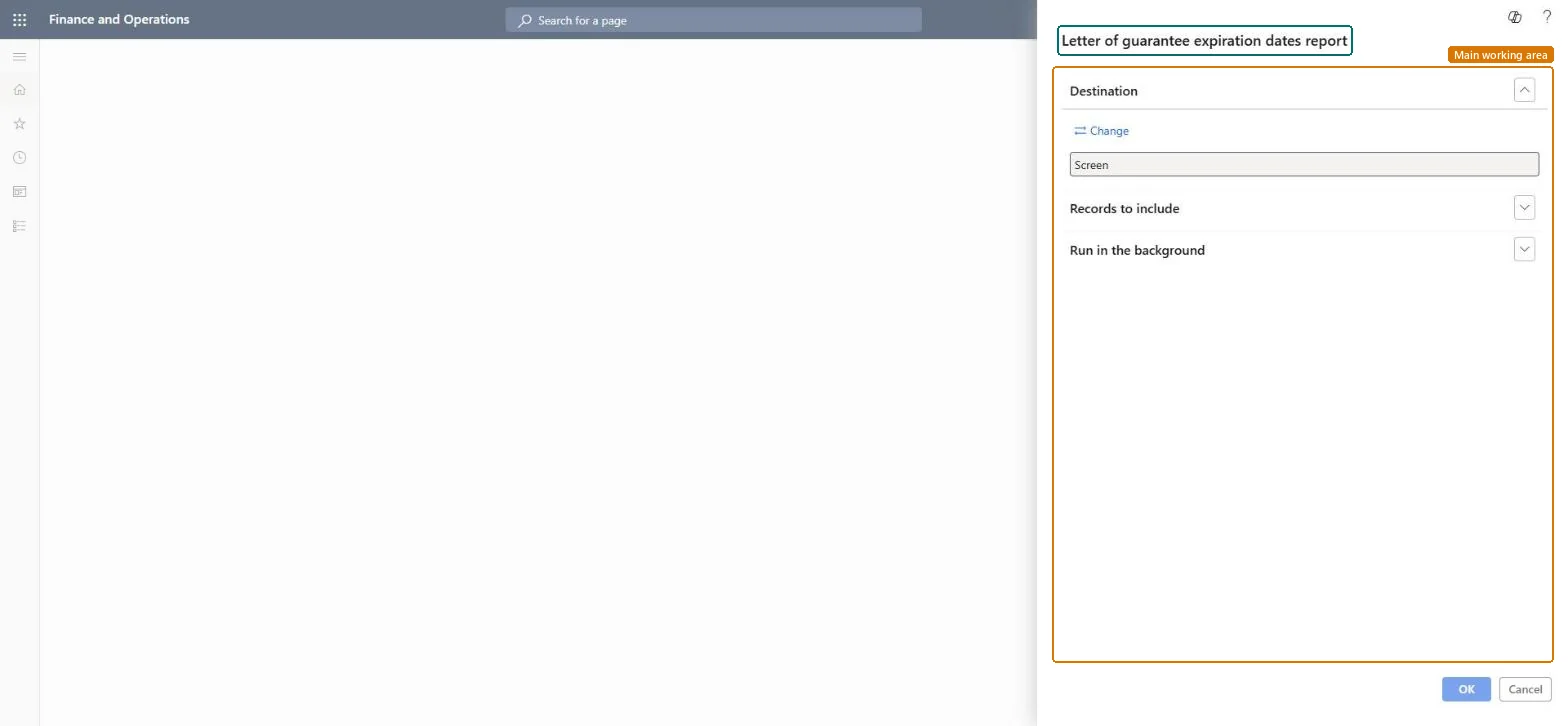
The page in Dynamics 365. page title tab to open what to set or check
About the examples: Examples and screenshots in this guide use BEAT, a demo company in a Dynamics 365 test environment. Use your own company's codes and values instead of copying them.
When to run it
When to run it
Ahead of the expiration dates of open letters of guarantee, so you can follow up and extend them in time.
How often
On demand, when you plan follow-up on letters of guarantee that are about to expire.
What the output shows
The letters of guarantee that expire in the period you filtered on. A letter you expected but don't see usually has an expiration date outside the filter or was already extended.
Run it monthly with an Expiration date range of the next three months.The beneficiary must present the letter before it expires; a window ahead leaves time to agree an extension with the customer and the bank.
In this system 6 roles can run this report, among them Treasurer, Chief financial officer, Accounting manager, Financial controller and Accounts receivable manager.
Checked in Dynamics 365
Solution architect
5Design impact
Shared or per company
Per company: it lists the letters of guarantee of the legal entity you run it in. Microsoft data model
Can it be undone
Nothing to undo: The report changes no data.
If you change it later
Read-only. Follow-up happens on the Letters of guarantee page with Extend, Cancel or Liquidate. Microsoft Learn
Technical architect
6Technical
Menu item
output:BankLGExpiryDateChecked in Dynamics 365
Form
SysOperationTemplateFormChecked in Dynamics 365
Roles to set it up and use it
To use itTreasurer PaymTreasurerChief financial officer CompanyChiefFinancialOfficerAccounting manager LedgerAccountingManagerFinancial controller LedgerFinancialControllerAccounts receivable manager CustInvoiceAccountsReceivableManagerGive people one of these roles. On this system, 6 roles can run this page.Checked in Dynamics 365
Load order: The letter of guarantee expiration dates report has no data entity in Data management, so it can't be loaded from a file or a configuration template. It reads the letters of guarantee recorded in this environment.Microsoft Learn
Checked in a working Dynamics 365 system, version 10.0.49: the menu item, form, table and security, the page.
To cite this step: CB-RPT-310, Follow up expiring letters of guarantee. Beyond ERP Atlas Hub, 2026-11-11. https://www.beyonderp.cloud/atlas/step/CB-RPT-310