Cash and bank managementInquiries and reportsLetters of credit or guarantee
output:BankLGApplication
Business process
Manage supplier letters of guarantee for payment in Dynamics 365 Finance
Menu item
output:BankLGApplication
Setup steps
1 on this page
Show what matters for
SETUP GUIDEHow to set it up8 sections. Choose a role to highlight what matters to you.
Everyone
1What it is and why
What it is
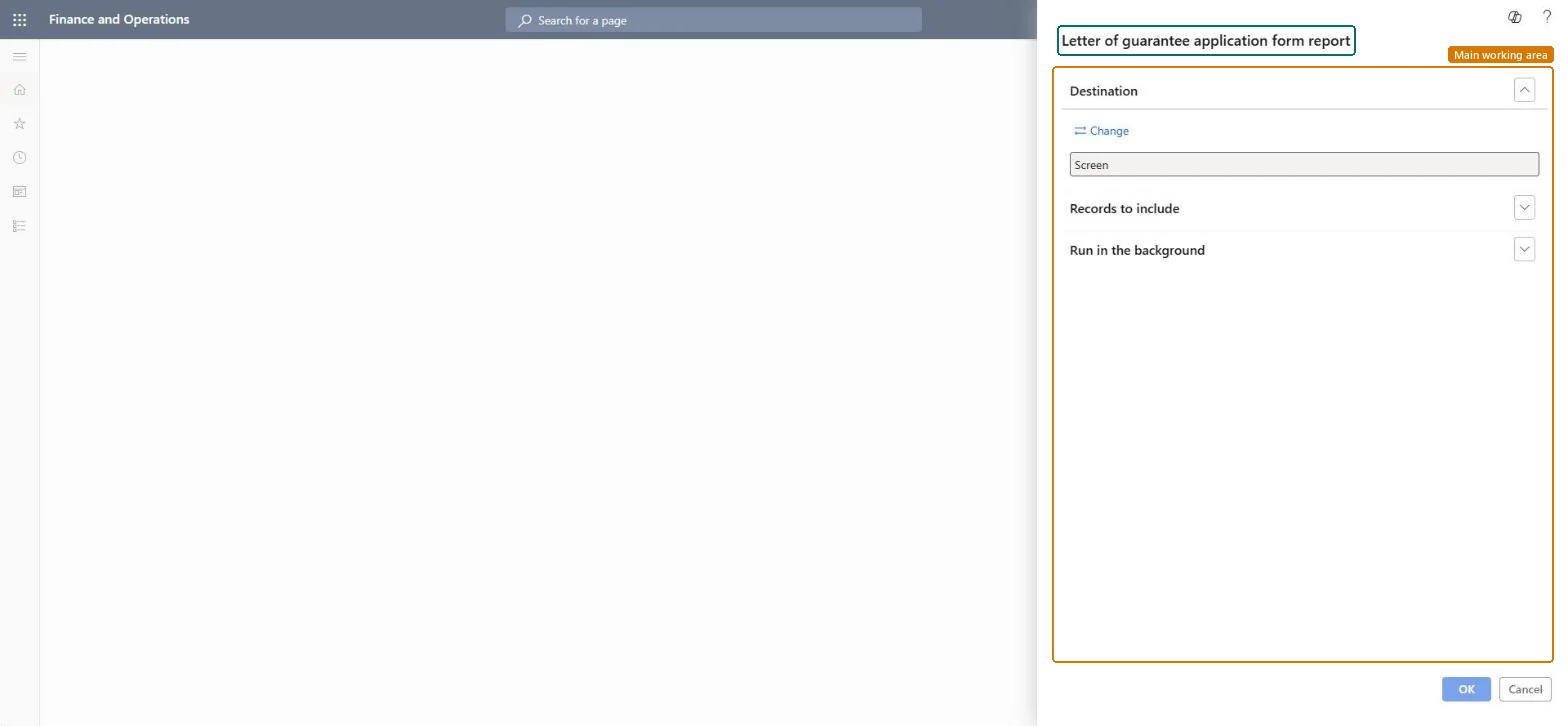
A report that prints the letter of guarantee application to submit to the bank.
What you do here
Use this report to print the application for a letter of guarantee once it has been submitted to the bank.
Example
For example, after the 250,000.00 performance bond request is submitted to the bank, the treasurer prints its application form by letter of guarantee number and hands it to the bank with the request.
The page in Dynamics 365. page title tab to open what to set or check
About the examples: Examples and screenshots in this guide use BEAT, a demo company in a Dynamics 365 test environment. Use your own company's codes and values instead of copying them.
When to run it
When to run it
After a letter of guarantee request is submitted to the bank.
How often
Once per letter of guarantee request, and again if the request changes.
What the output shows
The letter of guarantee application form for the selected number, ready to give to the bank. If the form shows old values, the letter was changed after the form was printed; print it again.
Changes after printing are made with the actions on the Letters of guarantee page (Increase value, Decrease value, Extend); print the form again after the change. Microsoft Learn
Print it right after Submit to bank, filtered on the letter of guarantee number.The bank works from the application; printing after submission ties the form to the recorded request.
In this system 6 roles can run this report, among them Treasurer, Chief financial officer, Accounting manager, Financial controller and Accounts receivable manager.
Checked in Dynamics 365
Solution architect
5Design impact
Shared or per company
Per company: it prints letters of guarantee of the legal entity you run it in. Microsoft data model
Can it be undone
Nothing to undo: Printing changes no data.
If you change it later
Read-only: printing changes nothing on the letter of guarantee. Microsoft Learn
Technical architect
6Technical
Menu item
output:BankLGApplicationChecked in Dynamics 365
Form
SysOperationTemplateFormChecked in Dynamics 365
Roles to set it up and use it
To use itTreasurer PaymTreasurerChief financial officer CompanyChiefFinancialOfficerAccounting manager LedgerAccountingManagerFinancial controller LedgerFinancialControllerAccounts receivable manager CustInvoiceAccountsReceivableManagerGive people one of these roles. On this system, 6 roles can run this page.Checked in Dynamics 365
Load order: The letter of guarantee application form report has no data entity in Data management, so it can't be loaded from a file or a configuration template. It prints letters of guarantee recorded in this environment.Microsoft Learn
Checked in a working Dynamics 365 system, version 10.0.49: the menu item, form, table and security, the page.
To cite this step: CB-RPT-320, Print the letter of guarantee application. Beyond ERP Atlas Hub, 2026-11-11. https://www.beyonderp.cloud/atlas/step/CB-RPT-320