Cash and bank managementInquiries and reportsBank reconciliation reports
output:BankAccountNonReconciled
Business process
Reconcile bank accounts
Menu item
output:BankAccountNonReconciled
Setup steps
1 on this page
Show what matters for
SETUP GUIDEHow to set it up8 sections. Choose a role to highlight what matters to you.
Everyone
1What it is and why
What it is
A report that lists the bank transactions that aren't reconciled yet.
What you do here
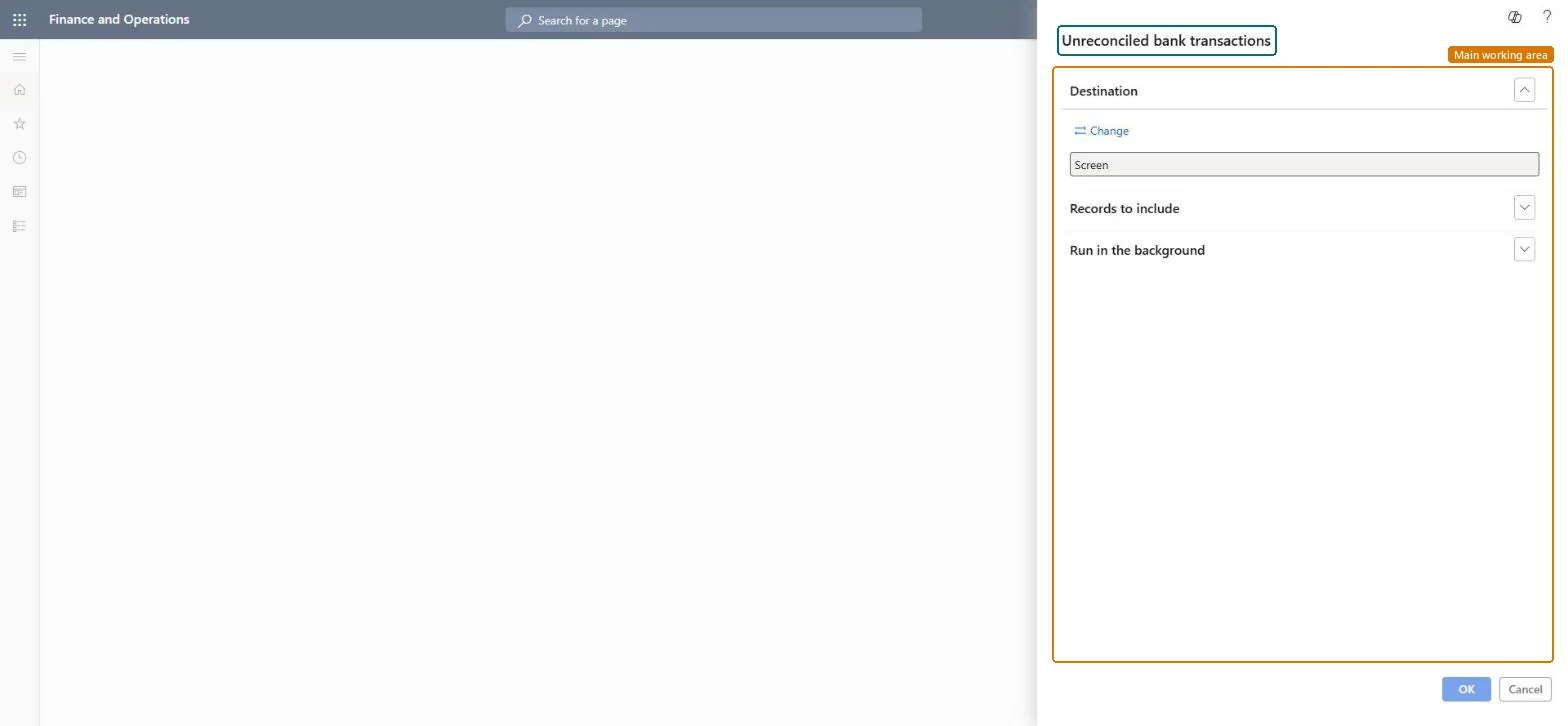
Use this report to show and print the bank transactions that still have to be matched to a bank statement.
Example
For example, after reconciling the March statement of the operating account, BEAT runs the report for that account: it lists 6 open transactions, including check 10052 for 4,800.00 issued on 30 March that the vendor hasn't cashed yet.
The page in Dynamics 365. page title tab to open what to set or check
About the examples: Examples and screenshots in this guide use BEAT, a demo company in a Dynamics 365 test environment. Use your own company's codes and values instead of copying them.
When to run it
When to run it
After you reconcile a bank account against a bank statement, to see which bank transactions are still open.
How often
Each time you reconcile a bank account, usually once per bank statement.
What the output shows
A list of bank transactions that aren't reconciled yet. Old items that never clear usually point to a check that wasn't cashed or a transaction posted to the wrong bank account.
The bank account whose open transactions are listed.Microsoft Learn
OPERATING
Transaction date
Filter on the date of the bank transactions.Checked in Dynamics 365
Pending cancellation
Filter to leave out payments whose reversal is entered but not yet posted or rejected.Microsoft Learn
Common errors and fixes
Message
What to do
A transaction that is on the statement still shows as unreconciled
It wasn't marked Cleared before the reconciliation was posted, or it is Pending cancellation. Clear it on the next reconciliation, or have the reversal posted or rejected first. Microsoft Learn
Run it per bank account after each posted reconciliation and follow up items older than one statement period.Old open items are usually uncashed checks, stopped payments or transactions entered twice; the report is the list to work through.
In this system 10 roles can open this page, among them Treasurer, Chief financial officer, Accounting manager and Financial controller.
Checked in Dynamics 365
Solution architect
5Design impact
Shared or per company
Per company: the report lists bank transactions of the current legal entity. Microsoft Learn
Can it be undone
Reversible: The report changes no data.
If you change it later
The list depends on what has been reconciled; it shrinks only when transactions are cleared in a posted reconciliation. Microsoft Learn
Technical architect
6Technical
Menu item
output:BankAccountNonReconciledChecked in Dynamics 365
Form
SysOperationTemplateFormChecked in Dynamics 365
Roles to set it up and use it
To use itTreasurer PaymTreasurerChief financial officer CompanyChiefFinancialOfficerAccounting manager LedgerAccountingManagerFinancial controller LedgerFinancialControllerAccountant LedgerAccountantGive people one of these roles. On this system, 10 roles can run this page.Checked in Dynamics 365
Load order: The Unreconciled bank transactions report has no data entity in Data management, so it can't be loaded from a file or a configuration template. It reads posted bank transactions; at go-live, outstanding items are the open transactions posted after the opening balance.Microsoft Learn
Checked in a working Dynamics 365 system, version 10.0.49: the menu item, form, table and security, the page.
To cite this step: CB-RPT-110, Review unreconciled bank transactions. Beyond ERP Atlas Hub, 2026-11-11. https://www.beyonderp.cloud/atlas/step/CB-RPT-110