Chief financial officer, Accounting manager, Financial controller and 1 more role
Business process
Manage promissory notes
Menu item
BankPromissoryNoteTable
Main table
BankPromissoryNoteTable
Setup steps
1 on this page
Show what matters for
SETUP GUIDEHow to set it up8 sections. Choose a role to highlight what matters to you.
Everyone
1What it is and why
What it is
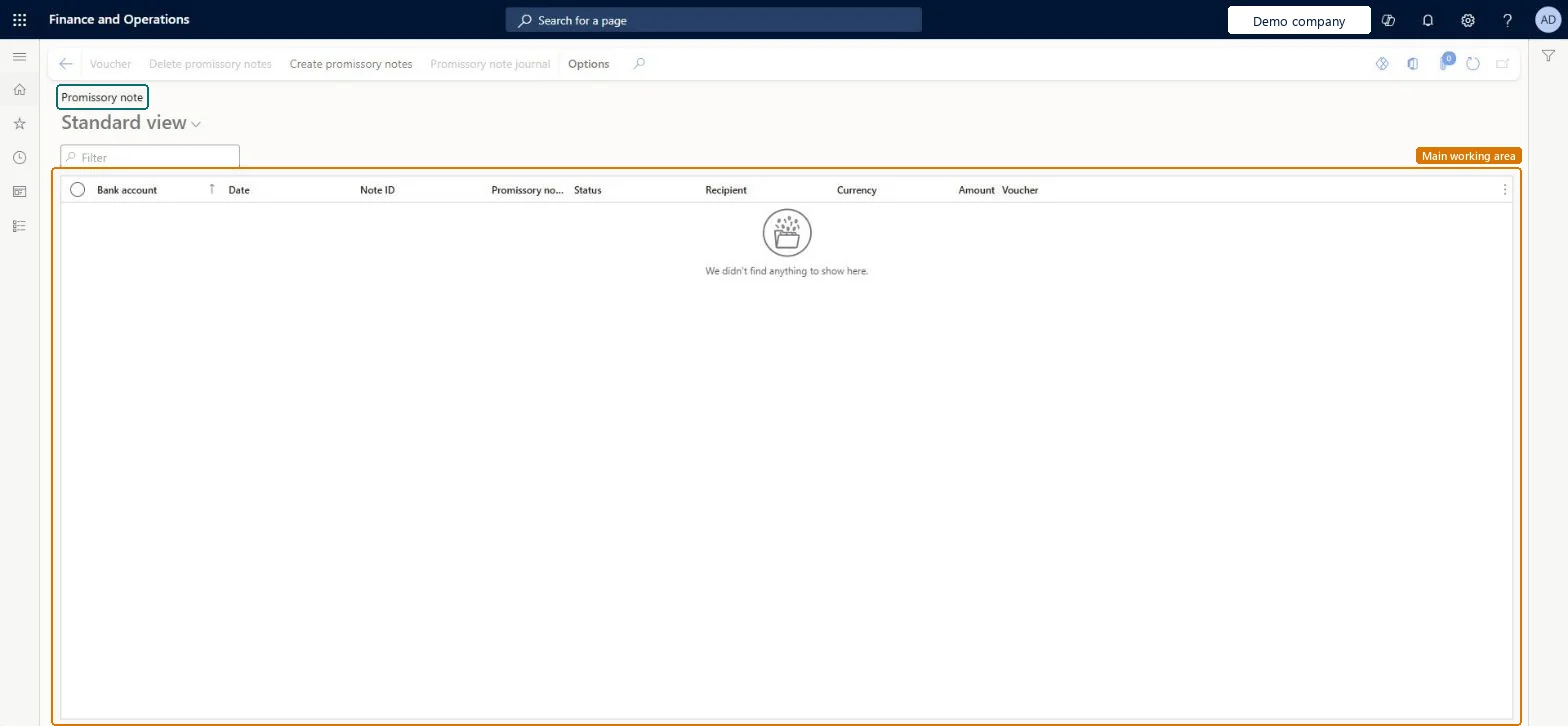
The list of promissory note documents per company bank account, with the vendor promissory note they belong to, status, amount and voucher.
What you do here
Use this page to follow the promissory notes the company issues to vendors from its bank accounts: create or delete a document, and open its voucher or the promissory note journal it came from.
Example
For example, a vendor accepts a promissory note of 8,500.00 due in 90 days instead of a transfer. After the draw promissory note journal is posted, the note shows here under the paying bank account until it is settled.
The page in Dynamics 365. page title tab to open what to set or check
About the examples: Examples and screenshots in this guide use BEAT, a demo company in a Dynamics 365 test environment. Use your own company's codes and values instead of copying them.
Setup steps on this page
Follow promissory notes per bank account
Review the promissory notes issued from each bank account and open their vouchers and journals.
Steps from Microsoft
Go to Cash and bank management > Payment reversals > Promissory notes.
Filter on the bank account, date, note ID or status.
Select a note and select Voucher to see its posting, or Promissory note journal to open the journal it came from.
Select Create promissory notes to add documents for a bank account, or Delete promissory notes to remove an unused one.
Check the notes due soon before you run the Settle promissory note journal in Accounts payable.
The ledger voucher of the posted promissory note; select Voucher to open it.Microsoft data model
Common errors and fixes
Message
What to do
No draw promissory note journal is created when the invoice posts
Create and post draw journal automatically when posting invoices is cleared on the vendor method of payment; create the Draw promissory note journal yourself, with a journal name of type Vendor draws promissory note. Microsoft Learn
A copy of a promissory note can't be printed
Turn on Allow copies of payments in Cash and bank management parameters; copies print as non-negotiable documents. Microsoft Learn
Test checklist
Create journal names for Vendor draws, redraws and settles promissory note.
Draw a promissory note for a vendor invoice and post the draw journal.
Open this page, filter on the bank account and check the note and its voucher.
Settle it with the Settle promissory note journal and check its status.
Set up journal names for Vendor draws promissory note, Vendor redraws promissory note and Vendor settles promissory note, and decide on the vendor method of payment whether the draw journal is created automatically at invoice posting.The ledger journal types article lists each promissory note step as its own journal type; the method of payment option decides whether drawing is automatic.
Hard to reverse: Posted notes are changed through redraw or settle journals.
If you change it later
Vendor promissory notes are drawn, redrawn and settled through their own Accounts payable journal types. The draw journal is created automatically at invoice posting unless Create and post draw journal automatically when posting invoices is cleared on the vendor method of payment. Microsoft Learn
Technical architect
6Technical
Menu item
BankPromissoryNoteTableChecked in Dynamics 365
Form
BankPromissoryNoteTableChecked in Dynamics 365
Table
BankPromissoryNoteTableShown as “Promissory note table” in Record infoKey field: BankAccountID, PromissoryNoteNumChecked in Dynamics 365
Who can open it
PrivilegesMaintain bank account promissory notes BankPromissoryNoteTableMaintainView bank account promissory notes BankPromissoryNoteTableViewDutiesMaintain bank accounts master BankBankAccountsMaintainInquire into bank management reference data BankBankMgmtReferenceDataInquire4 security rolesChief financial officer CompanyChiefFinancialOfficerAccounting manager LedgerAccountingManagerFinancial controller LedgerFinancialControllerTreasurer PaymTreasurerChecked in Dynamics 365
Roles to set it up and use it
To set it up or change itTreasurer PaymTreasurerTo use itChief financial officer CompanyChiefFinancialOfficerAccounting manager LedgerAccountingManagerFinancial controller LedgerFinancialControllerGive people one of these roles. On this system, 4 roles can open this page.Checked in Dynamics 365
Actions on the page
Options: Personalize, Page options, ShareChecked in Dynamics 365
Load order: The promissory note list has no data entity in Data management, so it can't be loaded from a file or a configuration template. Notes come from the Accounts payable promissory note journals. The Promissory note layout entity (BankPromissoryNoteLayoutEntity) loads only the layout of a bank account. At go-live, enter open notes through the draw promissory note journal.Checked in Dynamics 365
Checked in a working Dynamics 365 system, version 10.0.49: the menu item, form, table and security, the page.
To cite this step: CB-REV-040, Follow promissory notes per bank account. Beyond ERP Atlas Hub, 2026-11-11. https://www.beyonderp.cloud/atlas/step/CB-REV-040