Process budget data for cost accounting in Dynamics 365 Finance
Menu item
CAMImportedBudgetEntry
Main table
CAMDataImportedTransactionEntry
Data entity
CAMImportedBudgetEntryEntity
Setup steps
1 on this page
Show what matters for
SETUP GUIDEHow to set it up8 sections. Choose a role to highlight what matters to you.
Everyone
1What it is and why
What it is
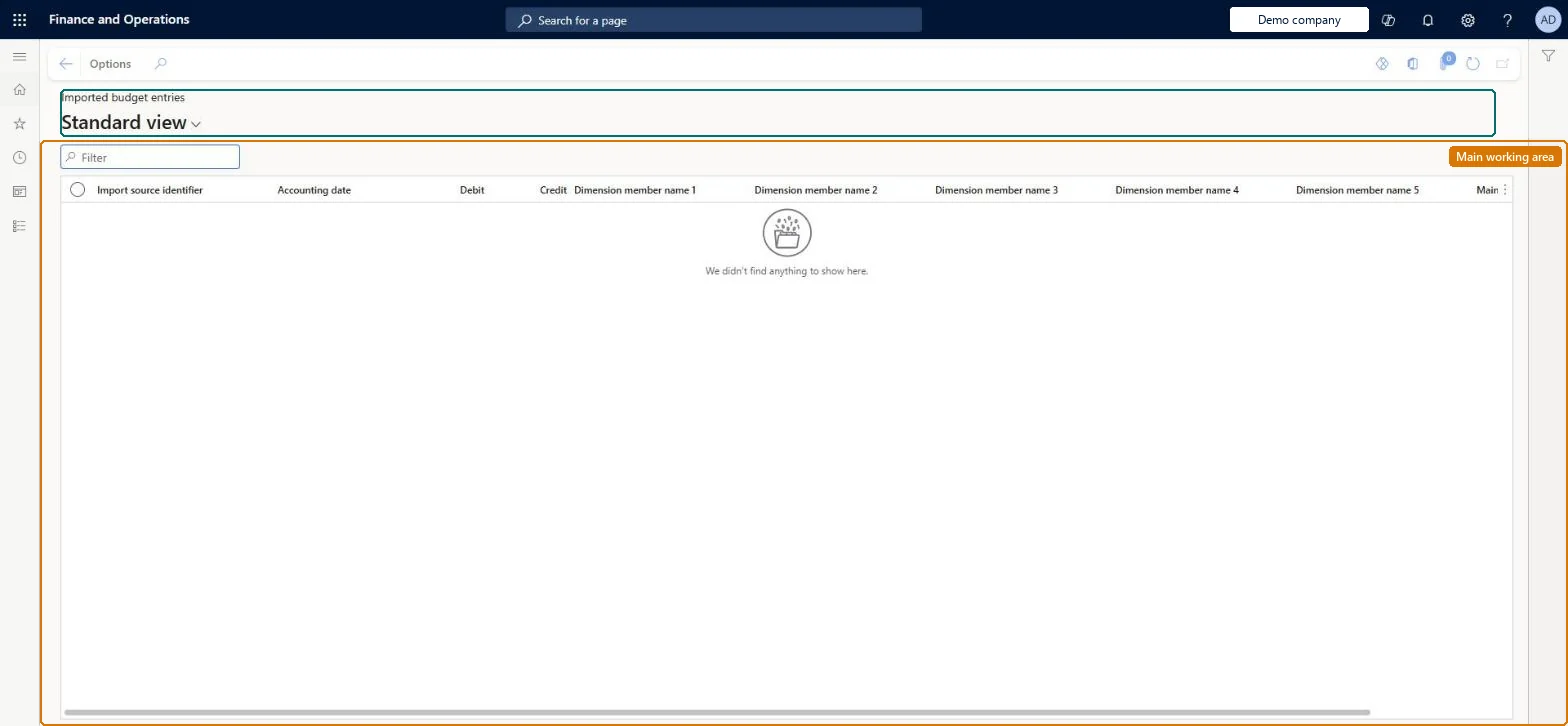
A staging page that shows budget entries (amount, accounting date, dimension member names, main account name, debit/credit and source identifier) loaded through Data management with the Imported budget entries data entity for the Imported transactions data connector.
What you do here
Use this page to review budget figures loaded from an external planning system before the Imported transactions data connector processes them into a budget version of a cost accounting ledger.
Example
For example, a budget prepared in a spreadsheet or planning tool outside Dynamics 365 can be loaded here, processed into an original budget version, and later revised in a second version.
The page in Dynamics 365. page title tab to open what to set or check
About the examples: Examples and screenshots in this guide use BEAT, a demo company in a Dynamics 365 test environment. Use your own company's codes and values instead of copying them.
Setup steps on this page
Import a budget from a file
Load budget entries from another system through the Imported transactions data connector.
Steps from Microsoft
Go to System administration > Workspaces > Data management and create an import project.
Add the Imported budget entries entity with your file, map the columns and import.
Go to Cost accounting > Imported data > Data entity > Imported budget entries and check the rows, filtering on the source identifier.
On the cost accounting ledger, open the budget version and add a budget data source with the Imported transactions connector and the same source identifier.
Process the budget data and select the version as Budget original version in Cost control workspace configuration.
Load the approved budget into an original budget version and later changes into a revised version, with one source identifier per version.Keeping original and revised budgets in separate versions lets the Cost control workspace show both against actual cost.
Cost accounting has four roles: Cost accounting manager (Activity licence), Cost accountant and Cost accountant clerk (Operations licence), and Cost object controller (Team members licence). Cost accountants load and check imported data. No Feature management feature needs to be turned on for this page.
Shared: Data management lists the entity as shared by all companies, so the rows aren't tied to one legal entity. Checked in Dynamics 365
Can it be undone
Reversible: A corrected file can be imported again; process the source data again to replace the entries.
If you change it later
If the budget changes, the file must be imported again and processed again before reports reflect it; budget data can be kept in separate original and revised versions so a revision does not overwrite the original. Microsoft Learn
Technical architect
6Technical
Menu item
CAMImportedBudgetEntryChecked in Dynamics 365
Form
CAMImportedTransactionEntryChecked in Dynamics 365
Table
CAMDataImportedTransactionEntryShown as “IMPORTED TRANSACTION ENTRIES” in Record infoChecked in Dynamics 365
DutyInquire into imported source entriesCAMImportedSourceEntriesInquire
PrivilegeView the imported general ledger entriesCAMImportedBudgetEntryEntityView
Checked in Dynamics 365
Roles to set it up and use it
To use itInquire into imported source entries CAMImportedSourceEntriesInquireGive people a role that holds these duties. On this system, 3 roles give access to this page.Checked in Dynamics 365
CAMImportedBudgetEntryEntity (Imported budget entries): shared by all companies; Data management lists it as enabled in the Cost accounting module.Load order: Not part of Microsoft's default configuration templates. Load the dimension members first (cost element, cost object, statistical), then the general ledger entries, budget entries and statistical measures that refer to them, and then process the source data on the cost accounting ledger.Load first: the matching Imported dimension members, loaded firstMicrosoft Learn