SETUP GUIDEHow to set it up8 sections. Choose a role to highlight what matters to you.
Everyone
1What it is and why
What it is
A setup page for the error codes and descriptions used when importing ISO 20022 pain.002 payment status return messages.
What you do here
Use this page to set up pain.002 error codes in line with the external ISO 20022 status reason codes, as a prerequisite for importing bank return messages into the vendor payment transfer journal.
Example
You set up codes such as AC01 IncorrectAccountNumber and AC04 ClosedAccountNumber so rejected payments returned by the bank show the reason.
The page in Dynamics 365. page title tab to open what to set or check
About the examples: Examples and screenshots in this guide use BEAT, a demo company in a Dynamics 365 test environment. Use your own company's codes and values instead of copying them.
Step by step, with screenshots
Set up Return format error codes1 screen
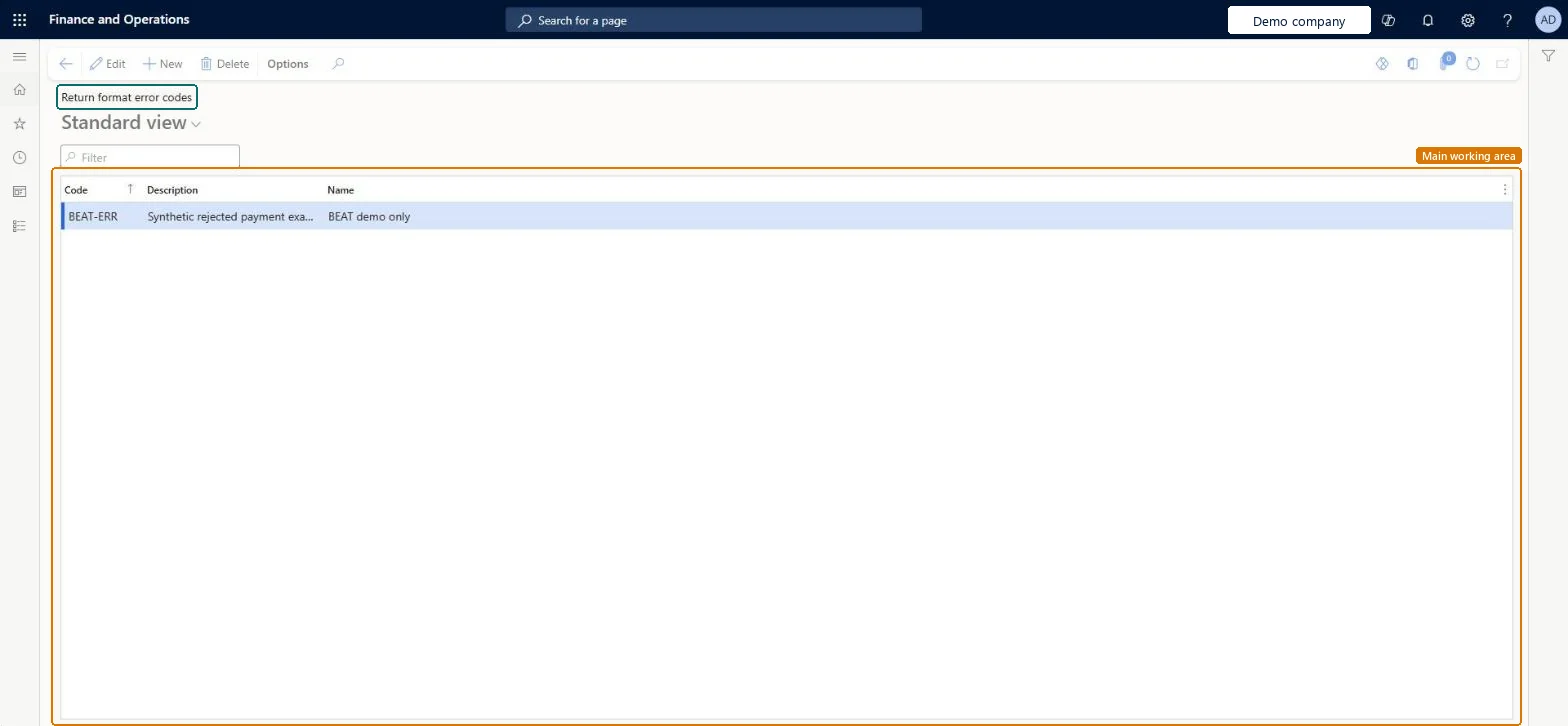
Lists the ISO 20022 status reason codes and descriptions used to interpret errors in pain.002 return files from the bank.
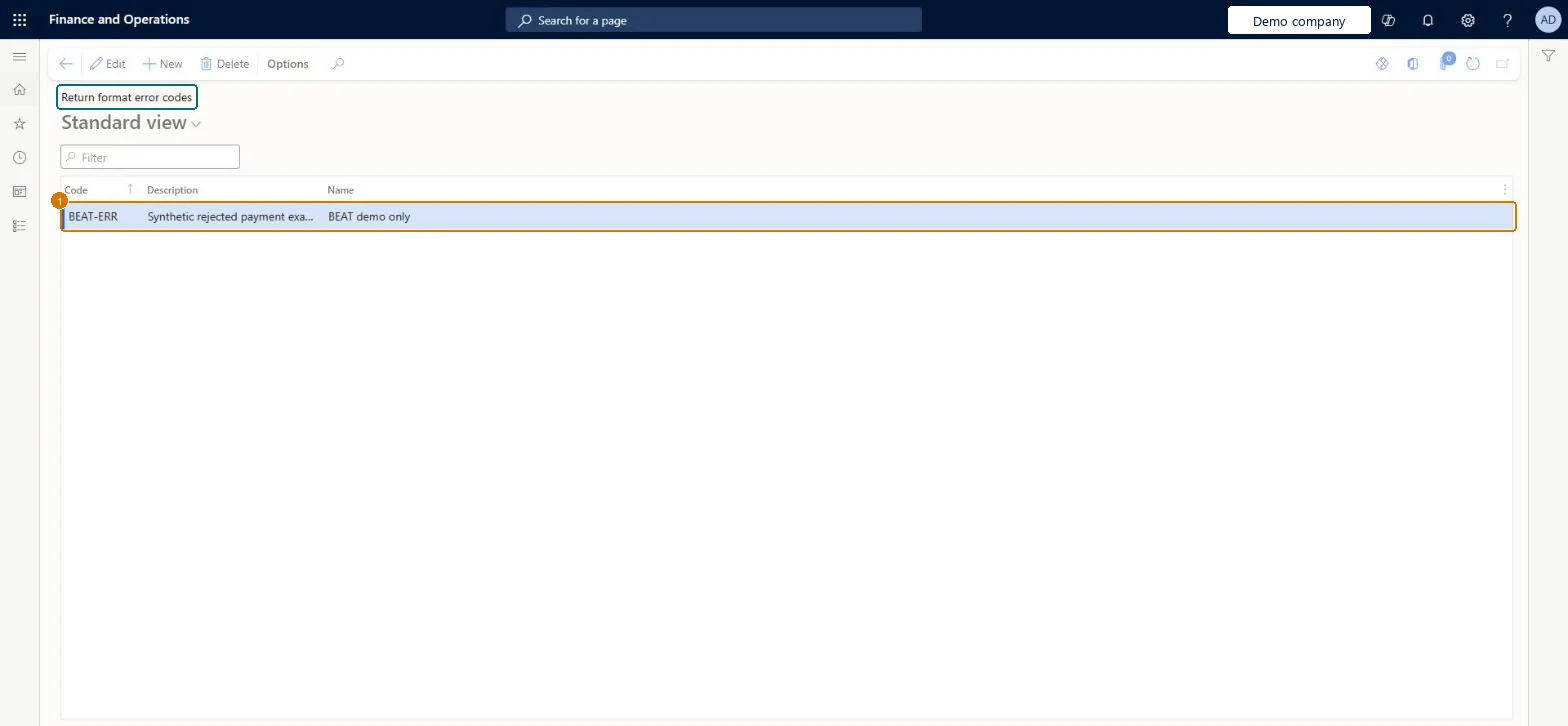
Screen 1
Create the return format error code
Go to Accounts payable > Payment setup > Return format error codes
Select New
Enter BEAT-ERR as the error code
Enter the Description and Name
Description
Rejected payment
Name
Rejected by bank
Show the full screen page title tab to open what to set or check
How to use it
Go to Accounts payable > Payment setup > Return format error codes.
Select New to add a row.
Enter the Code, the Description and the Name.
Select a row and select Edit to change it, or select Delete to remove it.
Source: Checked in Dynamics 365
Fields on the page
Field
What it means
Example
Table column
Code
The ISO 20022 status reason code from the bank, such as AC01, with its name.Microsoft Learn
Code
Description
A short description of the error code.Checked in Dynamics 365
Rejected payment
Description
Name
The name of the error code.Checked in Dynamics 365
Rejected by bank
Name
Test checklist
Add AC01 to AC06 with their ISO names.
Import a test pain.002 file with an AC04 rejection via Payment transfers > Return file - vendor.
Check the payment line shows the error code and description.
The external ISO 20022 status reason codes with their names, for example AC01 IncorrectAccountNumber and AC04 ClosedAccountNumberLearn requires pain.002 error codes to follow the external ISO 20022 status reason codes before return files are imported.
Importing pain.002 files before the ISO20022 pain.002 ER configuration is imported and selected as Return format configuration on the vendor method of payment.
Checked in a working Dynamics 365 system, version 10.0.49: the menu item, form, table and security, the page, the demo records and the values in the screenshots.
To cite this step: AP-PAYSETUP-100, Set up Return format error codes. Beyond ERP Atlas Hub, 2026-11-11. https://www.beyonderp.cloud/atlas/step/AP-PAYSETUP-100