About the examples: Examples and screenshots in this guide use BEAT, a demo company in a Dynamics 365 test environment. Use your own company's codes and values instead of copying them.
Setup steps on this page
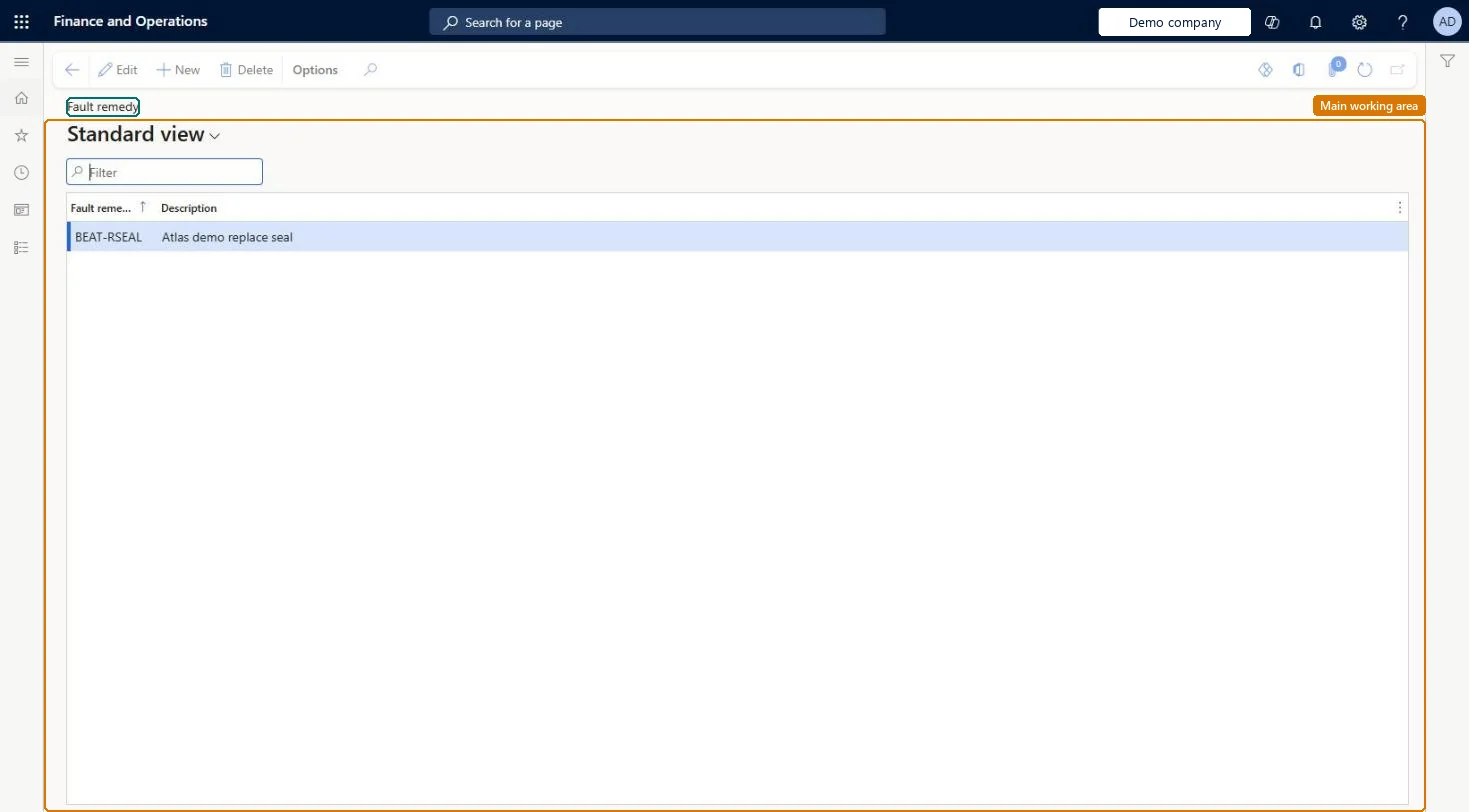
Set up Fault remedies
Use this page to define standard remedies so that the fix for a fault can be registered on work orders and maintenance requests and analyzed later.
Steps from Microsoft
Go to Asset management > Setup > Fault > Fault remedies.
Standard remedies that match your common repairs, one record per fixRemedies are added to work orders and maintenance requests so the fix for a fault can be registered and analyzed.
Renaming a remedy to reuse it, which changes the name on existing fault registrations.
Solution architect
5Design impact
Can it be undone
Reversible: Names can be changed; the change shows on related registrations.
If you change it later
You can rename a fault remedy at any time; the new name is shown automatically on the related fault registrations. Microsoft Learn
Technical architect
6Technical
Menu item
EntAssetFaultRemedyChecked in Dynamics 365
Form
EntAssetFaultRemedyChecked in Dynamics 365
Table
EntAssetFaultRemedyShown as “FAULT REMEDY” in Record infoKey field: FaultRemedyIdChecked in Dynamics 365
Data entities
EntAssetMaintenanceFaultRemedyEntityAsset management fault remedy Checked in Dynamics 365
To set it up or change itMaintenance manager EntAssetMaintenanceManagerTo use itMaintenance clerk EntAssetMaintenanceClerkGive people one of these roles. On this system, 2 roles can open this page.Checked in Dynamics 365