About the examples: Examples and screenshots in this guide use BEAT, a demo company in a Dynamics 365 test environment. Use your own company's codes and values instead of copying them.
Setup steps on this page
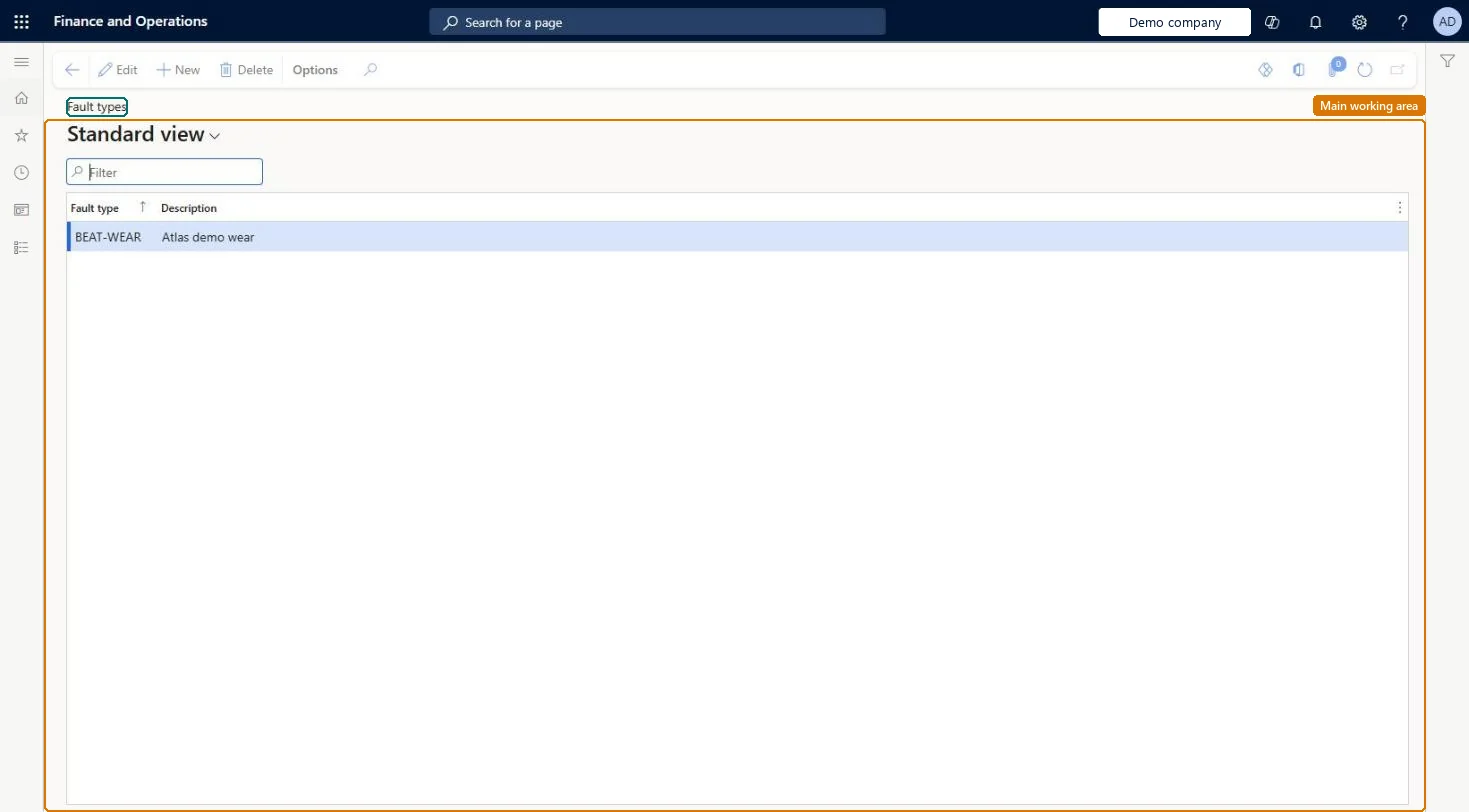
Set up Fault types
Use this page to name the kinds of faults that can occur on your asset types, so that faults found on assets can be registered and managed.
Steps from Microsoft
Go to Asset management > Setup > Fault > Fault types.
Specific failure descriptions such as Faulty diode, Dirty windings, Defective sensorLearn's fault type examples name the actual failure, which is what you analyze to improve maintenance plans.
Renaming a fault type to reuse it, which changes the name on existing fault registrations and distorts history.
Solution architect
5Design impact
Can it be undone
Reversible: Names can be changed; the change shows on related registrations.
If you change it later
Renaming a fault type updates the name on the related fault registrations. Microsoft Learn
Technical architect
6Technical
Menu item
EntAssetFaultTypeChecked in Dynamics 365
Form
EntAssetFaultTypeChecked in Dynamics 365
Table
EntAssetFaultTypeShown as “FAULT TYPE” in Record infoKey field: FaultTypeIdChecked in Dynamics 365
Data entities
EntAssetMaintenanceFaultTypeEntityAsset management fault type Checked in Dynamics 365
To set it up or change itMaintenance manager EntAssetMaintenanceManagerTo use itMaintenance clerk EntAssetMaintenanceClerkGive people one of these roles. On this system, 2 roles can open this page.Checked in Dynamics 365
Developer
7Developer
Open it by URL
https://<your-environment>/?mi=EntAssetFaultType
Integrate with
EntAssetMaintenanceFaultTypeEntity data entity Checked in Dynamics 365